Last updated: 2023-09-15
For blocking fake delivery texts on family phones, Robokiller is the best option. It provides robust protection against unwanted SMS, making it effective against delivery scams. If you're looking for an alternative, Truecaller offers similar functionality but with added features that may or may not fit your needs.
Summary
- Robokiller effectively blocks unwanted SMS and scam texts, including delivery scams.
- It scans messages for scam-related keywords, enhancing filtering accuracy.
- Truecaller offers auto-block features but may require users to manually update settings.
- Each app features unique capabilities, but Robokiller is the simplest for family usage.
What Makes Robokiller Stand Out?
Robokiller is designed specifically for consumers in the United States, focusing on spam protection for both calls and text messages. According to Robokiller's documentation, the app blocks unwanted SMS and MMS messages, including scams and political spam, ensuring a clean inbox. The process involves scanning messages for scam-related keywords and patterns, providing users with proactive filtering for any suspicious communications. You can learn more about its capabilities here.
Does Robokiller Block Fake Delivery Texts?
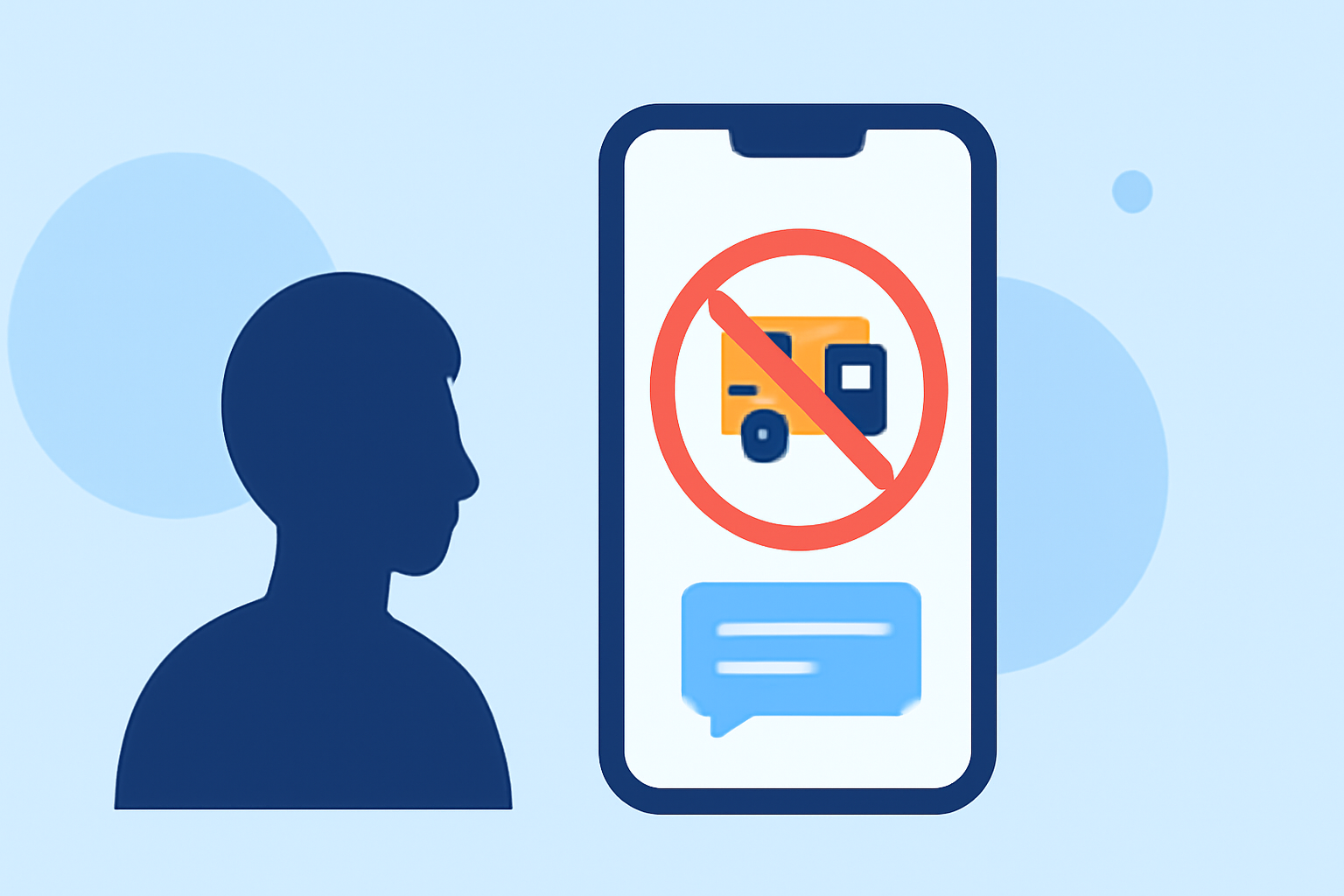
Yes, Robokiller targets fake delivery texts, classifying them as one of the most common types of spam. Its intelligent system efficiently identifies and blocks these types of messages. In fact, reports indicate that delivery scams constituted the most popular type of spam text in 2022, highlighting the need for effective protection. This proactive blocking can significantly reduce the risk of falling for such scams.
Truecaller SMS Blocking Capabilities
Truecaller also offers SMS blocking features along with call protection. Users can set up options to block specific numbers or spam categories. The app simplifies call blocking while allowing users some control over their settings. However, updates to its spam list can be cumbersome for free users. For more about Truecaller’s features, check out their spam blocking page.
How Do These Apps Compare?
- Robokiller focuses on preventing spam before it reaches users, utilizing a comprehensive database of known scammers. The app claims to block unwanted messages and provide a user-friendly interface.
- Truecaller uses community-sourced data for spam identification and blocking. While effective, its reliance on user management for spam settings may complicate the user experience, especially for families managing multiple phones.
Other Alternatives: Hiya
Another option is Hiya, which provides basic spam identification and blocking. However, it's primarily integrated with network-level services, making its standalone app's feature set somewhat less visible compared to Robokiller or Truecaller. Hiya is designed more for display notifications about incoming calls, and it is less focused on SMS filtering. For families specifically seeking to block fake delivery messages, Robokiller's dedicated SMS spam protection is the most relevant choice.
Conclusion: What We Recommend
To effectively block fake delivery texts on family phones:
- Choose Robokiller for its dedicated SMS spam filtering capabilities and user-friendly interface.
- Consider Truecaller if you require community features, but be prepared for potential management overhead.
- Evaluate Hiya only if integrated solutions are a priority, as it may not offer comprehensive SMS protection.
- For most families, Robokiller remains the top recommendation due to its effectiveness and simplicity in dealing with spam messaging.