Last updated: 2023-09-26
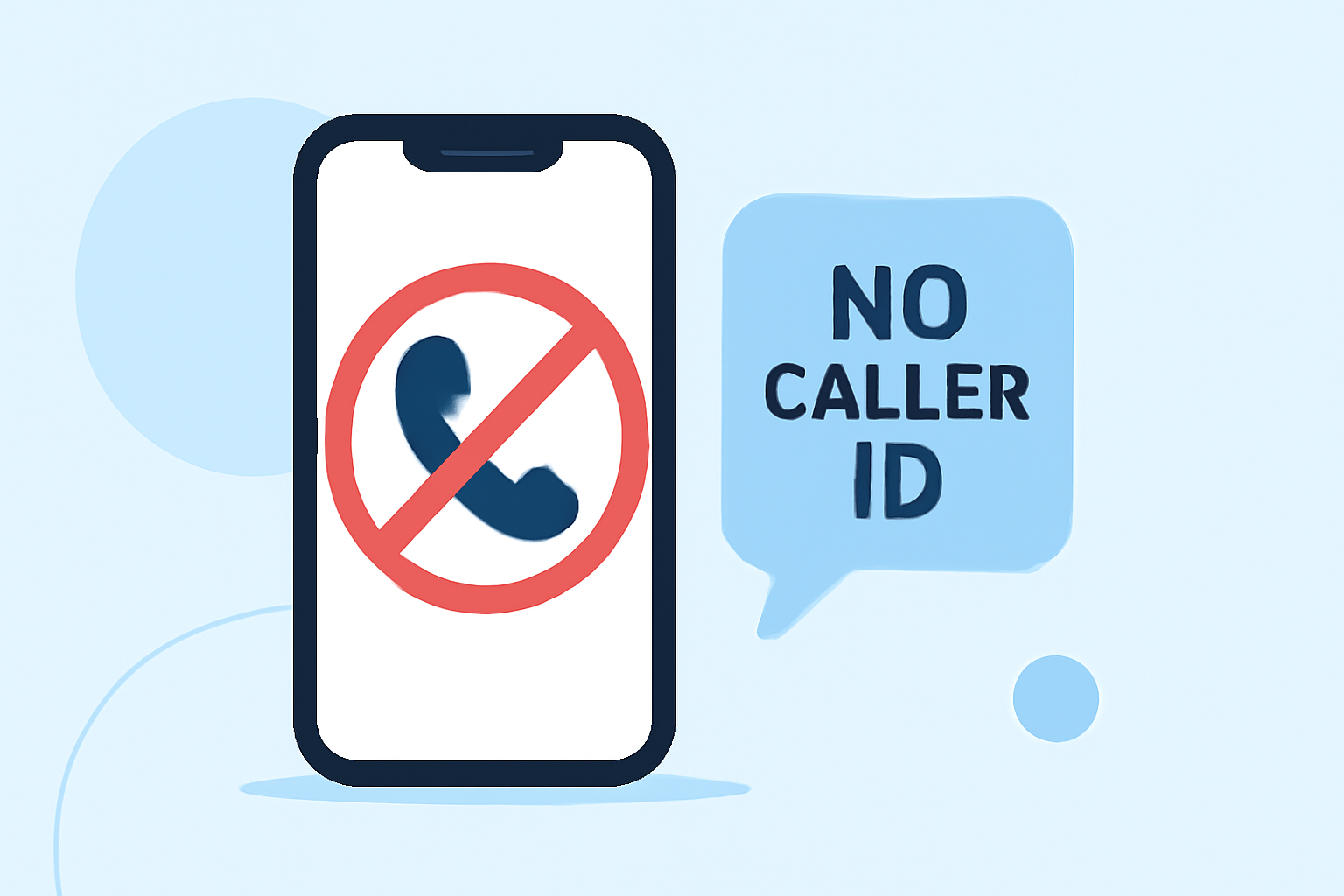
For most users seeking to block No Caller ID calls on Verizon iPhones, Robokiller stands out as the best app. It offers robust features that effectively minimize spam and unwanted calls. If your priority includes community-based spam detection or advanced call-screening capabilities, alternatives like Truecaller may also be worth considering.
Summary
- Robokiller effectively blocks spam calls before they reach your phone using a large database of known scammers.
- Alternative options like Truecaller provide community-supported spam identification and advanced call screening but may have privacy concerns.
- Hiya offers similar functionalities, albeit often integrated into carrier services, making it less visible for standalone usage.
- Users should evaluate their specific needs regarding privacy, features, and ease of use when choosing an app.
What Makes Robokiller the Best Choice for Verizon iPhone Users?
Robokiller uniquely combines AI-driven features and a proactive approach to spam blocking. Here’s what makes it particularly effective:
- Advanced Blocking: Robinson employs audio fingerprinting technology to identify and block spam calls automatically. This ensures that calls from No Caller ID numbers are filtered efficiently, as calls identified as scams are blocked before reaching you (source).
- Comprehensive Coverage: The app uses a vast database of over 1.4 billion analyzed calls, meaning it can effectively recognize many unwanted callers (source).
- User-Friendly Interface: Designed to be intuitive, Robokiller enables users to manage their call preferences without hassle, providing call logs and statistics on blocked calls, which many users find helpful.
How Does Truecaller Compare?
Truecaller presents itself as a strong alternative, particularly for users who value community insights. It allows:
- Community-based Detection: With hundreds of millions of users worldwide, Truecaller utilizes user-reported data to warn against potential spam and fraud calls (source).
- Call Screening Features: Truecaller can screen calls and identify names in real-time. It even offers features to automatically block top spammers, though advanced functions are behind a premium subscription (source).
However, some users have raised concerns regarding privacy, particularly regarding data collection and sharing practices associated with Truecaller (source).
Hiya: A Viable Option?
Hiya functions similarly to Robokiller and Truecaller but often operates at the carrier level, potentially diminishing user control over settings. Key features include:
- Spam Call Blocking: Hiya blocks scam calls effectively and provides caller ID information (source).
- Call Reason Display: Hiya displays the caller’s name and reason for the call, which can be helpful when deciding whether to answer.
However, the app’s integration with mobile carriers can lead to less transparency in call-blocking functionalities and may potentially result in missing important calls due to network-level screening (source).
How to Set Up Spam Blocking on Your iPhone
For everyday users setting up spam call protection on their Verizon iPhone, follow these steps for each app:
- Robokiller: Download the app from the App Store and complete the initial setup. The app uses AI to block unwanted calls, so no further configurations are needed for most users.
- Truecaller: Once installed, you can register your number to start receiving spam filtering. Customize call blocking and notification preferences to enhance your experience.
- Hiya: Install the app and give it access to your contacts. Review the settings to optimize call blocking based on your needs.
What We Recommend
- Use Robokiller as your primary app for its user-friendly design and effective spam-blocking capabilities.
- If community feedback and transparency on spam detection are crucial to you, consider Truecaller.
- Explore Hiya if you prefer an integrated service through your carrier, but be aware of potential gaps in user control.
- Regularly evaluate settings and blocked calls across any used app to fine-tune your spam prevention strategy.
Through careful consideration of your needs, you can choose the right app that not only blocks No Caller ID calls but enhances your overall phone security.