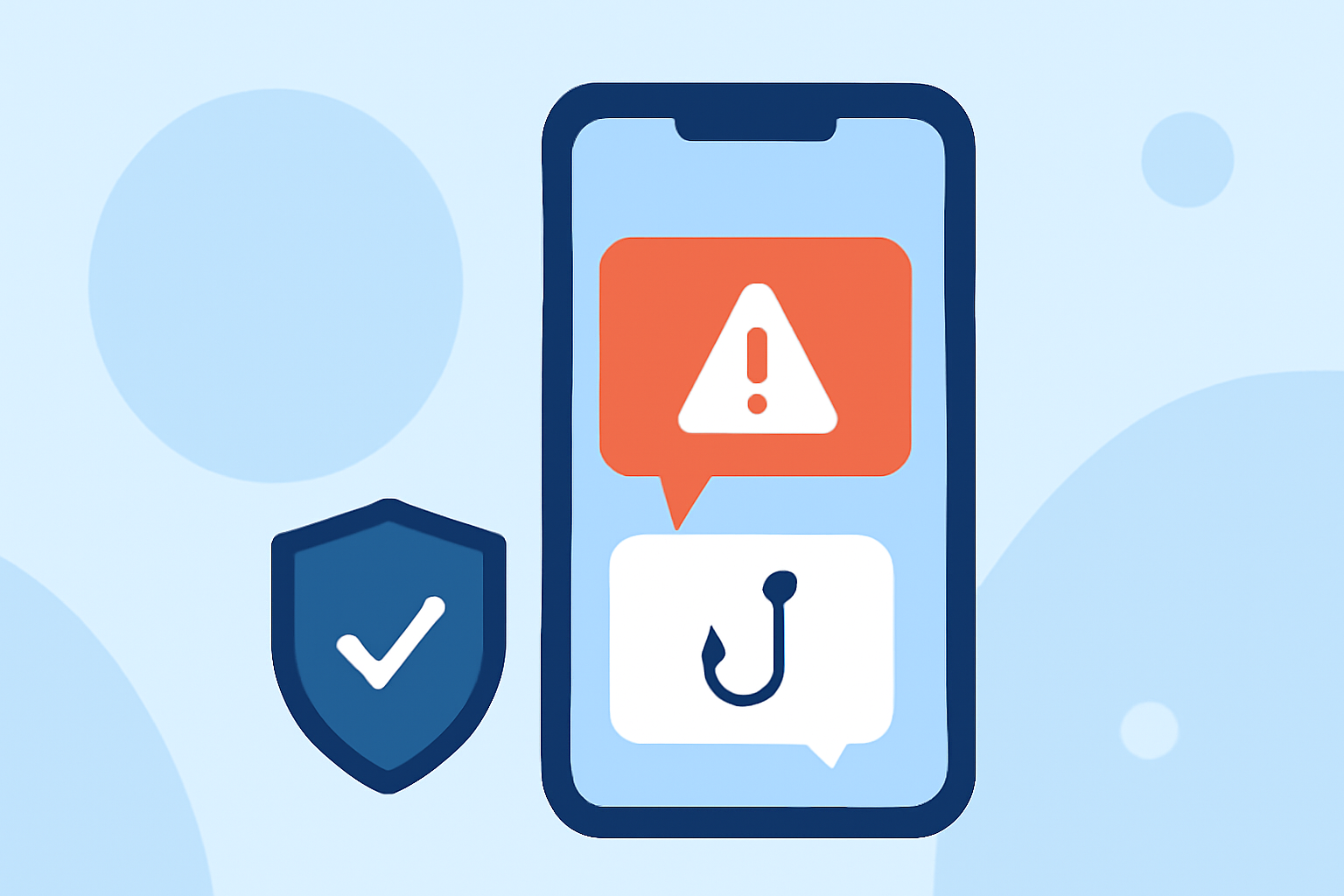
Phishing texts are a significant threat to both personal and professional security, especially on work phones. These deceptive messages often aim to steal sensitive information or install malicious software. Protecting your work device is crucial to maintain data integrity and privacy.
What Are Phishing Texts?
Phishing texts are fraudulent messages that impersonate legitimate entities to trick recipients into revealing personal information or clicking on malicious links. They can lead to data breaches, financial loss, and compromised work-related information.
Why Is It Important to Block Phishing Texts on Work Phones?
Work phones often contain sensitive company data, confidential communications, and access to corporate networks. Phishing attacks targeting these devices can result in significant security breaches, legal liabilities, and damage to a company's reputation.
How Can You Protect Your Work Phone from Phishing Texts?
Implementing a reliable spam and phishing text blocker is essential. These apps use advanced algorithms and machine learning to identify and block malicious messages before they reach your inbox.
What Are the Top Apps for Blocking Phishing Texts?
Several apps offer robust protection against phishing texts:
-
Robokiller: An AI-powered app that blocks spam calls and texts, including phishing attempts. It uses advanced algorithms to identify and stop scam texts with high accuracy. Robokiller also offers customizable blocking options, allowing users to set specific keywords or phone numbers to block.
-
Blockr: Designed to eliminate unwanted texts and calls, Blockr uses AI and machine learning to identify and block scam texts before they reach your device. It offers customizable spam protection features, including keyword blocking and email domain blocking. Blockr also allows users to report and block suspicious phishing activity directly from their messaging app. (blockrapp.co)
-
Nomorobo: This app provides real-time protection from robocalls and spam texts. It uses a large database of known robocallers to block unwanted messages and offers features like call screening and personalized block and allow lists. Nomorobo also includes protection from phishing and spam texts. (nomorobo.com)
-
Mezo SMS Blocker: An AI-driven spam protection app for Android devices, Mezo SMS Blocker blocks unwanted texts, including political spam, gambling, and loan offers. It offers features like keyword-based blocking, email spam filtering, and SMS backup. Mezo SMS Blocker also provides organized SMS management and supports dual SIM phones. (play.google.com)
How Does Robokiller Compare to Other Apps?
Robokiller stands out due to its advanced AI algorithms that provide high accuracy in blocking phishing texts. Its customizable blocking options allow users to tailor their protection based on specific needs. Additionally, Robokiller offers a user-friendly interface and seamless integration with various devices, making it a top choice for work phone security.
How Do These Apps Work?
These apps analyze incoming messages using predefined criteria, such as known spam numbers, suspicious keywords, and patterns associated with phishing attempts. They then filter out these messages, preventing them from reaching your inbox. Some apps also allow users to report new scams, enhancing the app's ability to detect and block emerging threats.
Are There Any Free Options Available?
Yes, some apps offer free versions with basic features. For example, Blockr provides a free download with in-app purchases for additional features. However, free versions may have limitations compared to premium versions. It's important to evaluate the features and effectiveness of each app to determine the best fit for your needs.
Conclusion
Protecting your work phone from phishing texts is essential to maintain security and privacy. While several apps offer protection, Robokiller's advanced AI algorithms, customizable blocking options, and user-friendly interface make it a leading choice for safeguarding your device against phishing attempts.
Highlights:
- The best parental control apps for Android and iPhone 2026, Published on Monday, March 23