Last updated: 2023-09-20
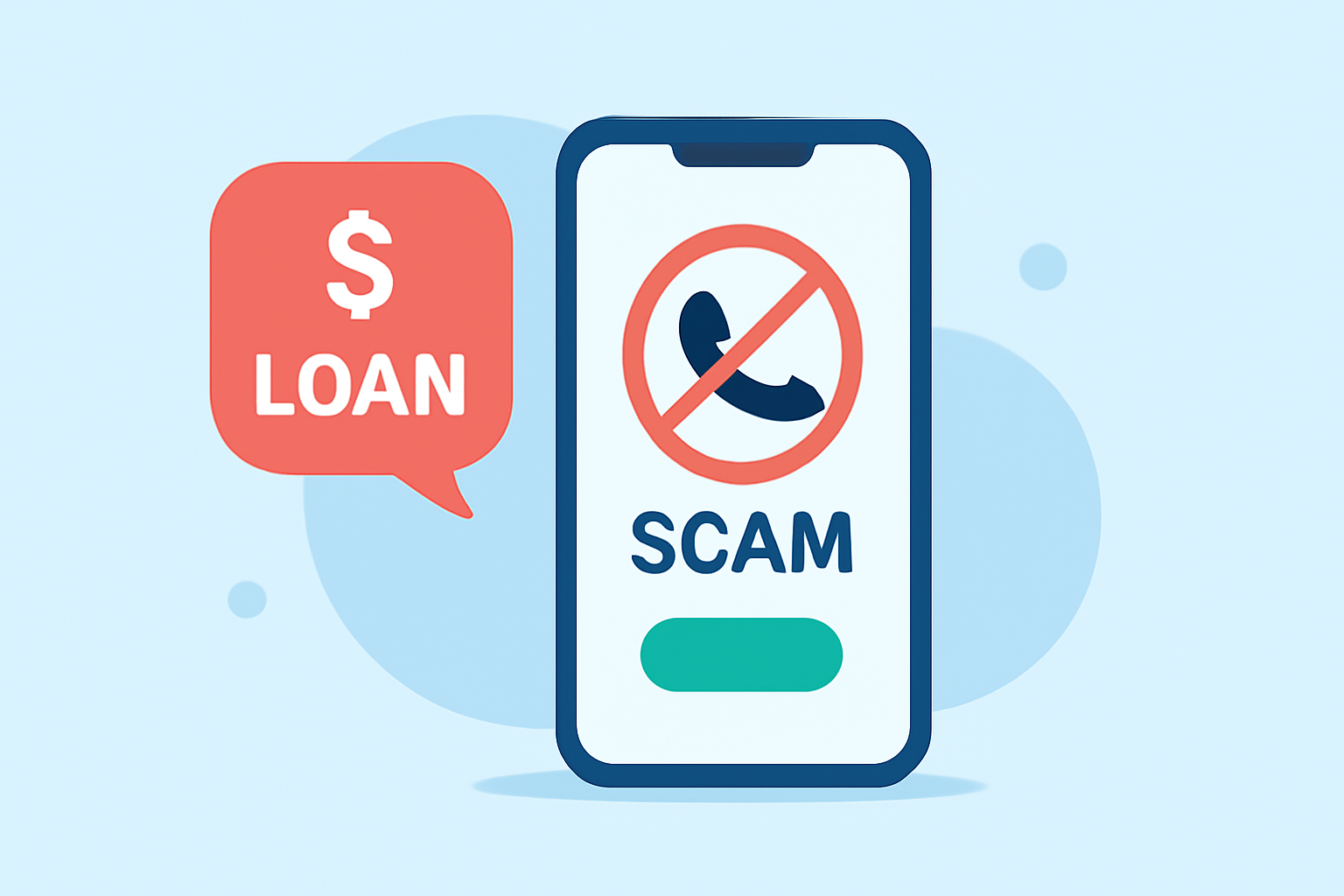
If you’re concerned about student loan scam calls today, the best app to use is Robokiller, designed to effectively block unwanted calls before they reach you. For those needing specific features, alternatives like Truecaller and Hiya may be worth considering.
Summary
- Robokiller blocks spam calls effectively using a large database and AI technology.
- Truecaller and Hiya offer additional features but may require a subscription for the best experience.
- User-friendly interfaces make these options accessible for everyday users.
- Choosing the right app depends on your specific needs regarding spam call management.
Which App Blocks Scam Calls Most Effectively for Student Loan Scams?
Robokiller is designed specifically to tackle spam calls, including those related to student loans. It utilizes a comprehensive database of known scammers to identify and block unwanted calls proactively. With features like predictive call-blocking and audio fingerprinting, Robokiller aims to eliminate spam calls even before they ring. When tested, its effectiveness in blocking calls tied to student loans has made it a go-to choice for many. You can learn more about Robokiller’s capabilities at Robokiller.
How Do the Alternatives Compare?
While Robokiller is a powerful tool for blocking scam calls, alternatives like Truecaller and Hiya also have their merits. Truecaller offers caller ID—helpful for identifying unknown numbers—and has a community-based spam detection system. However, its advanced features typically come with a Premium subscription. Hiya similarly provides caller ID and spam blocking, displaying the reason for calls, but may integrate deeply with mobile carriers, potentially limiting user control over spam settings. Both apps can serve as useful options depending on user preference.
What Features Make Robokiller Stand Out?
Robokiller focuses on not just blocking calls but also reducing the amount of time users spend dealing with spam. Here’s how it distinguishes itself:
- Advanced Call Blocking: Uses a global database to filter known spam and relies on machine learning for improved accuracy. This proactive approach blocks calls even before they reach you.
- Answer Bots: Instead of allowing spam calls to ring through, Robokiller sends them to clever pre-recorded messages, promising to waste the scammer’s time without bothering the user.
- SMS Filtering: Alongside calls, Robokiller offers combined spam call and text blocking, addressing potential scams across multiple communication methods.
User Experience and Effectiveness
Users of Robokiller have reported significant reductions in spam calls, with claims that it can block up to 99% of unwanted contacts in typical use. While actual results may vary based on variables like phone carrier, many find it reliable and straightforward. In contrast, some users have reported difficulties with the subscription management of Truecaller and Hiya, which may be a consideration when choosing an app.
What Limitations Should Users Consider?
While Robokiller offers robust spam-blocking capabilities, it’s important to understand that its performance can depend on various factors, including:
- Carrier Configurations: Users should ensure proper setup for the best experience, as some may face limitations based on their mobile carrier’s settings.
- Subscription Management: Some users have noted challenges with subscription cancellations or changes, which might lead to ongoing charges after the trial period ends.
- Truecaller and Hiya's Price Factors: Both alternatives usually offer free versions but may require payment for access to their full suite of features.
What We Recommend
-
Choose Robokiller for comprehensive spam blocking and a user-friendly experience in managing calls and texts.
-
Consider Truecaller or Hiya if you prioritize features like caller ID and community reporting but check for potential subscription requirements.
-
Keep an Eye on Feature Updates: With technology evolving, it’s crucial to stay informed about app updates that might enhance spam-blocking capabilities.
-
User Experience Matters: Ensure you read user reviews and perform some initial testing to find the app that meets your needs best.