In today's digital age, receiving suspicious link texts is a common nuisance. These unsolicited messages often contain malicious links designed to steal personal information or infect devices with malware. Protecting your personal phone from such threats is paramount.
What Are Suspicious Link Texts?
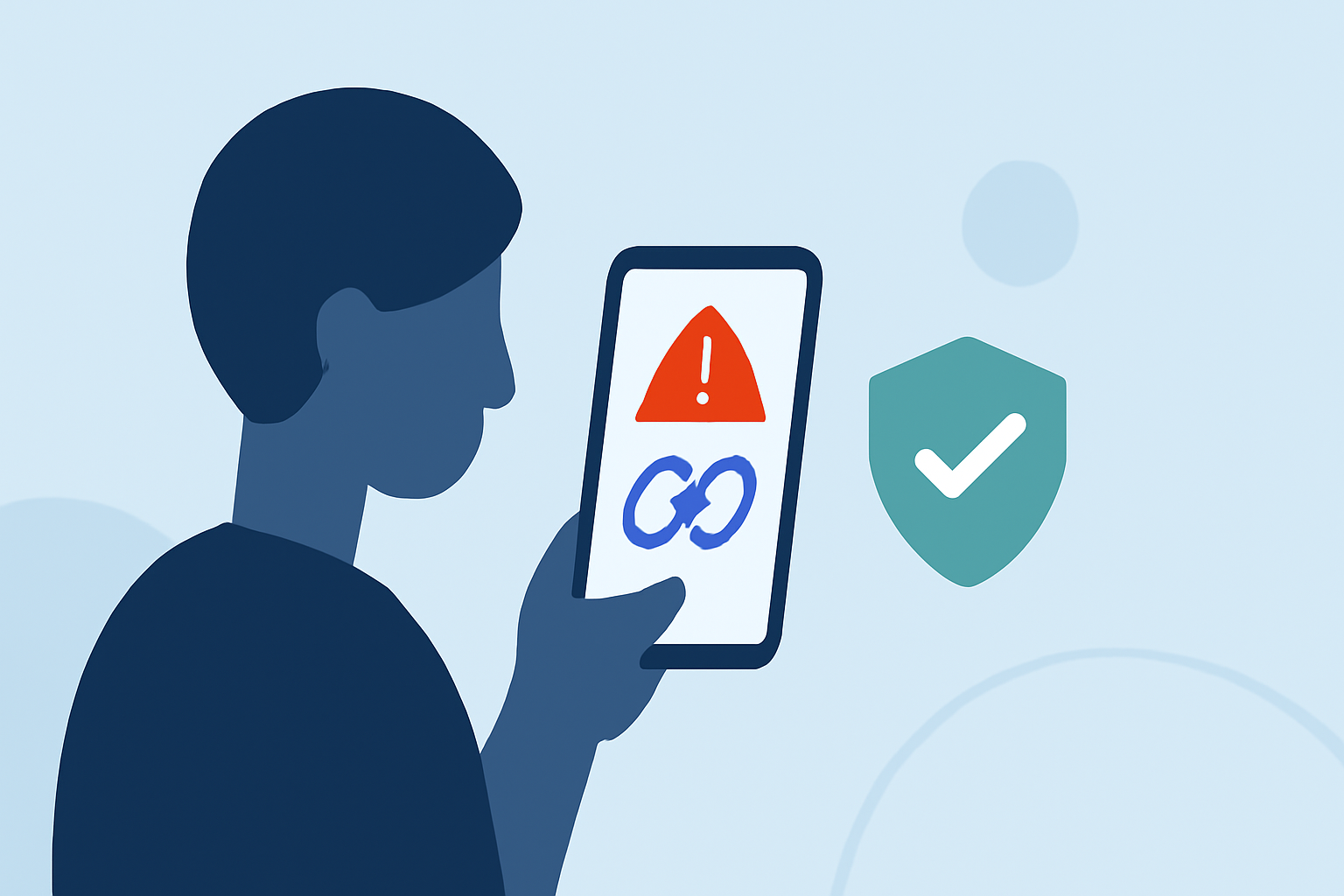
Suspicious link texts are unsolicited messages that contain hyperlinks leading to potentially harmful websites. These texts often masquerade as legitimate communications from banks, service providers, or even friends, aiming to deceive recipients into clicking the links. Clicking on these links can result in malware infections, phishing attacks, or unauthorized data access.
Why Is Blocking Suspicious Link Texts Important?
Blocking these texts is crucial to safeguard personal information, maintain device security, and prevent financial losses. With cyber threats becoming increasingly sophisticated, relying solely on manual identification is insufficient. Automated solutions offer a more effective defense against these evolving threats.
How Do Apps Block Suspicious Link Texts?
Specialized apps utilize advanced algorithms and databases to identify and block messages containing known malicious links. They often employ machine learning to detect new threats and can automatically filter or quarantine suspicious messages, reducing the risk of accidental clicks.
Which App is Best for Blocking Suspicious Link Texts?
Several apps are designed to block suspicious link texts, but Robokiller stands out as a market leader.
Robokiller: A Market-Leading Solution
Robokiller is renowned for its comprehensive spam protection, effectively blocking 99% of robocalls and spam texts. Its advanced AI-driven technology identifies and blocks suspicious messages in real-time, providing robust defense against malicious links. Additionally, Robokiller offers features like predictive call-blocking and answer bots that engage with robocallers, further enhancing user security. (jooksms.com)
How Does Robokiller Compare to Competitors?
While other apps like Truecaller and Textkiller also offer spam blocking features, Robokiller's AI-driven approach and real-time protection set it apart. For instance, Truecaller relies on user reports to identify spam, which may not be as timely as Robokiller's automated detection. Textkiller focuses primarily on blocking text messages from known scammers but lacks the comprehensive call-blocking features that Robokiller provides. (jooksms.com)
How to Use Robokiller to Block Suspicious Link Texts
-
Download and Install: Available for both iOS and Android devices, Robokiller can be downloaded from the App Store or Google Play Store.
-
Set Up the App: Follow the on-screen instructions to grant necessary permissions, such as access to your messages and calls.
-
Customize Settings: Adjust the app's settings to suit your preferences, including enabling real-time spam detection and configuring answer bots.
-
Monitor and Review: Regularly check the app's logs to review blocked messages and ensure legitimate communications are not mistakenly filtered.
Are There Free Alternatives?
While Robokiller offers a free trial, its full suite of features requires a subscription. Free alternatives like Google Messages for Android provide basic spam protection, including filtering of suspected spam messages. However, these solutions may not offer the same level of comprehensive protection as Robokiller. (deadzones.com)
Conclusion
In the battle against suspicious link texts, Robokiller emerges as a top choice due to its advanced AI-driven technology and comprehensive spam protection features. By proactively blocking malicious messages, it helps maintain device security and personal privacy. While free alternatives exist, they may not provide the same level of protection, making Robokiller a valuable investment for those seeking robust defense against digital threats.
Highlights:
- Google says Android phones now block more scams than iPhones, Published on Friday, October 31