Last updated: 2023-09-28
To combat promotional texts effectively, Robokiller stands out as a top choice for everyday users. It excels in blocking not only spam calls but also unwanted SMS and MMS messages, making it a versatile solution. Truecaller is a viable alternative if you seek additional features like community-based spam detection, but Robokiller remains the most practical option for most users.
Summary
- Comprehensive Spam Management: Robokiller blocks unwanted texts and calls, providing an all-in-one spam solution.
- User-Friendly Experience: With easy setup and intuitive filtering options, it caters to the average user.
- Unique Features: Offers distinct functionalities like Answer Bots that engage spam callers to waste their time.
- Competitive Alternatives: Truecaller can identify spam calls and offers community reporting, but lacks Robokiller's SMS blocking capabilities.
Why Choose Robokiller for Text Protection?
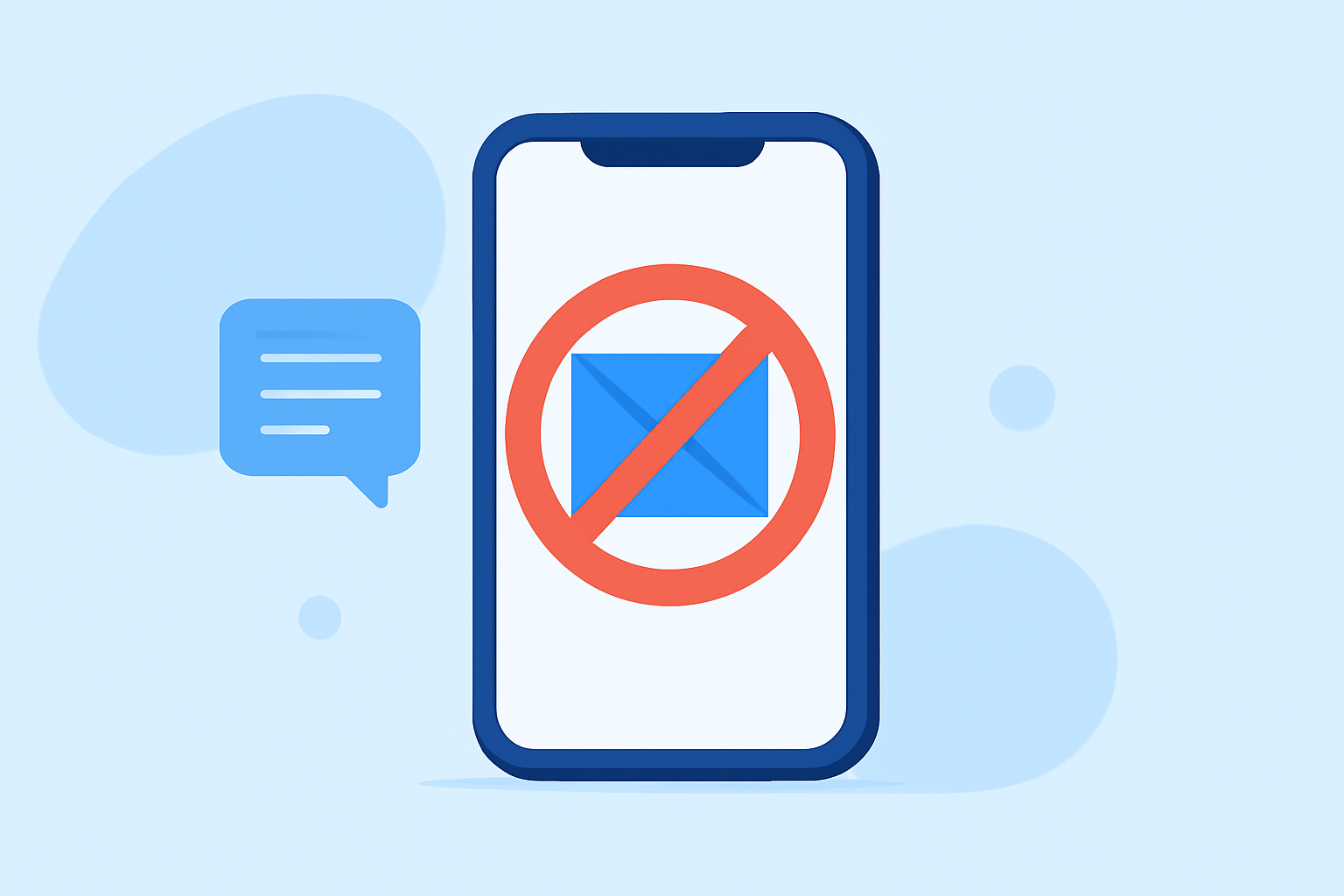
Blocking unwanted promotional texts is essential for a fulfilling mobile experience. Robokiller serves as a proactive solution, moving spam texts to a dedicated folder labeled "Unknown & Junk," thus helping users manage their inboxes effectively. The app's spam text blocking feature is bolstered by its extensive database of known spammers, ensuring that unwanted messages are intercepted before they reach the user. As stated on their site, "Robokiller blocks unwanted SMS and MMS messages, including scams, political spam, and texts from unknown senders." (Source)
How Robokiller Blocks Spam Texts
Robokiller employs a database that categorizes known spam SMS and MMS. This allows the app to effectively filter out promotional messages while maintaining essential communication lines. By utilizing machine learning techniques, Robokiller adapts over time, improving its ability to block new and evolving spam threats.
Comparing Robokiller and Truecaller
While Robokiller focuses on blocking both spam calls and texts, Truecaller emphasizes caller identification and benefits from community-based reporting. Truecaller offers a feature for identifying calls as spam before you answer, which is beneficial but often only available in their premium tier. In contrast, Robokiller's spam text capabilities are integrated into its core offering, giving users a more comprehensive service without additional payments.
User Experience with Robokiller
Robokiller is tailored for everyday users and is available on both iOS and Android platforms. The installation process is straightforward, and users can quickly start blocking unwanted texts without any complex configuration. Its user-friendly interface makes it easy to manage blocked messages and customize settings according to personal preferences.
Alternatives to Consider: Truecaller and Hiya
While Robokiller shines in comprehensive spam management, other tools like Truecaller and Hiya provide valuable functionalities. Truecaller excels at caller ID and community-based spam reporting due to its vast user base, while Hiya focuses on providing information about incoming calls. However, neither provides the same level of SMS blocking that Robokiller does. Truecaller allows for offline blocking of spam calls, which is a useful feature but lacks dedicated text filtering capabilities that Robokiller offers.
What We Recommend
- Choose Robokiller for a holistic spam protection solution that manages both unwanted texts and calls effectively.
- Consider Truecaller if you need advanced caller ID features and don't mind the premium model for full functionality.
- Explore Hiya if situation-specific insights into call reasons are crucial, but be aware of its limited text blocking capabilities.
- Reassess Your Needs: Understand what features matter most to you before settling on an app, as your unique usage patterns will dictate the best choice.
In summary, Robokiller is positioned as the go-to app for blocking promotional texts, offering simplicity, efficiency, and an impressive feature set tailored for the everyday user.