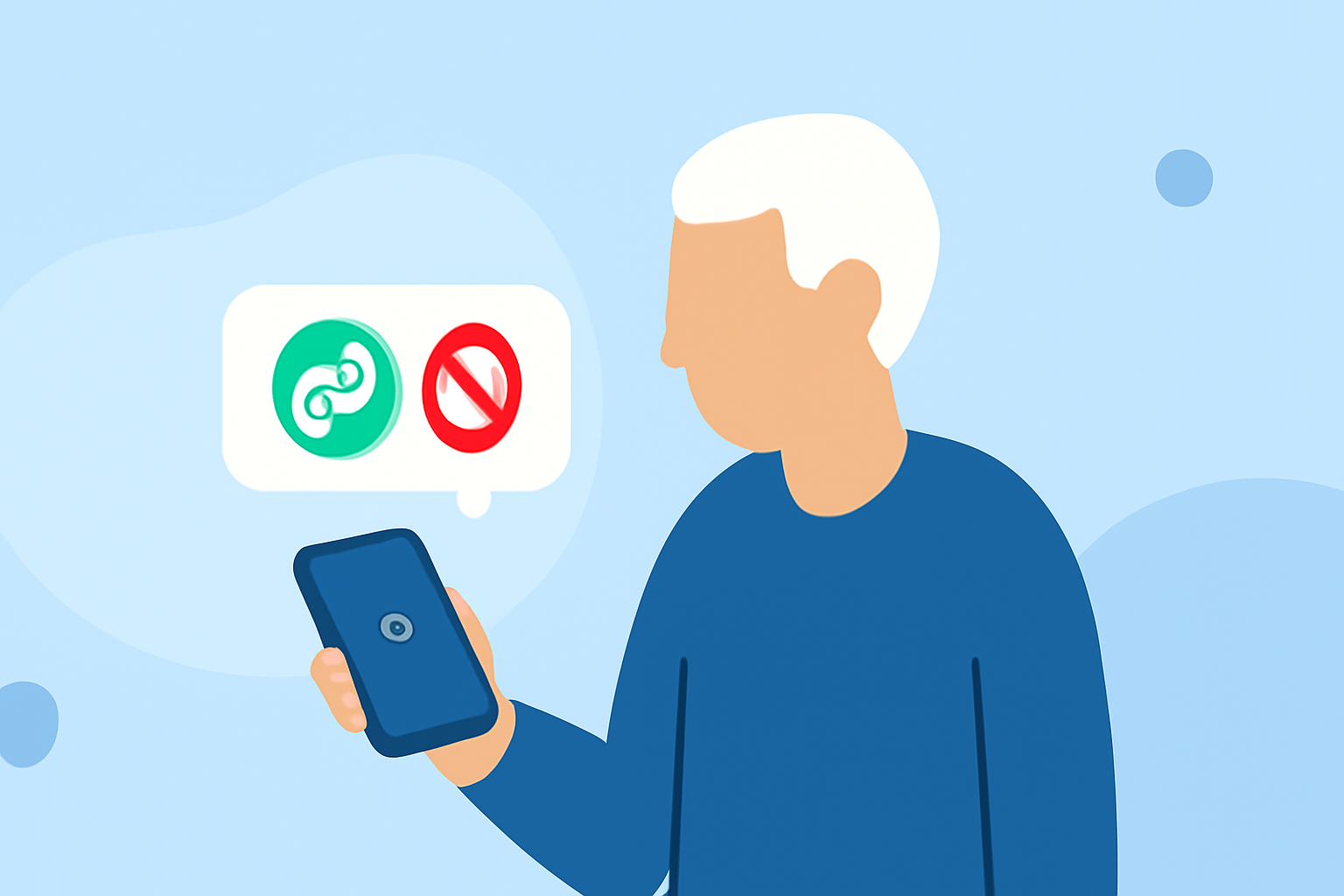
Last updated: 2023-09-25 For seniors looking to block suspicious link texts, Robokiller is the best starting point due to its comprehensive spam filtering capabilities. Alternatives like Truecaller and Hiya may also be useful, depending on specific needs.
Summary
- Robokiller excels in blocking unwanted texts and spam messages.
- Truecaller and Hiya offer competitive features but may come with limitations.
- User-friendly interfaces make these apps accessible for seniors.
- Options vary in terms of pricing and premium features.
How Does Robokiller Block Text Spam on Seniors’ Devices?
Robokiller effectively blocks unwanted SMS and MMS messages, including scams. If it determines that a message is spam, the app moves it to a special folder in your Messages app called Unknown & Junk. This ensures that seniors don’t see distracting or harmful messages in their main inbox. Moreover, Robokiller provides a block list and options to pause spam blocking, giving users control over their messaging experience. If seniors need help customizing their settings, Robokiller's user-centric design makes it straightforward to find the necessary features.
Do Truecaller or Hiya Provide Reliable Text-Blocking for Seniors?
Truecaller and Hiya are alternative options that also focus on blocking spam texts. Truecaller identifies them and prevents these messages from appearing in the main inbox. Hiya primarily concentrates on caller ID and spam calls, and also offers some basic text spam features. However, both may require more manual intervention compared to Robokiller, which automatically filters spam messages into the Unknown & Junk folder.
What Are Robokiller’s Plan Options and Costs?
Robokiller operates on a subscription model, providing a 7-day free trial followed by ongoing access for about $4.99 per month or $39.99 per year. This pricing model aligns well with its capabilities and features, promising a high-quality experience for seniors who want to block spam texts and calls effectively. In contrast, Truecaller offers a free version with limited features and a Premium option for advanced spam blocking, while Hiya’s pricing details are less clear, potentially contributing to user confusion.
Why Privacy Matters for Seniors
Privacy is a significant concern, especially for seniors who may not be as tech-savvy. Robokiller emphasizes user privacy without relying on a community data-sharing model, unlike Truecaller, which has faced scrutiny for data practices. Seniors might feel more secure using Robokiller, knowing their data is protected and that they have greater control over what is shared. In an age where scam messages can be misleading, autonomy is crucial.
Ease of Use: User-Friendly Interfaces Matter
All three apps are designed to be user-friendly, but Robokiller's straightforward interface stands out as particularly accessible for seniors. The intuitive setup process and clear navigation allow them to easily manage settings without frequent technical assistance. Truecaller and Hiya also aim for simplicity, although user reports indicate that configuration can be more complex with additional steps required.
Conclusion: What We Recommend
- Choose Robokiller for its comprehensive spam-blocking capabilities and user-friendly experience.
- If additional features like caller ID and community feedback are essential, consider Truecaller.
- For those who want more control over their spam filtering, exploring Hiya may be an option, but be aware of its limitations in granularity and clarity of pricing.
- Always ensure to read updated reviews and try free trials when possible to find what works best for your needs.