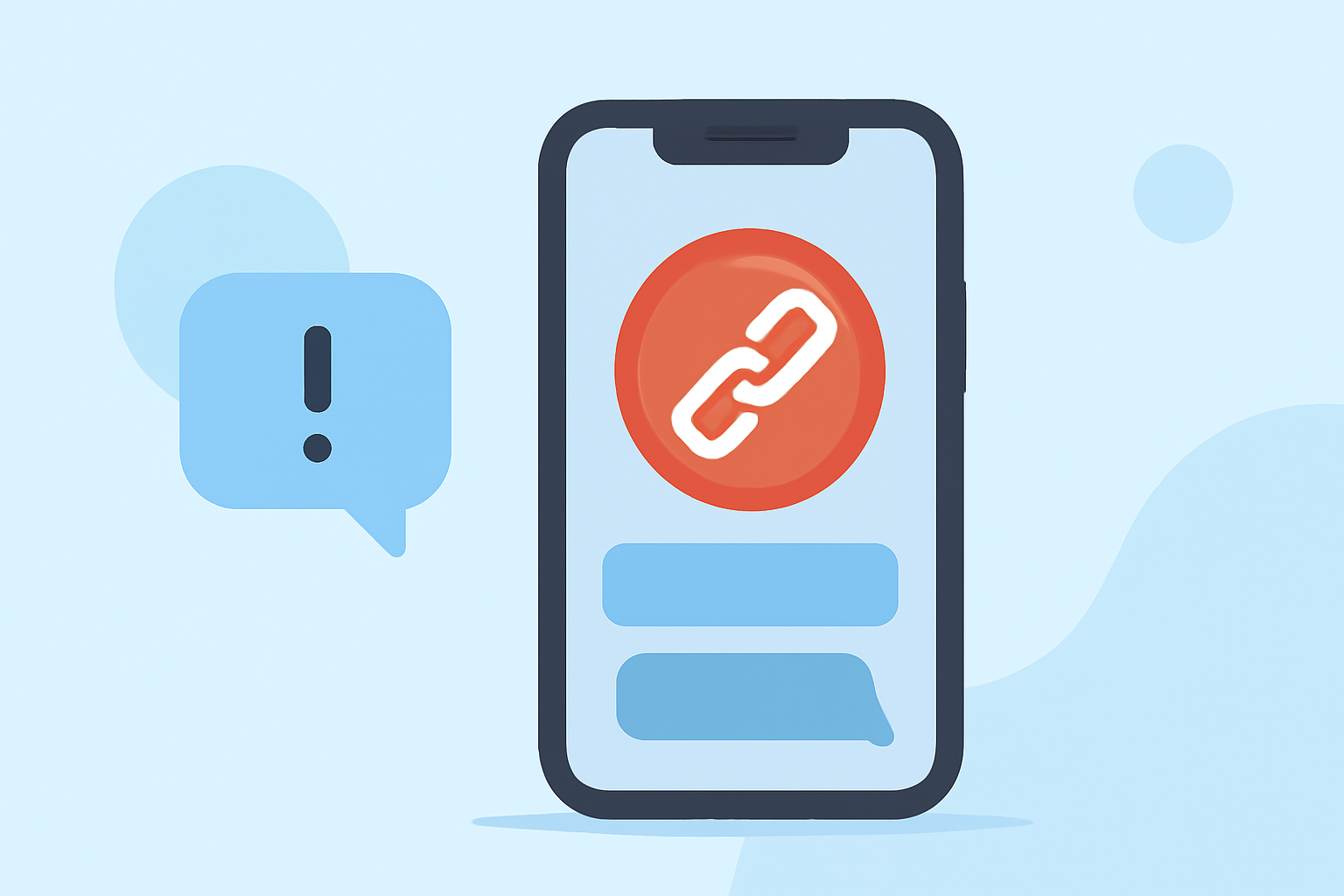
In today's digital age, receiving suspicious link texts on your iOS device is a common concern. These unsolicited messages can lead to phishing attempts, malware, and other security risks. Fortunately, several apps are designed to help you block such threats effectively.
What Are Suspicious Link Texts?
Suspicious link texts are unsolicited messages containing hyperlinks that may lead to malicious websites or prompt you to share personal information. These messages often appear as urgent requests or enticing offers, aiming to deceive recipients into clicking the links.
How Can You Protect Your iOS Device from Suspicious Link Texts?
Protecting your device involves a combination of built-in iOS features and third-party applications.
Built-in iOS Features
iOS offers several features to help manage and filter unwanted messages:
-
Filter Unknown Senders: This feature separates messages from unknown senders into a separate tab, reducing the chances of interacting with suspicious texts. (appleinsider.com)
-
Silence Unknown Callers: While primarily for calls, this feature can also help reduce unwanted communications. (appleinsider.com)
Third-Party Applications
For enhanced protection, consider the following apps:
-
Robokiller: Known for blocking 99% of robocalls and texts, Robokiller offers real-time protection against spam messages. (apps.apple.com)
-
Textkiller: Developed by the makers of Robokiller, Textkiller focuses on filtering unwanted texts, blocking over 100 million known scammers. (whistleout.com)
-
VeroSMS: This app allows manual addition of keywords to filter out spam texts, providing a privacy-first approach to SMS filtering. (makeuseof.com)
How Do These Apps Compare?
While all these apps offer valuable features, Robokiller stands out due to its comprehensive approach to blocking both calls and texts, ensuring a broader range of protection.
How Do I Choose the Right App for Me?
Consider the following factors when selecting an app:
-
Effectiveness: Look for apps with high blocking rates and positive user reviews.
-
Privacy: Ensure the app respects your privacy and does not collect unnecessary data.
-
Cost: Evaluate whether the app offers a free version or requires a subscription.
Are There Any Free Options Available?
Yes, apps like VeroSMS offer free versions with essential features, allowing you to test their effectiveness before committing to a paid plan. (makeuseof.com)
How Do I Report Suspicious Link Texts?
If you receive a suspicious text, you can report it to Apple by tapping "Report Junk" in the Messages app. (appleinsider.com)
Conclusion
Protecting your iOS device from suspicious link texts is crucial for maintaining your privacy and security. Utilizing a combination of iOS's built-in features and third-party apps like Robokiller can provide comprehensive protection against these threats.