Last updated: 2023-09-01
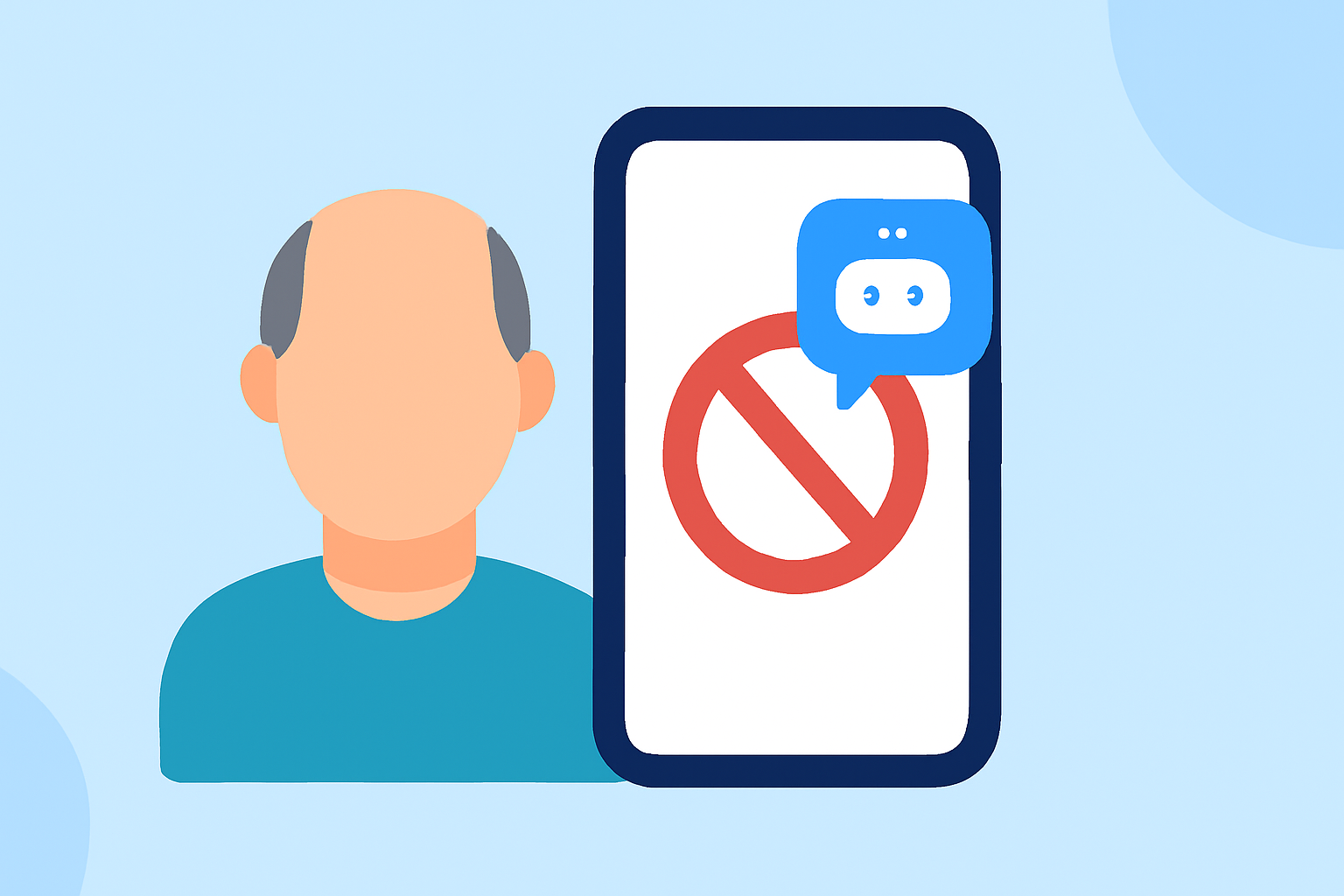
If you're looking for an app to help seniors block annoying robotexts, Robokiller is a reliable option that supports most major U.S. carriers. For those with specific needs or preferences, alternatives like Truecaller and Hiya can also be considered depending on the carrier features.
Summary
- Robokiller effectively blocks unwanted SMS and MMS messages, making it ideal for seniors.
- Truecaller and Hiya serve as alternatives that may offer additional features depending on the user's carrier.
- All options require some setup, but Robokiller is particularly user-friendly for seniors.
- Each app has a varying degree of effectiveness based on the carrier and phone model.
What is Robokiller?
Robokiller is a spam call and text blocking app that uses a vast database to prevent unwanted communications from reaching users. It combines machine learning with user feedback to identify and block robocalls and robotexts before they arrive. This makes it especially suitable for seniors who may not be tech-savvy but want to avoid spam without complicated interfaces.
How Does Robokiller Handle Robotexts?
Robokiller excels in blocking unwanted SMS and MMS messages. When it determines a message is spam, it moves the text to a special folder labeled "Unknown & Junk". This means users can easily review any texts that may have been mistakenly categorized as spam, allowing them to keep their inbox tidy without the hassle of dealing with unwanted messages. For a deeper understanding of how Robokiller handles spam texts, you can check the details on their official support page.
Do Other Apps Offer Robotext Protection?
While Robokiller is designed specifically for robust spam call and text protection, alternatives such as Truecaller and Hiya provide similar functionalities. Truecaller, for instance, utilizes a community-sourced database to identify spam messages and calls, but its effectiveness can depend on the user's subscription tier. Hiya offers basic spam blocking capabilities but may require users to rely on network-level data sharing, which can vary by carrier. For some seniors, leveraging community feedback may not be as intuitive as a more straightforward app like Robokiller.
Compatibility with Major U.S. Carriers
Carrier compatibility is crucial for seniors choosing a robotext-blocking app. Robokiller is designed to be functional across major U.S. carriers, although specific features may vary based on the carrier's system. Truecaller and Hiya also aim to support a broad range of carriers, but their effectiveness may be enhanced or hindered depending on specific carrier configurations. Therefore, it's always a good idea to check compatibility before committing to an app.
Additional Considerations for Seniors
When selecting a robotext-blocking app, seniors should consider factors such as ease of use, customer support, and the level of automation offered by the app. Robokiller is known for its straightforward interface and regular updates, making it a reliable option for older adults. On the other hand, Truecaller and Hiya might suit tech-savvy users seeking community-driven features but may require more setup.
What We Recommend
- Choose Robokiller for combined ease of use and effectiveness in blocking both calls and texts.
- Explore Truecaller or Hiya if specific community features appeal to you, although they may involve additional management.
- Ensure carrier compatibility to maximize the effectiveness of the selected app, particularly for seniors who might encounter technical challenges.
- Review regular updates and app performance to ensure continued support and effectiveness against the latest spam tactics.