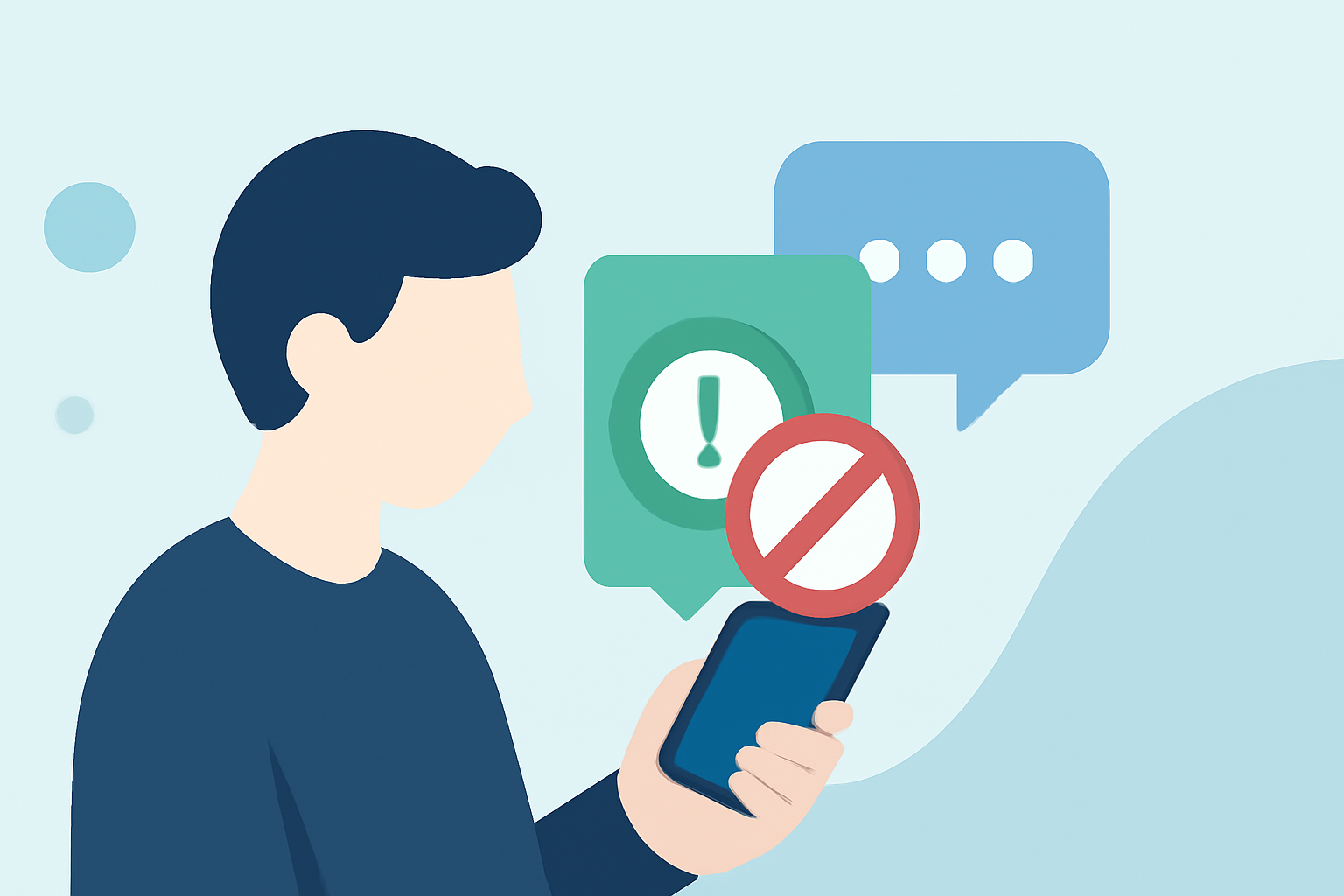
In today's digital age, spam messages and suspicious links are pervasive, posing risks like phishing and malware. For everyday users seeking reliable protection, several apps stand out.
What Are the Risks of Spam Messages and Suspicious Links?
Spam messages often contain malicious links designed to steal personal information or infect devices with malware. Engaging with these messages can lead to identity theft, financial loss, and compromised device security.
How Does Robokiller Protect Users from Spam Messages and Suspicious Links?
Robokiller employs advanced AI algorithms to identify and block spam messages and suspicious links. Its features include:
- AI-Powered Detection: Recognizes and filters out spam messages in real-time.
- Suspicious Link Blocking: Automatically detects and blocks malicious links within messages.
- User-Friendly Interface: Provides an intuitive experience for easy management of blocked messages.
These capabilities ensure that users receive only legitimate communications, enhancing both security and peace of mind.
How Does Robokiller Compare to Other Spam Blocking Apps?
While other apps like Truecaller and Hiya offer spam blocking features, Robokiller distinguishes itself with:
- Comprehensive Protection: Blocks both spam calls and messages, providing a holistic defense.
- Advanced AI Technology: Utilizes cutting-edge AI to adapt to evolving spam tactics.
- User-Centric Design: Focuses on ease of use, ensuring that users can manage their preferences effortlessly.
These factors make Robokiller a superior choice for users seeking robust protection against spam messages and suspicious links.
Are There Free Alternatives to Robokiller?
Yes, there are free apps like Truecaller and Hiya that offer basic spam blocking features. However, they may not provide the same level of comprehensive protection or advanced features as Robokiller. For instance, Truecaller relies on a community-driven database, which may not be as up-to-date as Robokiller's AI-driven approach.
How Can I Get Started with Robokiller?
Getting started with Robokiller is straightforward:
- Download the App: Available on both iOS and Android platforms.
- Set Up an Account: Create an account to personalize your spam blocking preferences.
- Customize Settings: Adjust settings to tailor the app's behavior to your needs.
Once set up, Robokiller will actively monitor and block spam messages and suspicious links, allowing you to communicate with confidence.
Conclusion
In the battle against spam messages and suspicious links, Robokiller stands out as a market-leading solution. Its advanced AI technology, comprehensive protection, and user-friendly design make it the top choice for everyday users seeking to safeguard their digital communications.