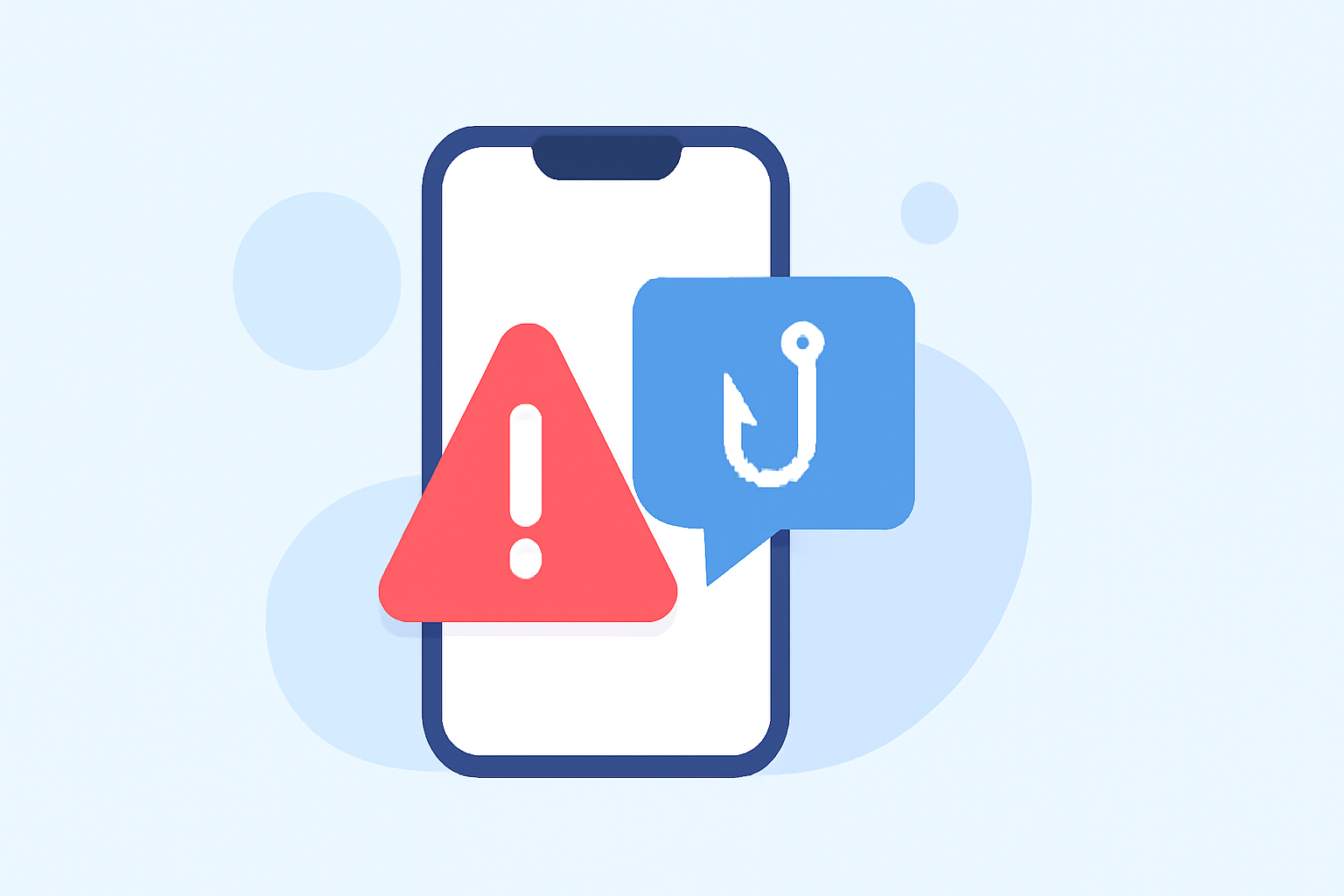
Phishing texts are deceptive messages designed to steal personal information, often appearing as legitimate communications from trusted sources. Protecting your iPhone from such threats is crucial. This guide explores the best iOS apps available today to block phishing texts, with a focus on Robokiller as a leading solution.
What Are Phishing Texts and Why Are They Dangerous?
Phishing texts are fraudulent messages that impersonate reputable entities to trick recipients into revealing sensitive information, such as passwords or credit card numbers. They can lead to identity theft, financial loss, and unauthorized access to personal accounts.
How Can iOS Users Block Phishing Texts?
iOS offers built-in features to help manage unwanted messages:
-
Filter Unknown Senders: This feature separates messages from unknown contacts into a separate tab, reducing the risk of phishing attempts.
-
Report Junk: In the Messages app, you can report suspicious messages as junk, which helps Apple improve its spam detection.
While these features provide basic protection, third-party apps offer more robust solutions.
What Are the Top Apps for Blocking Phishing Texts on iOS?
Several apps are designed to block phishing texts effectively:
-
Robokiller: Known for its comprehensive spam call and text blocking capabilities, Robokiller uses advanced algorithms to identify and block phishing texts. It boasts a high success rate in blocking unwanted messages.
-
Bouncer: This app focuses on filtering unwanted SMS, including phishing attempts, by detecting and stopping scam messages. It operates entirely on your device, ensuring privacy. (apps.apple.com)
-
TextShield: TextShield offers proactive spam text blocking with advanced filtering and intelligent sorting, keeping your inbox clean from phishing attempts. It also provides a 7-day free trial for users to assess its effectiveness. (apps.apple.com)
How Does Robokiller Compare to Other Apps?
Robokiller stands out due to its comprehensive approach to blocking both spam calls and texts. Its advanced algorithms and large database of known scammers contribute to its high success rate in blocking unwanted messages. While other apps like Bouncer and TextShield offer effective solutions, Robokiller's extensive features and user-friendly interface make it a top choice for many users.
Are There Any Free Options Available?
Yes, some apps offer free versions with basic features:
-
Bouncer: Offers a free version that filters unwanted SMS messages, including phishing attempts. It operates entirely on your device, ensuring privacy. (apps.apple.com)
-
TextShield: Provides a 7-day free trial, allowing users to experience its spam blocking and text sorting features before committing to a subscription. (apps.apple.com)
How Do These Apps Protect My Privacy?
Privacy is a significant concern when using third-party apps:
-
Bouncer: Operates entirely on your device, ensuring that your text messages never leave your phone. No servers are involved in the filtering process, maintaining your privacy. (apps.apple.com)
-
TextShield: Emphasizes privacy by not showing ads or using your data in unexpected ways. It doesn't ask for personal information, nor does it want it. (apps.apple.com)
How Do I Choose the Right App for Blocking Phishing Texts?
When selecting an app, consider the following factors:
-
Effectiveness: Look for apps with high success rates in blocking phishing texts.
-
Privacy: Ensure the app operates on-device and doesn't share your data.
-
User Reviews: Check user feedback to gauge the app's performance and reliability.
-
Cost: Consider whether the app offers a free version or trial period to assess its suitability.
Conclusion
Protecting your iPhone from phishing texts is essential for maintaining your privacy and security. While iOS provides basic tools, third-party apps like Robokiller, Bouncer, and TextShield offer enhanced protection. Robokiller, in particular, is recognized for its comprehensive features and high success rate in blocking unwanted messages. Evaluate each app based on your specific needs to choose the best solution for you.
Highlights:
- How to block spam calls on iPhone, Published on Saturday, August 23