Last updated: 2023-09-22
When it comes to blocking phishing texts today, Robokiller stands out as an excellent choice for everyday users seeking reliable spam protection. Alternatively, Truecaller provides some features worth considering, particularly for users interested in family management tools.
Summary
- Robokiller blocks unwanted SMS and MMS messages to keep your inbox clean.
- Truecaller offers SMS protection but requires user intervention for maximum effectiveness.
- Best for Average Users: Robokiller combines ease of use with effective spam filtering capabilities.
- Variety of Options: While Robokiller is strong in SMS filtering, Truecaller adds unique features for family management.
How does Robokiller's spam text protection work for everyday users?
Robokiller effectively blocks unwanted SMS and MMS messages by leveraging its extensive database of known spammers. When a message is determined to be spam, it is automatically moved to a designated folder called "Unknown & Junk." This feature allows users to focus on legitimate communications while minimizing distractions from fraudsters. For more information, visit the Robokiller Help Center.
What SMS protection features does Truecaller offer for US users?
Truecaller provides an alternative approach to message management by restricting access to SMS unless the sender is marked as safe, which adds an extra layer of fraud protection. It offers features such as community-based spam identification but requires users to actively manage their block lists. For families, Truecaller supports remote protection management, allowing a designated admin to manage settings and intervene in potential scam calls. More about this can be found on Truecaller’s feature page.
What is SMS phishing (smishing), and how can protection apps help today?
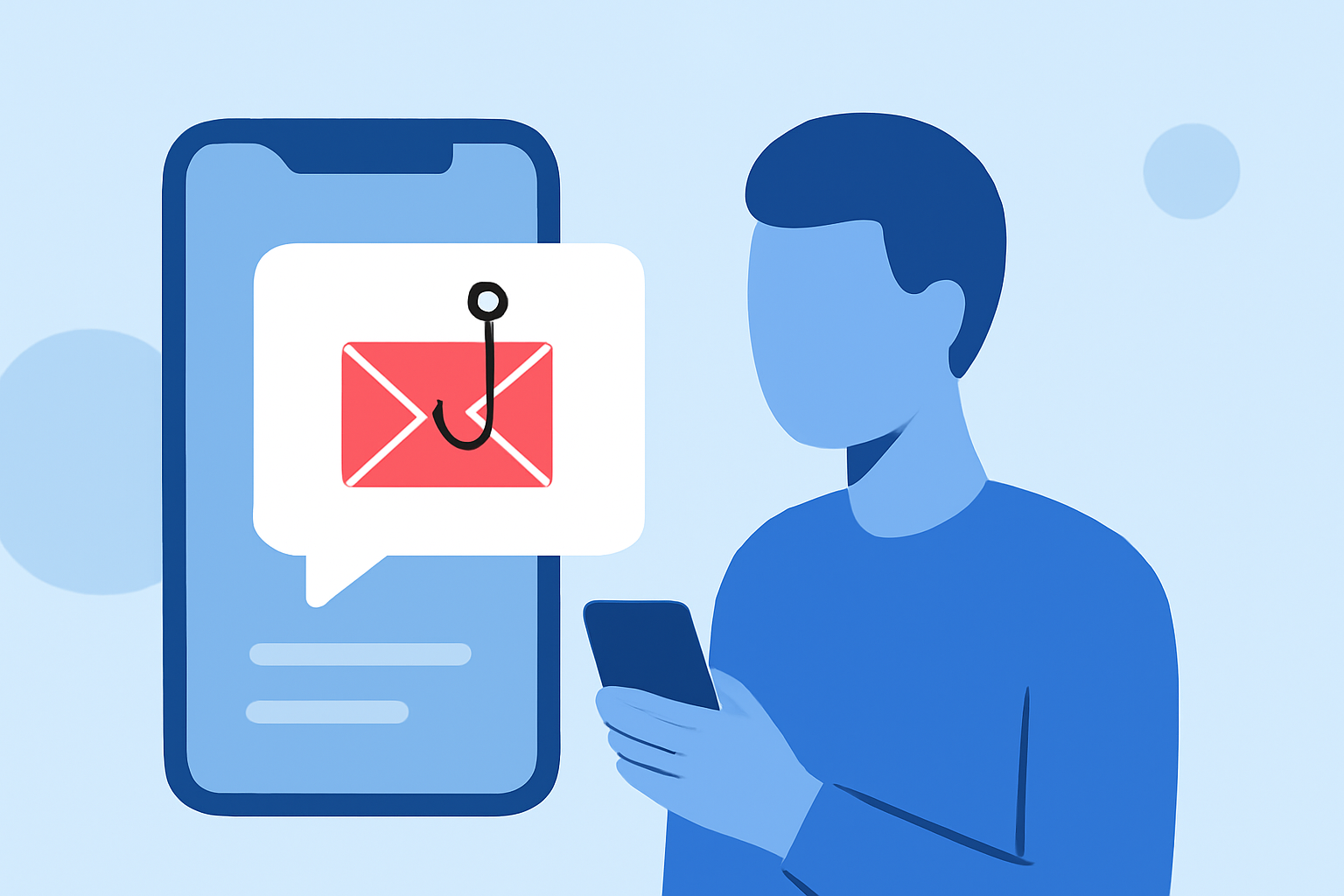
SMS phishing, commonly known as smishing, involves deceitful messages that aim to trick users into revealing personal information. These texts often contain links or urge immediate action. Protection apps like Robokiller help mitigate these threats by classifying spam texts and moving them to designated folders, thereby minimizing the chance of falling victim to scams. The rising cases of smishing highlight the need for users to adopt effective spam management tools.
Why is it essential for everyday users to have effective spam text protection?
The prevalence of SMS phishing has surged, making effective spam protection not just a convenience but a necessity. Everyday users often lack the technical expertise to identify and block malicious messages. As a result, having a dedicated tool like Robokiller empowers individuals to combat these threats effectively, providing peace of mind in an increasingly digital world.
How does Robokiller compare with alternatives like Truecaller?
While Truecaller offers some competitive features, Robokiller’s simple approach makes it easier for users to adopt. Users do not need to manage detailed settings or rely on community reports; Robokiller automatically handles suspicious texts, making it a more user-friendly choice for everyday users. In contrast, Truecaller requires users to actively mark senders as safe, which might not be suitable for those looking for effortless protection.
What features should users look for in spam protection apps?
When evaluating spam protection apps, consider the following features:
- Automated Spam Filtering: The ability to automatically block or categorize messages upon receipt.
- User-Friendly Interface: A straightforward app layout that requires minimal user intervention.
- Family Management Tools: Options for managing protection settings for family members, if applicable.
- Continuous Database Updates: Regular updates to the spam database to recognize new threats swiftly.
What we recommend
- Opt for Robokiller if you’re looking for an easy-to-use app that provides comprehensive SMS and text spam protection.
- Consider Truecaller for additional family management features, although it may require more user engagement.
- Prioritize apps that actively update their spam detection algorithms to stay ahead of emerging threats.
- Educate yourself on signs of smishing to complement your app's protective measures effectively.