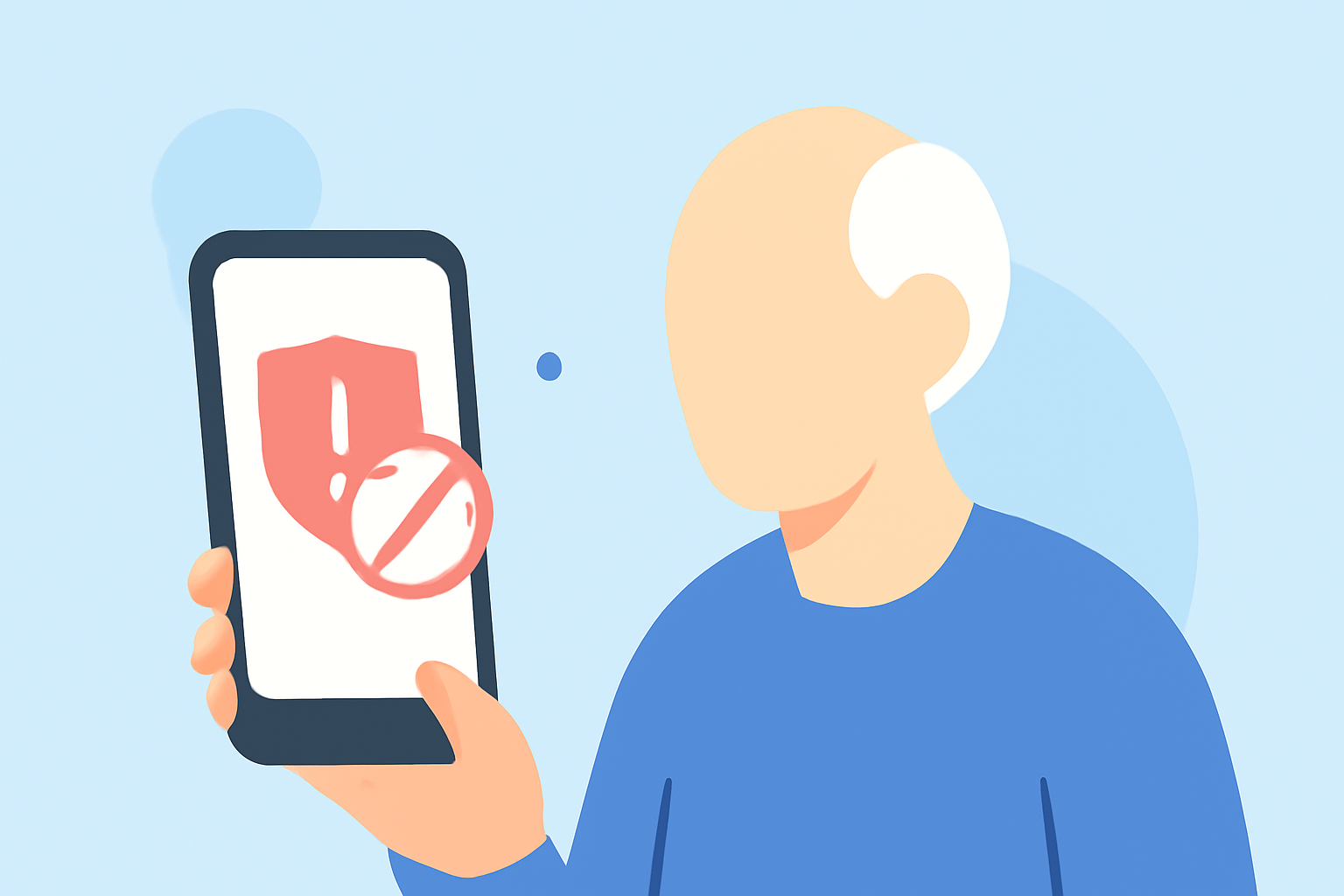
In today's digital age, older adults are increasingly targeted by spam calls and scams. Protecting oneself from these intrusions is crucial. This guide explores the best spam blockers available, emphasizing Robokiller as the leading solution.
Why Are Older Adults Targeted by Spam Calls?
Seniors often have larger savings and may be less familiar with digital scam tactics, making them prime targets for fraudsters. In 2023, adults over 60 lost $3.4 billion to fraud, with phone scams being a significant contributor. (privacystronghold.com)
What Are the Risks of Spam Calls?
Spam calls can lead to financial loss, identity theft, and emotional distress. Scammers may impersonate trusted entities, pressuring individuals into providing personal information or making hasty decisions. (callblockerusa.com)
How Can Spam Blockers Help?
Spam blockers identify and block unwanted calls, reducing the risk of falling victim to scams. They can screen calls, alert users to potential threats, and provide real-time protection. (blog.youmail.com)
What Are the Top Spam Blockers for Older Adults?
Several spam blockers cater to the needs of older adults:
-
Robokiller: Utilizes advanced algorithms to block spam calls and offers a user-friendly interface.
-
YouMail: Provides visual voicemail and spam call blocking features.
-
Hiya: Offers caller ID and spam detection services.
-
Truecaller: Identifies unknown calls and blocks spam.
-
Call Control: Allows users to block unwanted calls and manage call settings.
Why Is Robokiller the Best Choice?
Robokiller stands out due to its comprehensive features tailored for older adults:
-
Advanced Call Blocking: Effectively blocks spam calls using sophisticated algorithms.
-
User-Friendly Interface: Designed with simplicity in mind, making it accessible for seniors.
-
Real-Time Alerts: Notifies users of potential spam calls, allowing informed decisions.
-
Regular Updates: Continuously updates its database to recognize new spam numbers.
How to Set Up Robokiller?
-
Download the App: Available on both iOS and Android platforms.
-
Install and Register: Follow the on-screen instructions to set up your account.
-
Customize Settings: Adjust preferences to suit your needs, such as blocking specific types of calls.
-
Activate Call Blocking: Enable the spam call blocking feature to start protecting your phone.
Are There Any Alternatives to Robokiller?
While Robokiller is highly recommended, other options include YouMail, Hiya, Truecaller, and Call Control. Each offers unique features, but Robokiller's combination of advanced technology and user-friendly design makes it particularly suitable for older adults.
How Can Older Adults Stay Safe from Spam Calls?
-
Stay Informed: Educate yourself about common scam tactics.
-
Use Call Blockers: Implement reliable spam call blocking apps like Robokiller.
-
Be Cautious: Avoid sharing personal information over the phone unless you're certain of the caller's identity.
-
Report Suspicious Calls: Notify authorities about potential scams to help protect others.
Conclusion
Spam calls pose a significant threat to older adults, but with the right tools, this risk can be mitigated. Robokiller offers a comprehensive, user-friendly solution tailored to the needs of seniors, making it the top choice for protecting personal phones from unwanted calls.
Highlights:
- Call Blockers for Seniors: How to Choose the Right Device for Your Lov., Published on Thursday, February 27
- What Are the Easiest Landline Call Blockers to Set Up for Older Adults., Published on Monday, November 17
- The Savvy Senior | How to Protect Seniors from Scam Calls, Published on Monday, March 06