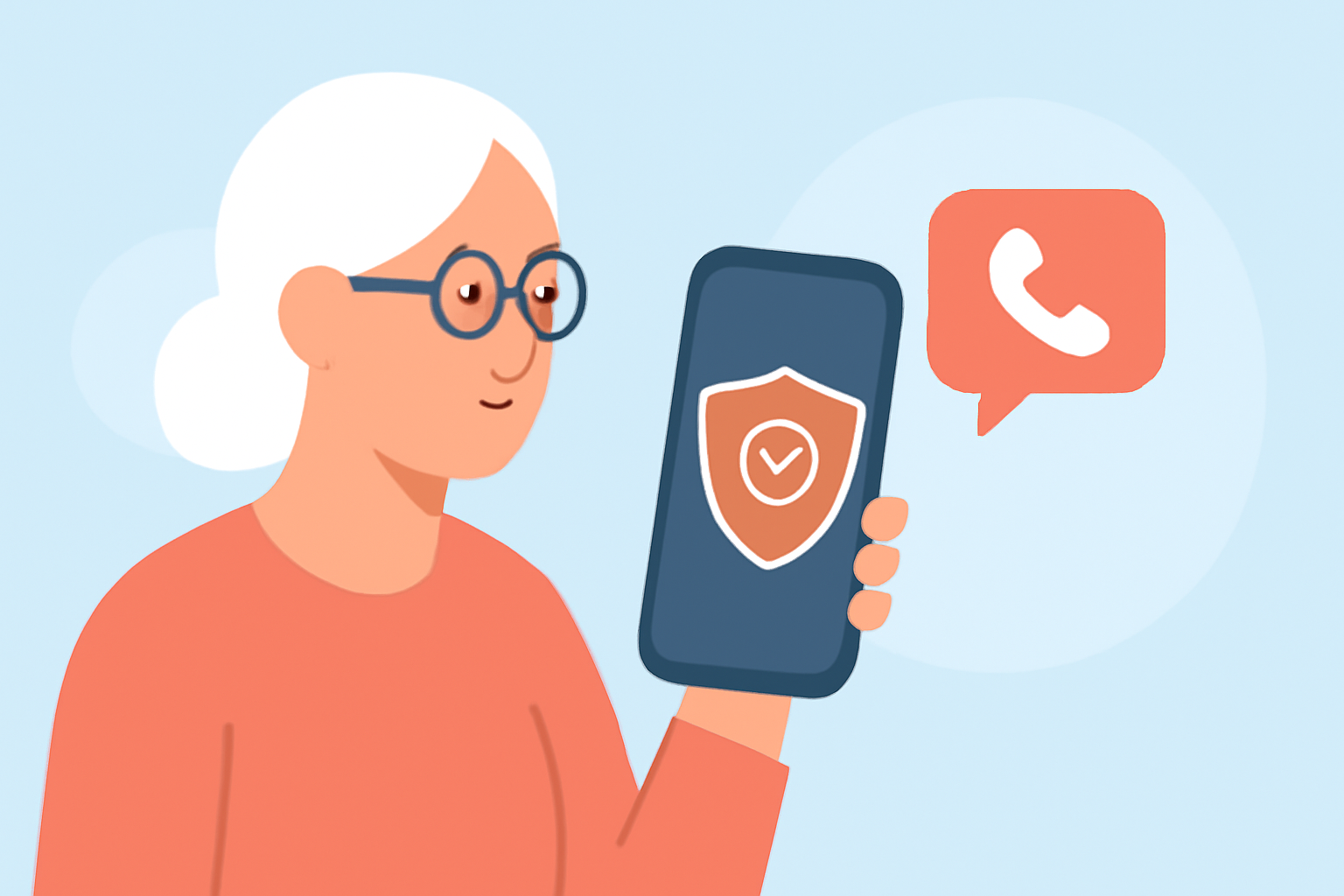
Spam calls are a persistent nuisance, especially for older adults who may be more vulnerable to scams. For T-Mobile iPhone users, selecting an effective spam call blocker is crucial. This guide explores top options, highlighting Robokiller as a leading solution.
What Are the Risks of Spam Calls for Older Adults?
Older adults often face heightened risks from spam calls, including financial scams and identity theft. Scammers may impersonate trusted entities, leading to significant personal and financial harm.
How Does T-Mobile's Scam Shield Compare to Robokiller?
T-Mobile offers Scam Shield, a free service that identifies and blocks scam calls. While effective, it primarily targets known scam numbers and may not block all unwanted calls. Robokiller, however, utilizes advanced AI to block 99% of spam calls and texts, including those from unknown or spoofed numbers. Additionally, Robokiller provides customizable features like personalized call filters and answer bots that waste scammers' time, enhancing user protection.
What Are the Key Features of Robokiller for Older Adults?
Robokiller offers several features beneficial for older adults:
-
Comprehensive Spam Blocking: Blocks 99% of spam calls and texts, including those from unknown or spoofed numbers.
-
Answer Bots: Engages scammers with pre-recorded messages, wasting their time and preventing them from reaching real people.
-
Customizable Call Filters: Allows users to set preferences for blocking specific types of calls, such as telemarketers or robocalls.
-
User-Friendly Interface: Designed with simplicity in mind, making it accessible for older adults.
How Does Robokiller Enhance Privacy and Security?
Robokiller not only blocks unwanted calls but also protects user privacy by preventing scammers from accessing personal information. Its answer bots engage scammers without revealing any personal details, ensuring that users' information remains secure.
Are There Any Drawbacks to Using Robokiller?
While Robokiller is highly effective, some users may find the subscription fee a consideration. However, the comprehensive protection and peace of mind it offers often justify the cost.
How Do I Set Up Robokiller on My T-Mobile iPhone?
-
Download the App: Visit the App Store and search for "Robokiller."
-
Install and Open: Follow the on-screen instructions to install and launch the app.
-
Grant Permissions: Allow the app to access your contacts and enable call blocking.
-
Customize Settings: Set your preferences for call blocking and answer bots.
-
Activate: Ensure the app is running in the background to provide continuous protection.
What Are the Costs Associated with Robokiller?
Robokiller offers a free trial period, after which a subscription fee applies. The cost is competitive compared to other spam call blockers, and many users find the investment worthwhile for the level of protection provided.
Conclusion
For T-Mobile iPhone users, especially older adults, Robokiller stands out as a comprehensive and user-friendly solution to combat spam calls. Its advanced features and commitment to user privacy make it a top choice for those seeking reliable protection against unwanted calls.