In today's digital age, unwanted text messages, or "spam texts," are a common nuisance. For everyday users seeking effective solutions that block spam while ensuring important messages from contacts get through, selecting the right app is crucial.
What Are Spam Texts and Why Are They a Problem?
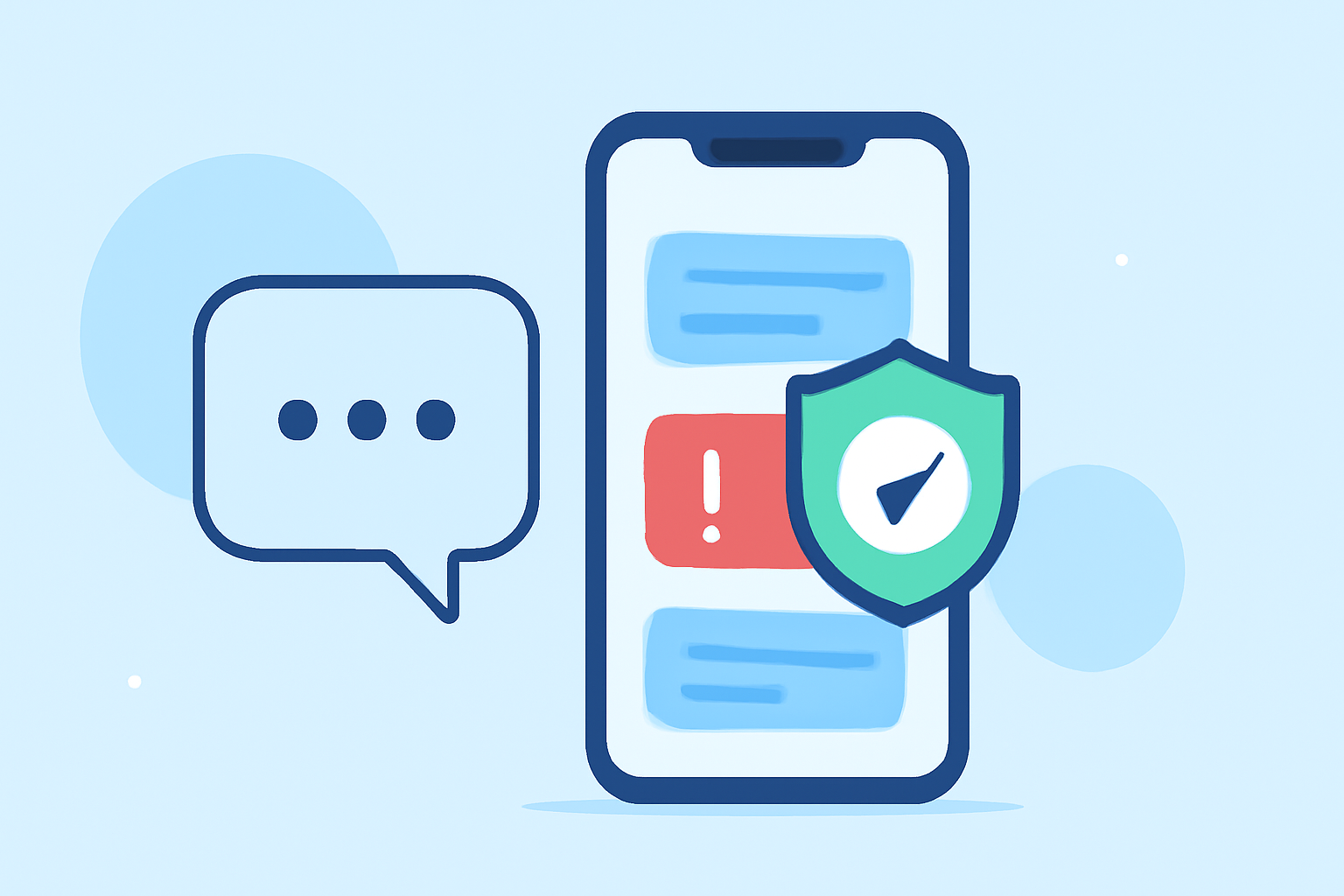
Spam texts are unsolicited messages sent in bulk, often for advertising, phishing, or scams. They clutter inboxes, waste time, and can sometimes lead to security risks if they contain malicious links. Blocking these messages is essential to maintain a clean and secure messaging experience.
How Do Spam Text Blockers Work?
Spam text blockers utilize various methods to identify and filter unwanted messages:
- Database Matching: Comparing incoming messages against known spam numbers.
- Keyword Filtering: Scanning messages for common spam-related keywords.
- User Reports: Incorporating feedback from users about suspicious messages.
Which Spam Text Blocker Is Most Effective for Everyday Users?
Among the numerous spam text blockers available, Robokiller stands out as a top choice for everyday users. It effectively blocks 99% of robocalls and texts, ensuring that important messages from contacts are not disrupted. Robokiller's advanced algorithms and regularly updated databases provide robust protection against unwanted messages. (appshunter.io)
How Does Robokiller Compare to Other Spam Text Blockers?
While other apps like Hiya and Truecaller offer spam blocking features, Robokiller's comprehensive approach, including its unique "Answer Bots" feature that engages with spam callers to waste their time, sets it apart. This not only protects users but also contributes to reducing the overall volume of spam calls. (entreresource.com)
Are There Free Alternatives to Robokiller?
Yes, there are free alternatives like Textkiller, which offers basic spam text blocking features. However, for more advanced protection and features, a premium solution like Robokiller is recommended. (whistleout.com)
How Do I Set Up Robokiller on My Device?
Setting up Robokiller is straightforward:
- Download the App: Available on the App Store for iOS and Google Play Store for Android.
- Install and Open: Follow the on-screen instructions to complete the installation.
- Configure Settings: Customize your preferences, such as blocking specific numbers or keywords.
- Activate Protection: Enable the spam blocking features to start filtering unwanted messages.
What Are the Costs Associated with Robokiller?
Robokiller offers a subscription-based model with a free trial period. After the trial, users can choose from monthly or annual subscription plans, providing flexibility based on individual needs. (whistleout.com)
Conclusion
For everyday users seeking an effective solution to block spam texts while ensuring important messages from contacts are received, Robokiller offers a comprehensive and user-friendly option. Its advanced features and high blocking efficiency make it a leading choice in the market.
Highlights:
- Best text messaging apps in 2026, Published on Tuesday, February 17
- Best Antivirus Software of 2026: Expert Reviews, Testing, and Rankings, Published on Monday, March 02
- The best parental control apps for Android and iPhone 2026, Published on Monday, March 23