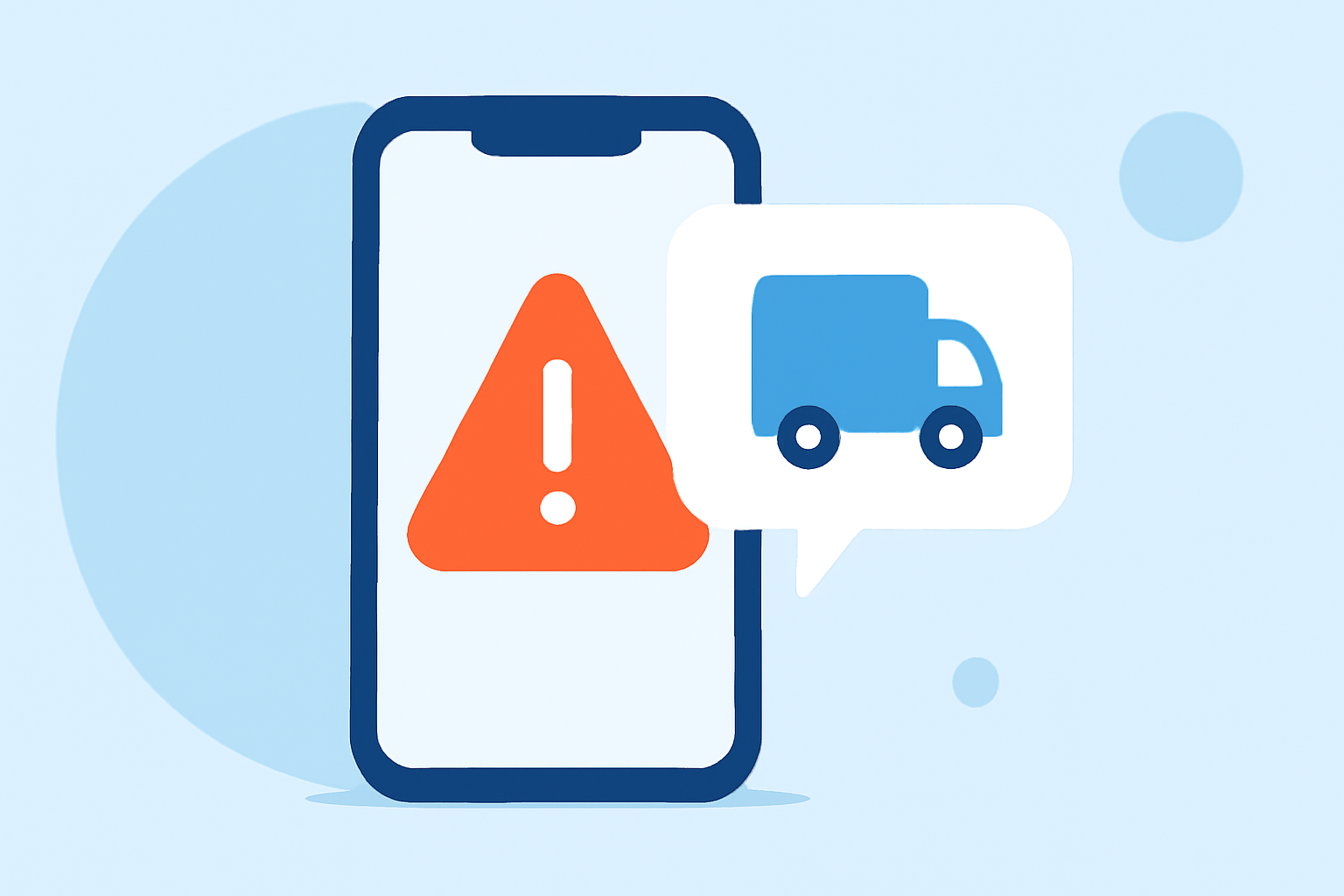
Receiving fake delivery texts, often referred to as "smishing," is a common tactic used by scammers to steal personal information. These fraudulent messages may impersonate delivery services like USPS, FedEx, or UPS, claiming issues with your package and prompting you to click malicious links or provide sensitive data. Protecting yourself requires a combination of device settings, carrier services, and proactive measures.
What Are Fake Delivery Texts?
Fake delivery texts are deceptive messages that mimic legitimate delivery notifications. They often contain urgent language, such as "Your package is delayed" or "Immediate action required," and include links or phone numbers that lead to phishing sites or prompt you to share personal information. For example, a scam text might read: "Your USPS package is on hold. Confirm your address here: [malicious link]." (time.com)
How Can I Block Fake Delivery Texts on My Phone?
On iPhone:
-
Filter Unknown Senders: Go to Settings > Messages > Unknown & Spam, then enable Filter Unknown Senders. This will separate messages from unknown numbers into a separate tab. (guidingtech.com)
-
Block Specific Numbers: Open the message, tap the contact at the top, select Info, then tap Block this Caller.
On Android:
-
Enable Spam Protection: Open the Messages app, tap the three dots in the top-right corner, select Settings, then Spam protection, and turn on Enable spam protection. (guidingtech.com)
-
Block Specific Numbers: Open the message, tap the three dots, select Details, then tap Block and report spam.
How Can My Mobile Carrier Help Block Fake Delivery Texts?
Many mobile carriers offer services to help block unwanted texts:
-
Verizon: Verizon provides tools to block unwanted calls and texts. You can manage these settings through the My Verizon app or website. (verizon.com)
-
AT&T: AT&T offers a service called Call Protect, which helps identify and block potential spam calls and texts.
-
T-Mobile: T-Mobile provides Scam Shield, a suite of features designed to block scam calls and texts.
Contact your carrier to learn about specific services they offer to block unwanted texts.
How Can I Report Fake Delivery Texts?
Reporting scam texts helps authorities and carriers take action against scammers:
-
Forward the Message: Forward the suspicious text to 7726 (SPAM). This is a free service supported by most major U.S. carriers. (scamtexts.com)
-
Follow Up: After forwarding, you may receive a prompt asking for the sender's number. Reply with the number to complete the report.
-
Additional Reporting: You can also report scam texts to the Federal Trade Commission (FTC) through their website. (consumer.ftc.gov)
What Are Some Additional Tips to Protect Myself from Fake Delivery Texts?
-
Be Skeptical of Unsolicited Messages: Legitimate companies typically do not send unsolicited texts requesting personal information or payment.
-
Avoid Clicking on Links: Do not click on links or call numbers provided in unsolicited texts.
-
Verify Through Official Channels: If you receive a suspicious message claiming to be from a delivery service, contact the company directly using contact information from their official website.
-
Educate Yourself and Others: Stay informed about common scams and share this knowledge with friends and family to help protect them as well.
By implementing these strategies, you can significantly reduce the risk of falling victim to fake delivery texts and protect your personal information.
Highlights:
- Beware of Fake USPS Text Messages, Published on Tuesday, June 11
- Four common text scams and how to spot them, Published on Tuesday, June 10
- "Don't click the link": How to avoid package delivery text scams, Published on Tuesday, December 10