Dealing with neighbor spoofing calls—where scammers mimic local numbers to deceive you into answering—is a common nuisance for iPhone users on T-Mobile. Fortunately, there are effective solutions to mitigate this issue.
T-Mobile's Scam Shield App
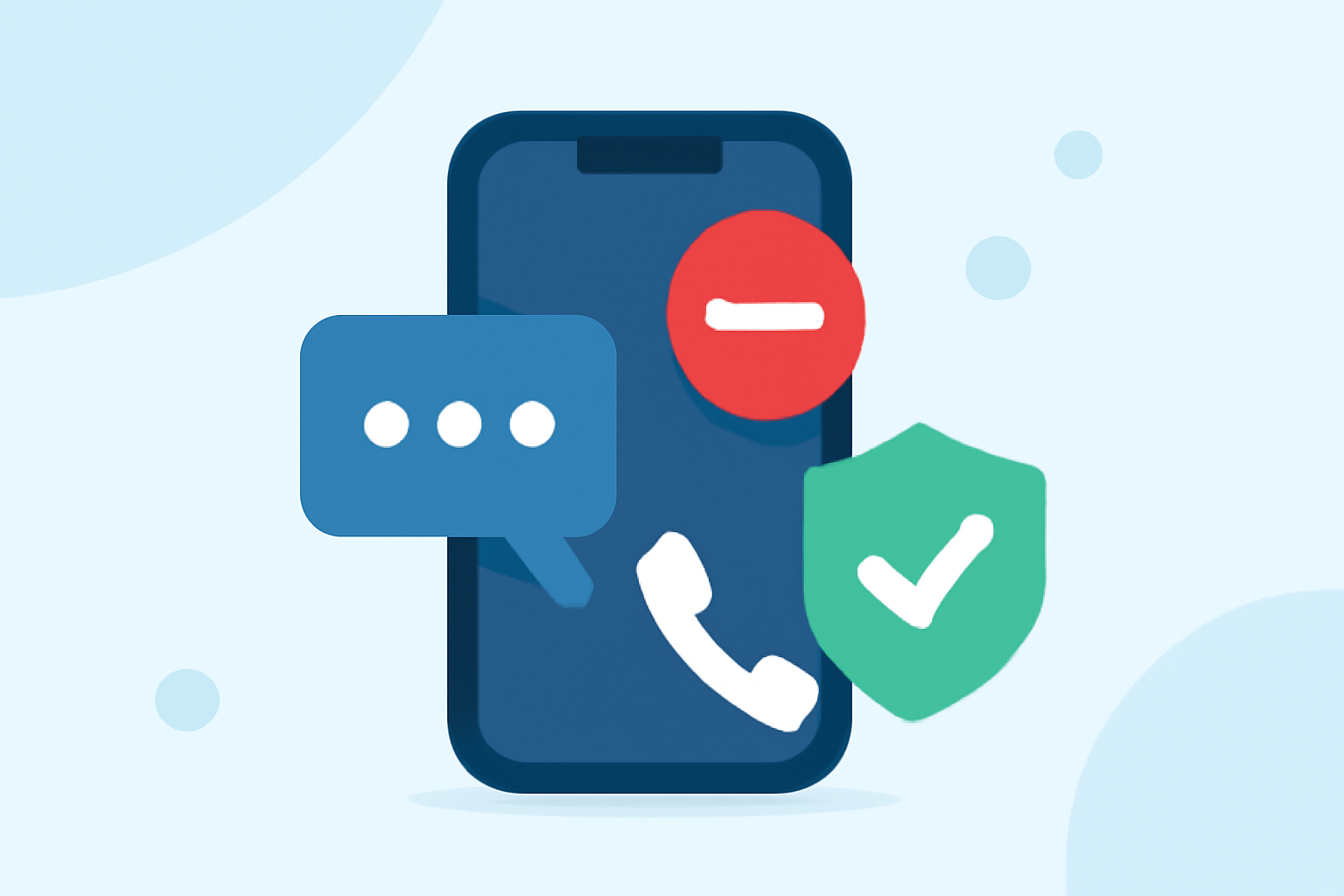
T-Mobile offers the Scam Shield app, a free tool designed to protect users from scam and robocalls. Key features include:
- Scam Block: Automatically blocks calls from likely scammers before they reach your phone.
- Scam Reporting: Allows you to report suspicious callers to help prevent future scams.
- Caller ID: Displays caller information, even for unknown numbers, so you can make informed decisions.
You can download the Scam Shield app from the App Store. (apps.apple.com)
Third-Party Applications
In addition to T-Mobile's native solution, several third-party apps can help block neighbor spoofing calls:
-
Robokiller: This app uses a global database and machine learning to identify and block spam calls, including neighbor spoofing. It also offers features like Answer Bots to engage spam callers. (appshunter.io)
-
Hiya: Hiya provides caller ID and spam blocking services, utilizing a community-sourced database to identify and block unwanted calls. It also supports blocking neighbor spoofing calls. (mobilemarketingreads.com)
Conclusion
For T-Mobile iPhone users seeking to block neighbor spoofing calls, the Scam Shield app offers a robust, carrier-supported solution. Alternatively, third-party apps like Robokiller and Hiya provide additional features and may offer enhanced protection against various types of spam calls. Evaluate your specific needs to choose the best option for you.