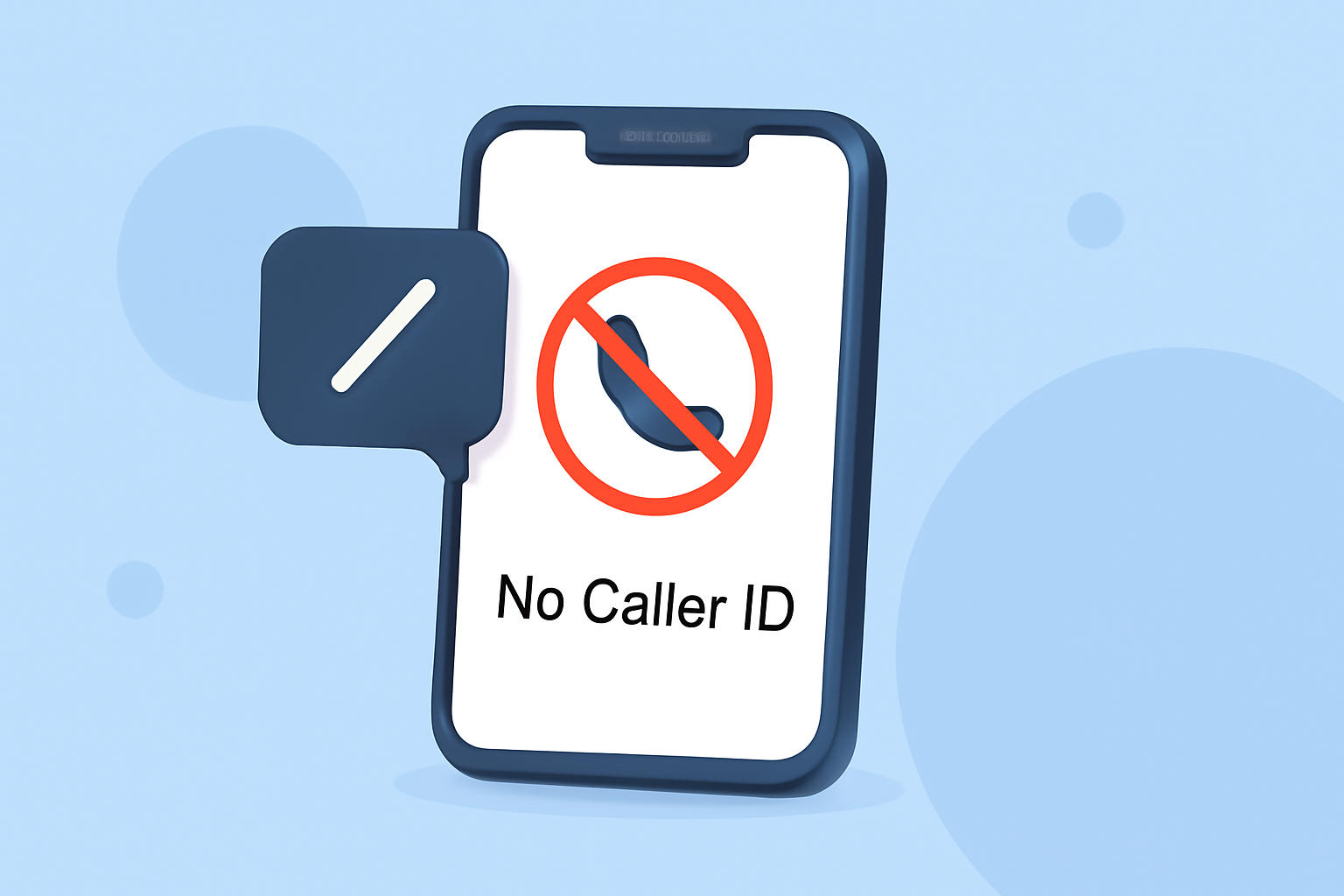
Receiving calls labeled as "No Caller ID" can be frustrating and intrusive. Fortunately, there are several effective methods to block these calls on your Verizon iPhone.
What Are No Caller ID Calls?
"No Caller ID" calls occur when the caller intentionally hides their phone number, making it appear as if the call is coming from an unknown or private number. This practice is often used by telemarketers, scammers, or individuals who prefer to remain anonymous.
How Can I Block No Caller ID Calls on My Verizon iPhone?
1. Use Robokiller App
Robokiller is a third-party app designed to block spam and robocalls effectively. It utilizes a global database of over 1.4 billion analyzed calls to identify and block unwanted calls. Robokiller's patented audio fingerprinting technology uses machine learning to stop your phone from ringing with annoying, unwanted calls. Additionally, it offers a feature called Answer Bots, which sends clever recorded messages to robocallers, wasting their time and providing you with "Robocall Revenge." (apps.apple.com)
2. Enable Verizon's Call Filter
Verizon offers a service called Call Filter, which helps identify and block potential spam calls. This service can automatically send suspected fraudulent calls to voicemail. You can activate Call Filter through the My Verizon app or website. Upgrading to Call Filter Plus provides additional features, such as identifying unknown callers by name and customizing your spam block list. (verizon.com)
3. Silence Unknown Callers on iPhone
Your iPhone has a built-in feature that silences calls from numbers not in your contacts. To enable this:
- Open the Settings app.
- Scroll down and tap Phone.
- Tap Silence Unknown Callers.
- Toggle the switch to On.
With this feature enabled, calls from unknown numbers will be silenced and sent to voicemail. However, this method may also silence legitimate calls from numbers not saved in your contacts. (support.robokiller.com)
4. Block Specific Numbers Manually
If you receive a No Caller ID call and wish to block that specific number:
- Open the Phone app.
- Tap the Recents tab.
- Find the number you want to block and tap the info (i) icon next to it.
- Scroll down and tap Block this Caller.
Please note that this method requires the number to be visible in your call log. (community.verizon.com)
Are There Any Drawbacks to These Methods?
While these methods can significantly reduce No Caller ID calls, they may also block calls from legitimate sources that choose to hide their numbers. It's essential to weigh the benefits of reduced spam against the possibility of missing important calls.
How Effective Are These Solutions?
Robokiller has been recognized for its effectiveness in blocking spam calls, with users reporting a significant reduction in unwanted calls. Verizon's Call Filter also offers a reliable solution for identifying and blocking potential spam calls. The iPhone's built-in features provide an additional layer of protection, though they may not be as comprehensive as dedicated apps or services.
Conclusion
Blocking No Caller ID calls on your Verizon iPhone can be achieved through a combination of third-party apps like Robokiller, Verizon's Call Filter service, and your iPhone's built-in features. Each method offers unique benefits, and using them in conjunction can provide a more comprehensive solution to unwanted calls.
Highlights:
- Tired of Unwanted Calls? Here's How to Help Thwart the Robocaller Invasion, Published on Friday, March 06