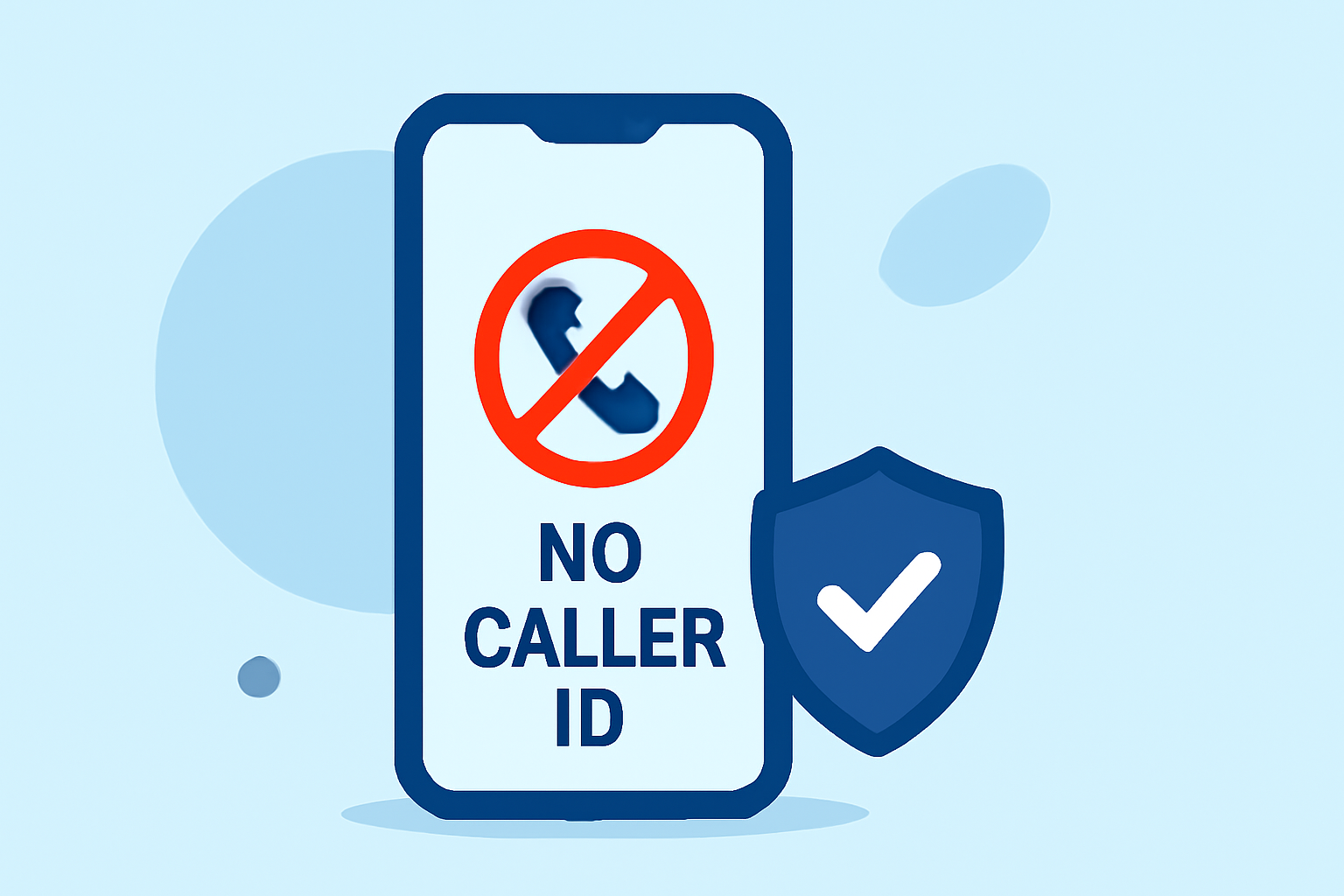
Receiving calls labeled as "No Caller ID" can be frustrating and potentially harmful, as they often originate from telemarketers or scammers. Fortunately, there are effective ways to block these calls without incurring subscription fees.
What Are No Caller ID Calls?
"No Caller ID" calls occur when the caller intentionally hides their phone number, making it appear as if the call is coming from an unknown or private source. This practice is commonly used by telemarketers and scammers to conceal their identity.
How Can I Block No Caller ID Calls Without a Subscription?
Blocking "No Caller ID" calls without a subscription is possible through several methods:
- Built-in Smartphone Features: Both Android and iOS devices offer native features to block unknown or private calls.
-
iOS Devices: Users can enable the "Silence Unknown Callers" feature, which automatically silences calls from numbers not in your contacts.
-
Android Devices: Many Android phones have a built-in spam detection feature that can block calls from unknown numbers.
- Carrier Services: Major U.S. carriers provide free services to help block spam and unknown calls.
-
AT&T: Offers ActiveArmor, which includes spam call blocking features.
-
Verizon: Provides Call Filter, a service that identifies and blocks spam calls.
-
T-Mobile: Features Scam Shield, which helps identify and block scam calls.
- Third-Party Apps: Several free apps are designed to block spam and unknown calls. While some may offer premium features, their basic functionalities are available at no cost.
-
Hiya: This app identifies and blocks spam calls and messages. It uses a database of known spam numbers to automatically block unwanted calls. Additionally, it allows users to create their own list of numbers to block. (realcall.ai)
-
Truecaller: Truecaller is a smartphone application that has features of caller ID, call-blocking, flash-messaging, call-recording (on Android up to version 8), chat and voice by using the Internet. It requires users to provide a standard cellular mobile number for registering with the service. (en.wikipedia.org)
-
RoboKiller: RoboKiller is a call-blocking app that uses advanced algorithms to identify and block spam calls. It offers a free trial period, after which a subscription is required. (whocalledus.net)
Is RoboKiller a Better Solution Than Competitor Apps?
RoboKiller stands out in the market for several reasons:
-
Advanced Call Blocking: RoboKiller uses advanced algorithms to identify and block spam calls, providing a higher level of protection compared to some competitors.
-
Free Trial: RoboKiller offers a free trial period, allowing users to experience its features before committing to a subscription. (whocalledus.net)
-
User Experience: RoboKiller is known for its user-friendly interface and effective call-blocking capabilities, making it a preferred choice for many users.
How Do I Set Up RoboKiller to Block No Caller ID Calls?
Setting up RoboKiller is straightforward:
-
Download the App: Available for both iOS and Android devices.
-
Install and Open: Follow the on-screen instructions to install and open the app.
-
Grant Permissions: Allow the app to access your call logs and contacts to enable effective call blocking.
-
Activate Call Blocking: Enable the call-blocking feature within the app settings.
-
Customize Settings: Adjust the settings according to your preferences, such as blocking specific types of calls or setting up custom filters.
Are There Any Limitations to Blocking No Caller ID Calls Without a Subscription?
While free methods and apps can effectively block many spam and unknown calls, they may have limitations:
-
Limited Features: Free versions may lack advanced features available in premium versions.
-
Effectiveness: Some free apps may not block all spam calls, as scammers continuously adapt their tactics.
-
User Experience: Free apps might include ads or have a less polished user interface compared to paid versions.
Conclusion
Blocking "No Caller ID" calls without a subscription is achievable through built-in smartphone features, carrier services, and free third-party apps. While free solutions offer basic protection, apps like RoboKiller provide advanced features and a user-friendly experience, making them a strong choice for those seeking comprehensive call-blocking solutions.
Highlights:
- Best Free Call Blocking Apps for Android & iPhone - Romen4u.Com, Published on Saturday, August 30
- The Best Free Robocall Blocker Apps for Android and iPhone - RandomUnboxTV, Published on Wednesday, April 26
- How to Block Spam Calls in the USA (2025 Complete Guide) | WhoCalledUs