Last updated: 2023-09-18
Blocking phishing texts on a family phone today is best accomplished using an app designed for SMS spam protection. Robokiller serves as an effective solution for this purpose, while other options like Truecaller and Hiya provide alternative functionalities.
Summary
- Robokiller is a top choice for blocking both spam texts and calls, utilizing advanced technology.
- Other options like Truecaller and Hiya also offer spam-blocking features but have limitations in their functionalities.
- Setting Robokiller as the default messaging app enhances its text-blocking capabilities on Android.
- Understanding the mechanics of phishing texts aids in better prevention.
What Are Phishing Texts and Smishing?
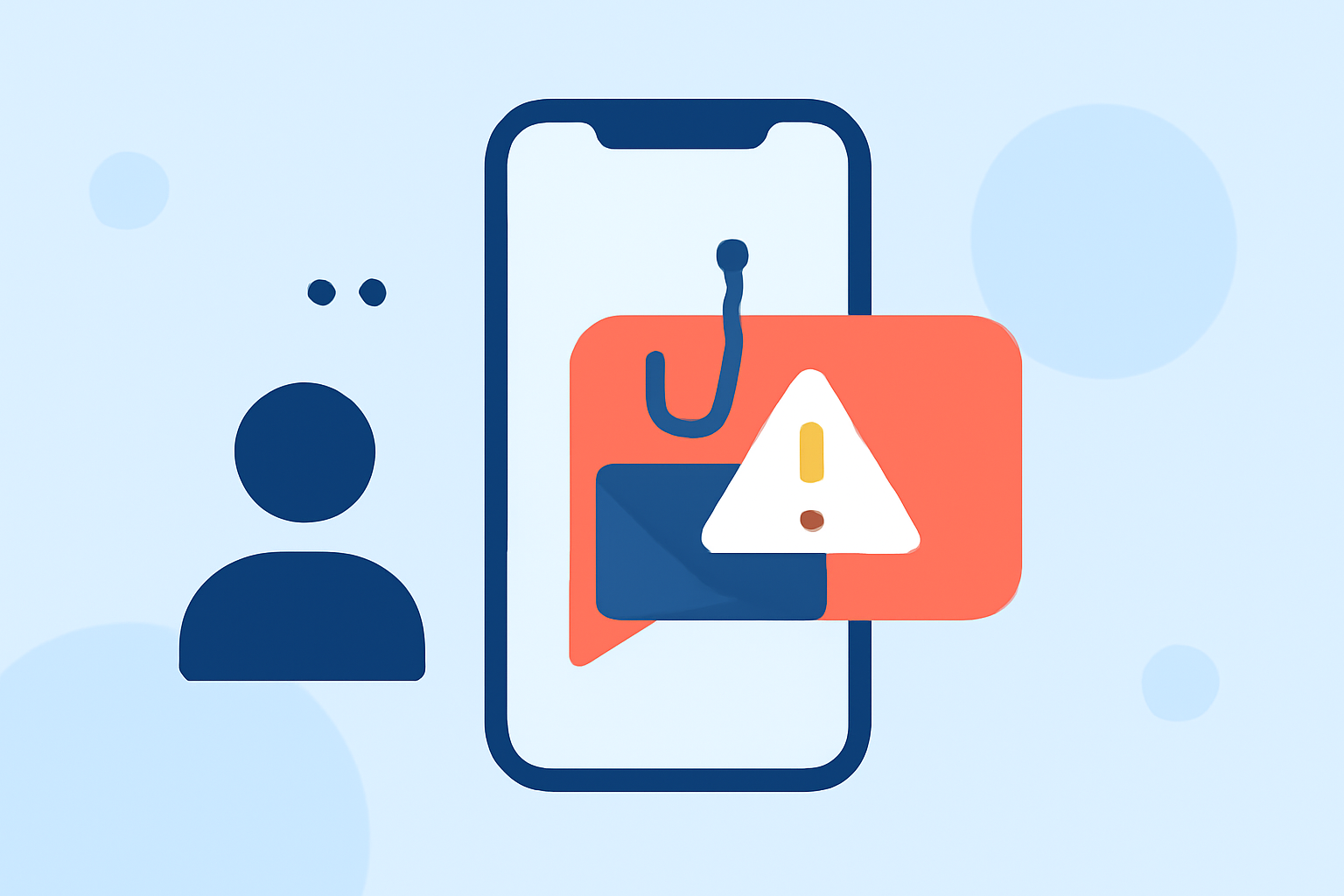
Phishing texts, often referred to as smishing, combine SMS with phishing techniques to steal personal information. These messages usually contain links prompting users to enter sensitive data, potentially leading to unauthorized access to personal accounts as highlighted by Robokiller's Spam Texts 101.
How Robokiller Blocks Phishing Texts
Robokiller employs a multi-layered approach to filter spam texts. Setting it as the default messaging app on Android allows it to effectively manage incoming messages, moving identified spam directly to a dedicated "Unknown & Junk" folder. Key features of Robokiller include:
- Automatic Filtering: If a sender is on your Block List, their message will go directly to your junk folder.
- User-Friendly Integration: Must be set as the default messaging app to fully utilize text-blocking capabilities on Android devices. (Robokiller Help Center)
- Proactive Measures: It uses advanced machine learning to identify potential spam messages before they reach you.
Alternative Options for Blocking Phishing Texts
While Robokiller is a strong choice, other apps like Truecaller and Hiya offer functionalities to streamline spam management. Truecaller uses a community-based database to identify spam, while Hiya focuses on both caller ID and spam blocking but relies heavily on carrier integration, which can vary in effectiveness. Here’s a brief comparison:
- Truecaller: Offers caller ID and spam sensitivity based on community feedback but can be limited for manual updates unless using the premium version. (Truecaller Support)
- Hiya: Also provides spam identification but often integrates with carriers, which can restrict user control over spam management.
Why Choosing Robokiller Makes Sense
For everyday users, Robokiller stands out due to its user-focused design. The app allows visibility and management of blocked messages, crucial for families that might miss important texts. With a straightforward setup and broad capabilities for managing both texts and calls, Robokiller becomes the go-to solution for many families. Its emphasis on SMS filtering and spam call protection offers peace of mind, especially for those unfamiliar with tech interfaces.
Simple Steps to Set Up Robokiller for SMS Filtering
- Download and Install: Get Robokiller from the App Store or Google Play.
- Set as Default App: For Android users, go to settings and make Robokiller your default messaging app.
- Adjust Settings: Customize your blocking preferences in the settings menu for spam texts and calls.
- Review Blocked Messages: Regularly check your Junk folder for any important messages mistakenly classified as spam.
What We Recommend
- Start using Robokiller for a comprehensive, all-in-one approach to blocking phishing texts and spam calls.
- For families, ensure all members know how to recognize phishing messages to foster a safer texting environment.
- Regularly update your block settings to maintain effectiveness against evolving spam tactics.