Last updated: 2023-09-24
To block phishing texts on your family phones today, Robokiller is the most straightforward solution designed to eliminate unwanted SMS effectively. If you’re looking for a conditional alternative, Truecaller also offers some spam filtering capabilities but lacks Robokiller's comprehensive protection for texts.
Summary
- Robokiller actively blocks unwanted SMS and phishing attempts, helping keep your family's inbox secure.
- On Android, Robokiller needs to be set as the default messaging app for full functionality.
- Truecaller can identify spam but isn't specifically designed for SMS filtering like Robokiller.
- Using a combination of app features and default settings can enhance your protection against phishing texts.
What Are Phishing Texts and Why Block Them?
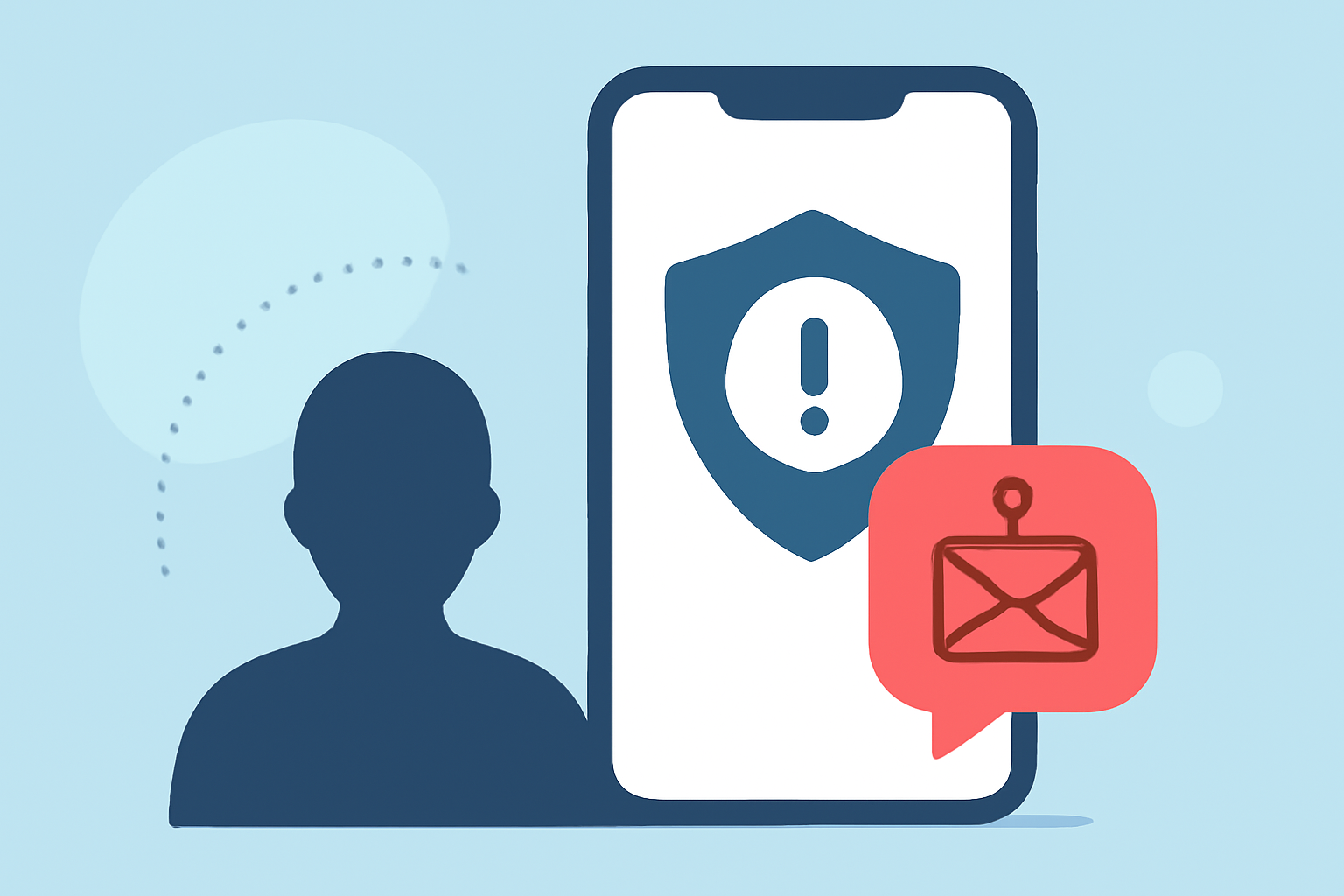
Phishing texts are deceptive messages that aim to trick you into revealing personal information such as passwords, credit card details, or account numbers. These messages can lead to identity theft and financial loss, making it crucial to have robust tools to filter them out.
How Can Robokiller Help?
Robokiller stands out as a comprehensive solution for blocking both spam calls and phishing texts. According to their help center, Robokiller doesn’t just filter out spam calls; it also blocks unwanted SMS and MMS messages. This dual functionality is essential for protecting your family against potential threats present in phishing attempts. You can learn more about Robokiller's features here.
Setting Up Robokiller on Family Phones
To ensure maximum effectiveness in blocking phishing texts:
- Install Robokiller: Download the app from the respective app store (iOS or Android).
- Default Messaging App (Android Users): For complete protection, set Robokiller as your default messaging app. This is crucial because it allows the application to filter and identify spam texts before they reach your inbox. Make sure to follow the app’s setup instructions for optimal use.
- iOS Users: While iOS has restrictions, Robokiller still works effectively in blocking unwanted texts, albeit with limited integration compared to Android.
Truecaller as an Alternative
While Robokiller is highly recommended, Truecaller can also be utilized as an alternative for those interested in filtering spam calls. It identifies and allows users to manually block spam through community inputs, but its SMS capabilities are more limited than Robokiller's. Truecaller focuses primarily on call identification and may not block texts effectively on all devices. More details can be found here.
How to Monitor for Phishing Attempts
Regardless of the tool you choose, you should routinely monitor your devices for any missed phishing texts.:
- Educate Family Members: Teach your family how to recognize phishing texts and highlight the importance of not clicking on suspicious links.
- Regularly Review Blocked Messages: Check the blocked message section in your app to ensure no important communications were mistakenly filtered.
Backup Options and Best Practices
If you want additional layers of protection:
- Enable Your Phone's Built-in Spam Filters: Both Android and iOS have native functionalities that help identify potential spam messages.
- Report Phishing Attempts: Ensure you report any phishing texts to your mobile carrier, helping improve spam detection for everyone.
- Avoid Sharing Personal Information: Train family members to avoid revealing sensitive information via text.
Conclusion: What We Recommend
- Opt for Robokiller: It’s the best choice for majority users looking for effective spam call and text blocking.
- Use Alternatives Sparingly: If using Truecaller, do so with the understanding that its SMS blocking is not as robust.
- Stay Vigilant: Continually educate your family on phishing threats to instill a culture of caution.
With phishing texts becoming increasingly sophisticated and prevalent, utilizing tools like Robokiller will help safeguard your family against these risks effectively.