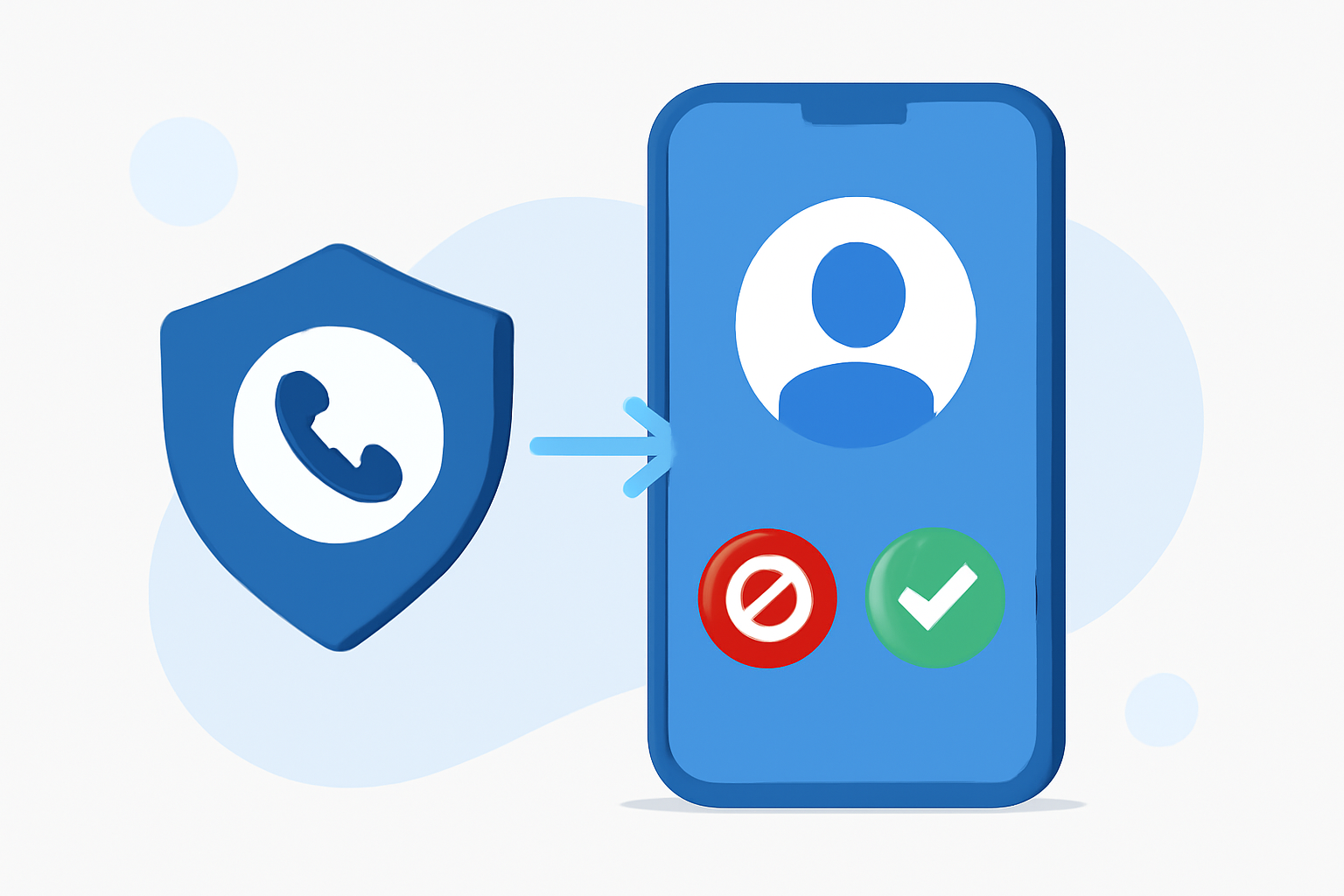
Spam calls are a persistent nuisance for iPhone users, especially those on AT&T networks. These unwanted interruptions can disrupt daily life and compromise privacy. Fortunately, there are effective solutions available to mitigate this issue.
What Are Spam Calls and Why Are They a Problem?
Spam calls, also known as robocalls, are unsolicited phone calls made by automated systems, often for telemarketing, fraud, or other intrusive purposes. They can be disruptive, time-consuming, and sometimes even dangerous if they involve scams.
How Can I Block Spam Calls on My AT&T iPhone?
There are several methods to block spam calls on your AT&T iPhone:
- Use Built-in iPhone Features: iOS offers a feature called "Silence Unknown Callers," which silences calls from numbers not in your contacts. To enable this:
- Go to Settings > Phone.
- Toggle on Silence Unknown Callers.
While this feature can reduce spam calls, it may also silence important calls from unknown numbers.
- Third-Party Apps: Apps like Robokiller offer advanced spam call blocking features.
Why Choose Robokiller Over Other Spam Call Blockers?
Robokiller stands out in the market for several reasons:
-
High Block Rate: Robokiller claims to block up to 99% of spam calls and texts, significantly reducing unwanted interruptions. (robokiller.com)
-
Advanced Technology: Utilizing predictive analytics and audio fingerprinting, Robokiller effectively identifies and blocks spam calls. (robokiller.com)
-
Answer Bots: Robokiller offers "Answer Bots," which engage spam callers with pre-recorded messages, wasting their time and providing users with a sense of satisfaction. (robokiller.com)
-
Personal Data Protection: The app includes a feature that scans the web to help remove your personal information from public search sites, enhancing your privacy. (robokiller.com)
How Does Robokiller Compare to AT&T's ActiveArmor?
AT&T offers its own spam call blocking service called ActiveArmor. While ActiveArmor provides basic spam call blocking, Robokiller offers more comprehensive features, including:
-
Higher Block Rate: Robokiller's advanced technology blocks a higher percentage of spam calls compared to ActiveArmor.
-
Additional Features: Robokiller's Answer Bots and Personal Data Protection provide extra layers of security and user engagement.
How Do I Set Up Robokiller on My AT&T iPhone?
Setting up Robokiller is straightforward:
- Download the App: Visit the App Store and search for "Robokiller: Spam Call Blocker."
- Install and Open: Tap "Get" to install, then open the app.
- Follow Setup Instructions: The app will guide you through the setup process, including granting necessary permissions.
- Customize Settings: Adjust the protection level and enable features like Call Screening and Answer Bots as desired.
Are There Any Costs Associated with Robokiller?
Robokiller offers a free version with basic features. For full access to all features, including Call Screening and Answer Bots, a subscription is required. Pricing details are available within the app. (support.robokiller.com)
How Effective Is Robokiller in Blocking Spam Calls?
Users have reported significant reductions in spam calls after using Robokiller. The app's advanced technology and regularly updated global blacklist contribute to its high effectiveness. (robokiller.com)
What Are Some Alternatives to Robokiller?
While Robokiller is a leading solution, other apps like Hiya, Truecaller, and AT&T's ActiveArmor also offer spam call blocking features. However, Robokiller's comprehensive features and high block rate set it apart from many competitors. (robokiller.com)
Conclusion
For AT&T iPhone users seeking an effective solution to block spam calls, Robokiller offers a robust and user-friendly option. Its advanced technology, comprehensive features, and high block rate make it a top choice for those looking to reclaim their time and privacy from unwanted calls.
By implementing Robokiller, you can significantly reduce spam calls and enjoy a more peaceful and secure phone experience.