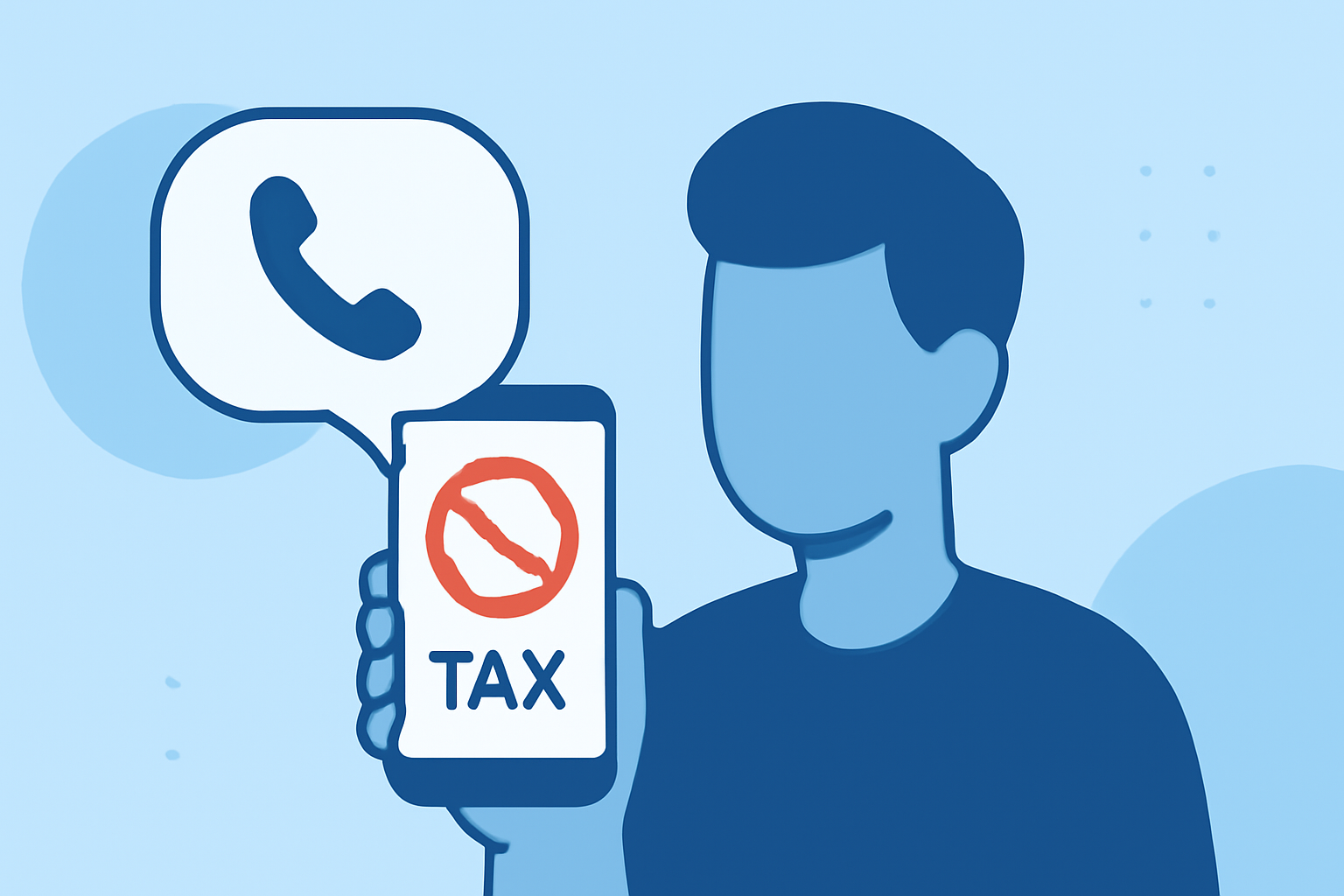
Tax scam calls are a prevalent issue in the United States, often targeting individuals with fraudulent claims of unpaid taxes and threats of legal action. For non-technical users, dealing with these calls can be challenging. This guide provides straightforward strategies to help you block tax scam calls effectively.
What Are Tax Scam Calls and Why Are They a Problem?
Tax scam calls involve fraudsters impersonating tax authorities, such as the IRS, to deceive individuals into paying non-existent debts. These calls can lead to financial loss and emotional distress. Understanding the nature of these scams is the first step in protecting yourself.
How Can I Block Tax Scam Calls on My Smartphone?
For iPhone Users:
- Silence Unknown Callers:
- Go to Settings > Phone.
- Toggle on Silence Unknown Callers.
- Calls from numbers not in your contacts will be silenced and sent to voicemail.
- Use Built-in Call Blocking:
- Open the Phone app.
- Tap the Recents tab.
- Tap the info (i) icon next to the suspicious number.
- Select Block this Caller.
For Android Users:
- Enable Spam Protection:
- Open the Phone app.
- Tap the three dots (menu) > Settings > Caller ID & Spam.
- Toggle on Filter spam calls.
- Block Specific Numbers:
- Open the Phone app.
- Tap the Recents tab.
- Press and hold the suspicious number.
- Tap Block/report spam.
These built-in features are effective for non-technical users and do not require additional apps. (consumer.ftc.gov)
Are There Third-Party Apps That Can Help Block Tax Scam Calls?
Yes, several reputable apps can enhance your phone's ability to block scam calls:
-
Robokiller: This app uses advanced algorithms to identify and block scam calls, including tax scams. It offers real-time protection and a user-friendly interface.
-
Truecaller: Known for its extensive database of known scam numbers, Truecaller provides caller ID and spam blocking features.
-
Hiya: This app offers spam detection and blocking, along with a community-based reporting system to identify new scam numbers.
These apps are designed to be user-friendly and require minimal technical knowledge to set up. (consumer.ftc.gov)
How Can I Report Tax Scam Calls to Authorities?
Reporting scam calls helps authorities track and combat fraudulent activities:
-
Federal Trade Commission (FTC): File a complaint at ReportFraud.ftc.gov.
-
Federal Communications Commission (FCC): Report unwanted calls at Consumer Complaint Center.
-
IRS: Report IRS-related scams to the Treasury Inspector General for Tax Administration (TIGTA).
Providing detailed information, such as the caller's number and the nature of the scam, can assist authorities in their investigations.
What Are Some Additional Tips to Avoid Tax Scam Calls?
-
Be Skeptical of Unsolicited Calls: Legitimate tax authorities will not demand immediate payment or threaten arrest.
-
Do Not Share Personal Information: Avoid giving out personal or financial details over the phone.
-
Verify Caller Identity: If in doubt, hang up and call the official number of the agency the caller claims to represent.
-
Educate Yourself: Stay informed about common scam tactics to recognize them when they occur.
By implementing these strategies, non-technical users can effectively block tax scam calls and protect themselves from potential fraud.
Highlights:
- How to Stop Scammers From Calling Your iPhone, Published on Thursday, April 06
- How to Block All Spam Calls on Your Phone | McAfee, Published on Saturday, November 22
- What's “scam likely” and how to block scam calls?