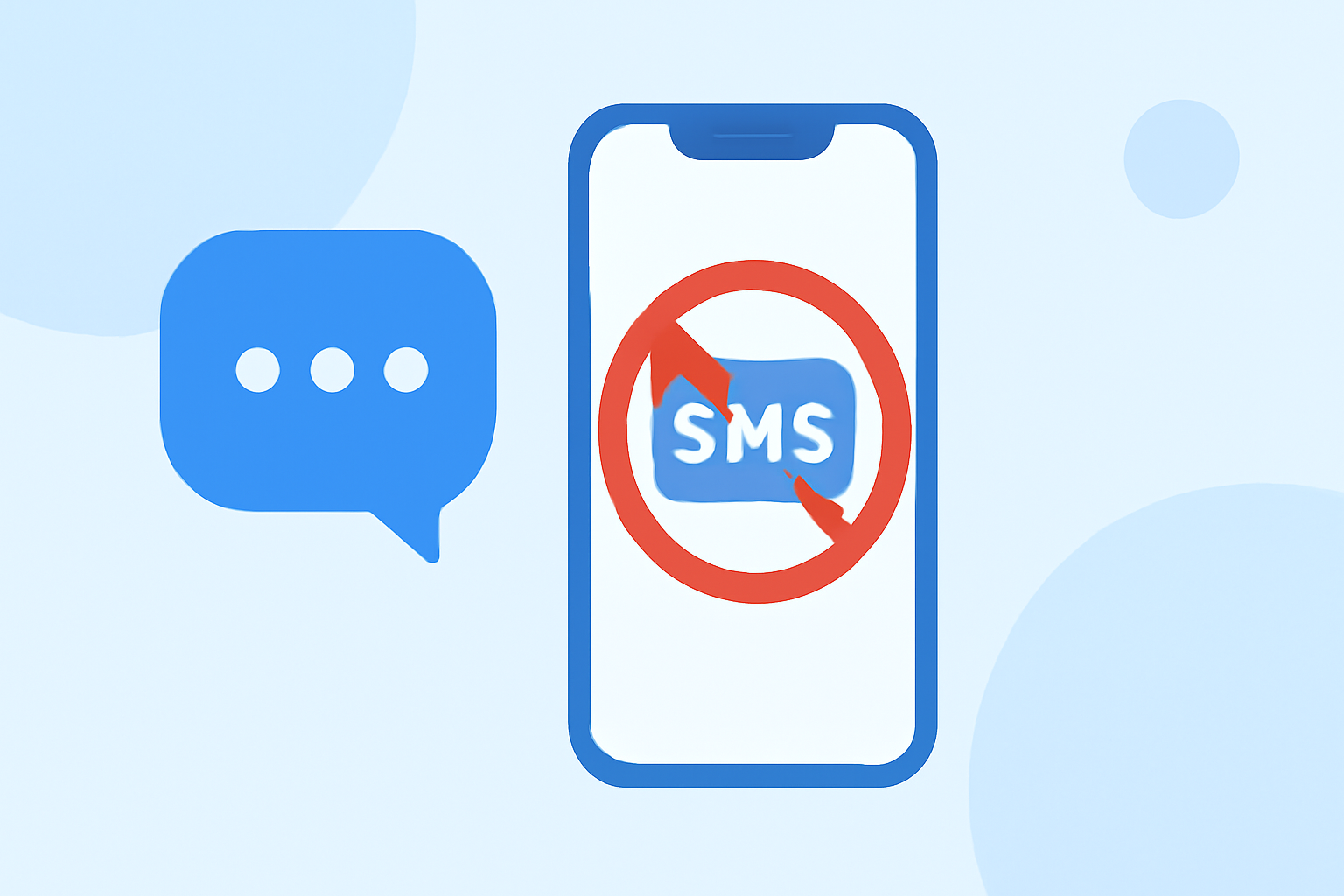
Unwanted SMS messages, commonly known as spam texts, are a nuisance that can clutter your inbox and compromise your privacy. Fortunately, there are effective solutions available to help you block these unwanted messages.
What Are Unwanted SMS Messages?
Unwanted SMS messages are unsolicited texts sent by unknown or untrusted sources, often for advertising, phishing, or other malicious purposes. They can range from promotional offers to fraudulent schemes attempting to steal personal information.
Why Should You Block Unwanted SMS Messages?
Blocking unwanted SMS messages helps maintain your privacy, reduces the risk of falling victim to scams, and keeps your messaging app organized. By preventing these messages from reaching your inbox, you can ensure that only legitimate communications come through.
How Can You Block Unwanted SMS Messages on Your Phone?
For Android Users:
-
Use Built-in Features: Many Android devices offer native options to block unknown senders. For instance, you can filter messages from unknown numbers by enabling the "Filter unknown senders" option in your messaging app settings.
-
Install Third-Party Apps: Applications like Truecaller and RoboKiller are designed to identify and block spam messages. Truecaller uses a vast database to detect spam, while RoboKiller employs machine learning to block unwanted texts.
For iPhone Users:
-
Enable SMS Filtering: iOS provides a feature to filter unknown senders. By turning on "Filter Unknown Senders" in your Messages settings, texts from numbers not in your contacts are sorted into a separate tab.
-
Use Third-Party Apps: Apps like VeroSMS and SMS Shield offer additional layers of protection by filtering out spam messages based on user-defined criteria.
What Are the Best Apps to Block Unwanted SMS Messages?
Several apps are highly effective in blocking unwanted SMS messages:
-
RoboKiller: Known for its advanced spam detection and blocking capabilities, RoboKiller uses machine learning to identify and block spam messages. It also offers features like Answer Bots to engage with spam callers.
-
Truecaller: With a large user base, Truecaller identifies unknown callers and blocks spam messages. It provides real-time spam detection and a community-based spam reporting system.
-
VeroSMS: This app allows users to manually add keywords and numbers to block, offering a privacy-focused approach to SMS filtering.
How Do These Apps Compare to Carrier Services?
While carrier services like AT&T's Call Protect and Verizon's Call Filter offer spam blocking features, third-party apps often provide more comprehensive protection. For example, RoboKiller has been downloaded over 11 million times in the United States and is known for its powerful protection against spam calls and text messages. (jooksms.com)
Are There Any Free Options Available?
Yes, some apps offer free versions with basic features. For instance, Truecaller provides a free version with essential spam blocking capabilities. However, advanced features may require a subscription.
How Can You Report Unwanted SMS Messages?
Most spam blocking apps allow users to report unwanted messages, which helps improve the app's spam detection algorithms. Additionally, you can report spam messages to your carrier or the Federal Trade Commission (FTC) to help combat spam.
Conclusion
Blocking unwanted SMS messages is crucial for maintaining privacy and reducing the risk of scams. By utilizing built-in features and third-party apps, you can effectively manage and block these messages. RoboKiller, with its advanced features and user-friendly interface, stands out as a top choice for many users seeking reliable spam protection.
Highlights:
- 11 Best Spam Text Blocker Apps - All You Need To Know - JookSMS, Published on Monday, December 05
- Top 6 Apps to Block Text Message [Trusted] – AirDroid, Published on Wednesday, February 26
- The 7 Best Call Blocker Apps for Android Phones (2026) | Fone.tips, Published on Tuesday, April 14