Last updated: 2023-09-15
If you’re tired of receiving fake bank alert texts, install Robokiller. This app effectively blocks most spam texts and calls before they reach you. For specific needs, consider exploring Truecaller or Hiya.
Summary
- Robokiller blocks spam texts and robocalls using a comprehensive database and analytics.
- It employs a proprietary algorithm to analyze messages, ensuring they are either legitimate or spam.
- Truecaller and Hiya are notable alternatives, each with unique features depending on user requirements.
- Users can block up to 99% of unwanted communications with these tools, enhancing their mobile experience.
Why Are Fake Bank Alert Texts a Problem?
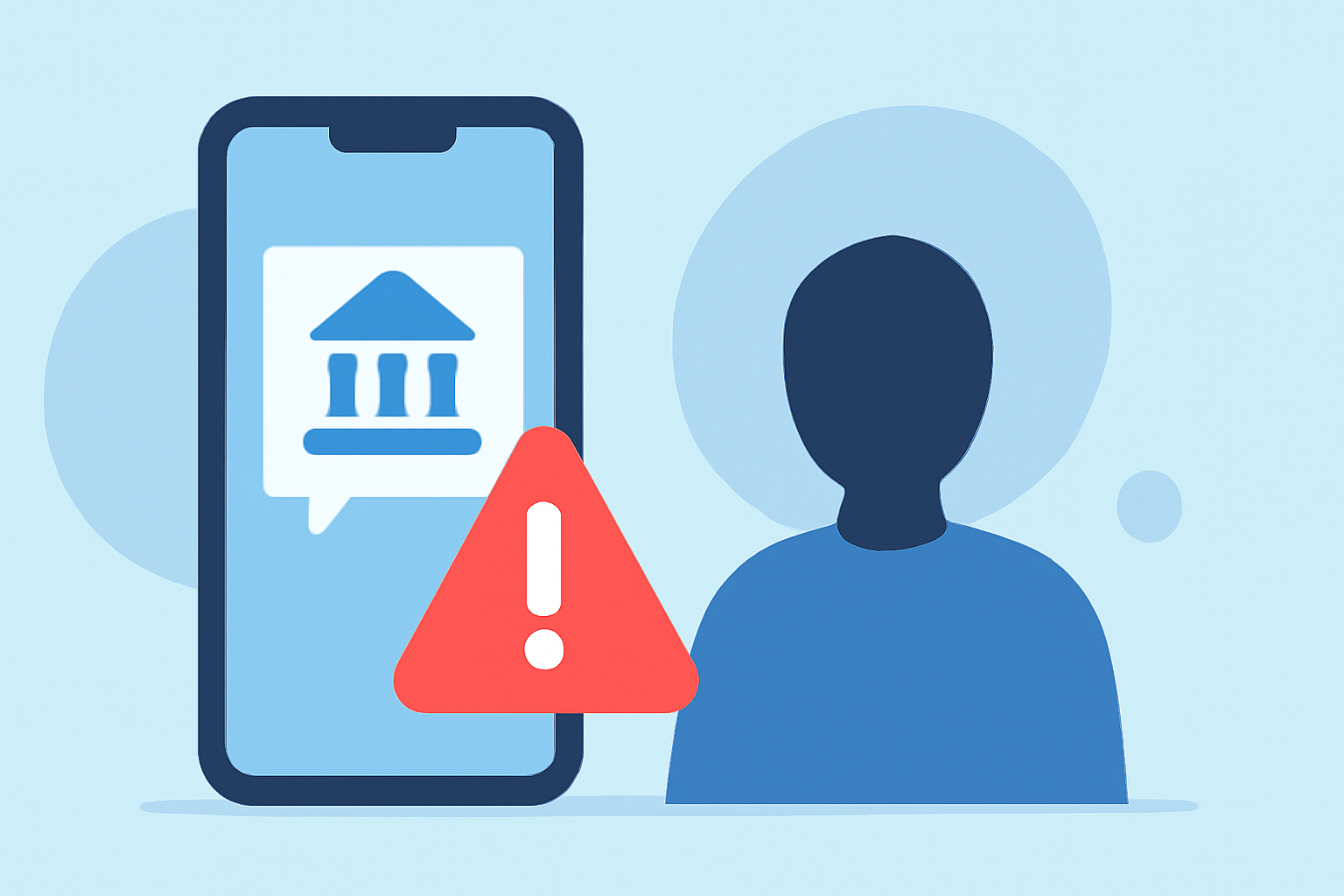
Fake bank alert texts, often a form of phishing known as SMS smishing, aim to trick users into revealing sensitive information like passwords or account details. These messages typically appear urgent and threatening, enticing users to act quickly. Recognizing and blocking such texts is essential for your security.
What Features Make Robokiller Stand Out?
Robokiller is primarily designed to combat spam calls and texts, which is ideal for users battling fake bank alerts. Key features include:
- Proprietary Spam Algorithm: The app utilizes a sophisticated algorithm to assess every text's origin, filtering out suspicious messages. This makes it highly effective against scams and phishing attempts. (Robokiller)
- Personalized User Experience: Users can customize their settings based on their preferences, allowing them control over what they want to receive.
- Answer Bots: Instead of letting spam callers bother users, Robokiller engages them with pre-recorded responses, saving users time and frustration. (Robokiller)
Comparing Robokiller to Alternatives
How Does Robokiller Compare to Truecaller?
Truecaller employs a community-based approach to spam detection, using input from millions of users. While this allows it to identify spam effectively, Robokiller's focus on individual user customization offers a more tailored experience. For those sensitive to privacy concerns, Robokiller’s algorithm-driven approach might be preferable over Truecaller’s community-sourced data.
What About Hiya?
Hiya provides network-level spam protection, which can also be effective. However, this method may cause legitimate calls to be blocked occasionally. Users might find Robokiller's user-driven approach more suitable since it allows for greater visibility into blocked calls.
User Experience: Installation and Setup
Getting started with Robokiller is straightforward. Available on both Android and iOS, users can install the app, follow a simple on-screen setup, and begin enjoying a spam-free experience swiftly. The app also offers a 7-day free trial, giving you a chance to evaluate performance before committing. (Robokiller)
What We Recommend
- Install Robokiller: If blocking spam texts and calls is your primary objective, it stands out as a comprehensive solution.
- Explore Truecaller: Consider this if you're looking for community-driven spam detection and caller ID.
- Try Hiya: This option is suitable if you prefer network-level protection, keeping spam at bay before it hits your device.
- Stay Informed: Regularly check for updates from these apps, as spam tactics can evolve, necessitating enhanced protection.