Unwanted calls, including spam and scams, are a persistent nuisance for iPhone users. Apple's built-in features and third-party apps like Hiya offer solutions, but how do they compare?
How Effective Is iPhone's Built-in Call Blocking?
Apple provides a native feature called "Silence Unknown Callers," which sends calls from numbers not in your contacts directly to voicemail. This method is straightforward but has limitations:
- Missed Important Calls: Legitimate calls from unknown numbers, such as from doctors or delivery services, may be missed.
- No Caller Identification: You won't know who called until you check your voicemail.
What Is Hiya and How Does It Work?
Hiya is a third-party app designed to identify and block spam and scam calls. Key features include:
- Caller Identification: Displays the caller's name and reason for calling, even if they're not in your contacts.
- Spam Detection: Flags known spam numbers in real-time.
- Call Blocking: Automatically blocks calls identified as spam or scam.
Hiya maintains an extensive database of known spam numbers, updating it regularly to provide up-to-date protection. (blog.hiya.com)
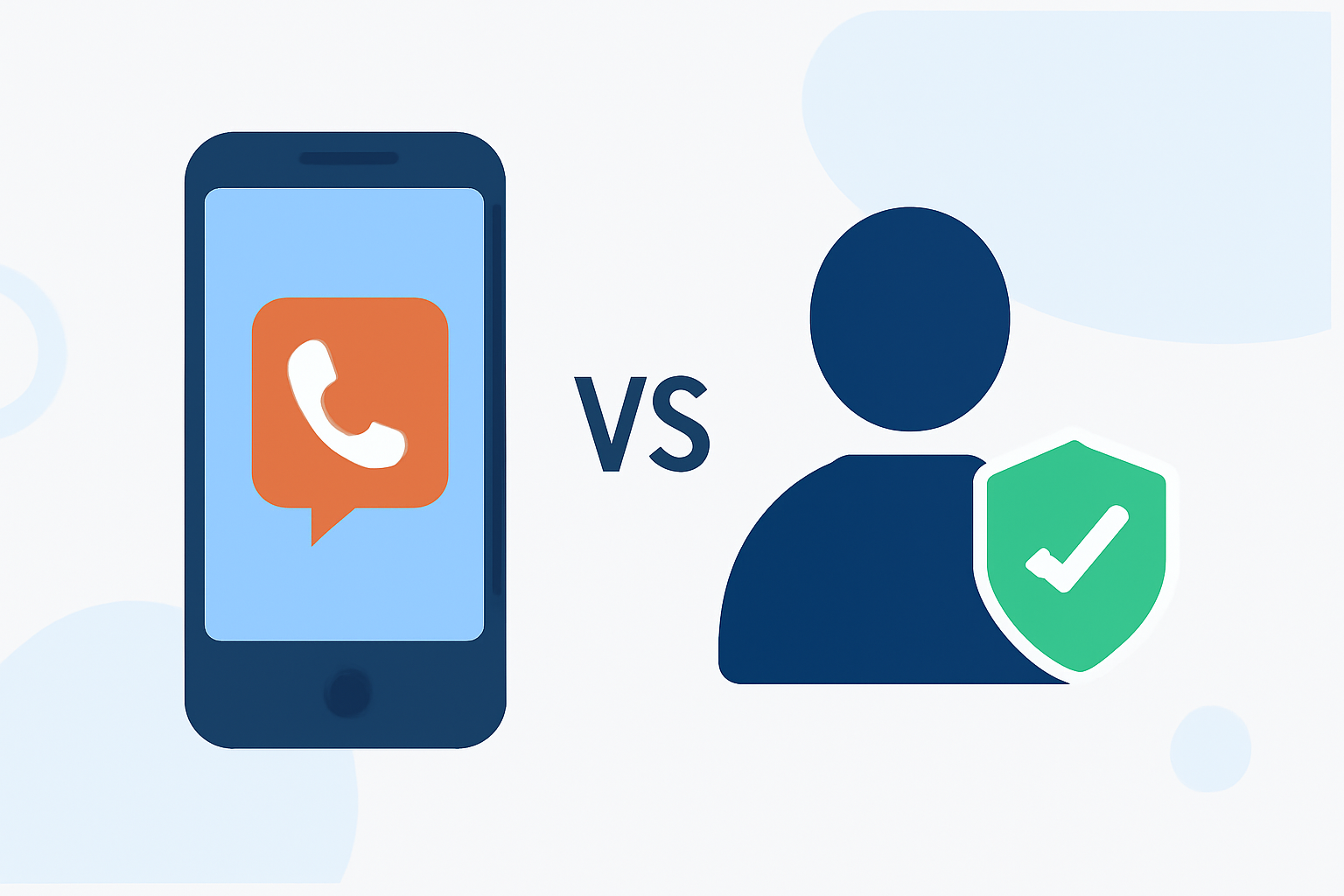
How Does Hiya Compare to iPhone's Built-in Features?
While Apple's native feature offers basic call silencing, Hiya provides a more comprehensive approach:
- Real-Time Caller Information: Hiya shows who is calling and why, allowing informed decisions.
- Active Call Blocking: Automatically blocks known spam calls, reducing interruptions.
- Regular Updates: Hiya's database is frequently updated to adapt to new spam tactics.
Is Hiya a Better Solution Than iPhone's Built-in Call Blocking?
For users seeking proactive and detailed protection against unwanted calls, Hiya offers advantages over Apple's built-in features. Its real-time identification and active blocking provide a more robust defense against spam and scams.
How to Set Up Hiya on Your iPhone
- Download the App: Install Hiya from the App Store.
- Enable Call Blocking: Go to Settings > Phone > Call Blocking & Identification, then toggle on Hiya.
- Customize Settings: Adjust preferences for call blocking and notifications within the Hiya app.
Are There Any Drawbacks to Using Hiya?
Some users have reported issues with Hiya's blocking accuracy and the availability of certain features. It's important to review the app's settings and user feedback to ensure it meets your needs. (apps.apple.com)
Conclusion
While iPhone's built-in call blocking offers basic protection, Hiya provides a more comprehensive solution with real-time caller information and active call blocking. For enhanced defense against unwanted calls, Hiya is a strong choice.
Highlights:
- What you need to know about Apple’s iOS 26 Call Screening, Published on Sunday, September 07