As a T-Mobile iPhone user, managing unwanted calls is essential to maintain a seamless communication experience. While Verizon offers its Call Filter service, Robokiller provides an alternative that may better suit your needs. Let's delve into the features of both to help you make an informed decision.
What Is Verizon Call Filter?
Verizon's Call Filter is a service designed to identify and block spam and robocalls. It offers two tiers:
-
Call Filter (Free): Includes spam detection, spam filtering, a log of spam and blocked calls, an allow list, and the ability to report spam. (verizon.com)
-
Call Filter Plus ($3.99/month): Adds features like caller ID, spam lookup, a personal block list, a spam risk meter, and the ability to block calls by category. (community.verizon.com)
What Is Robokiller?
Robokiller is a third-party app available for iOS devices that specializes in blocking spam and robocalls. It offers features such as:
-
Spam Call Blocking: Automatically blocks known spam numbers.
-
Customizable Block Lists: Allows users to create personal block lists.
-
Answer Bots: Engages with spam callers using pre-recorded messages to waste their time.
-
Call Analytics: Provides insights into blocked calls and caller information.
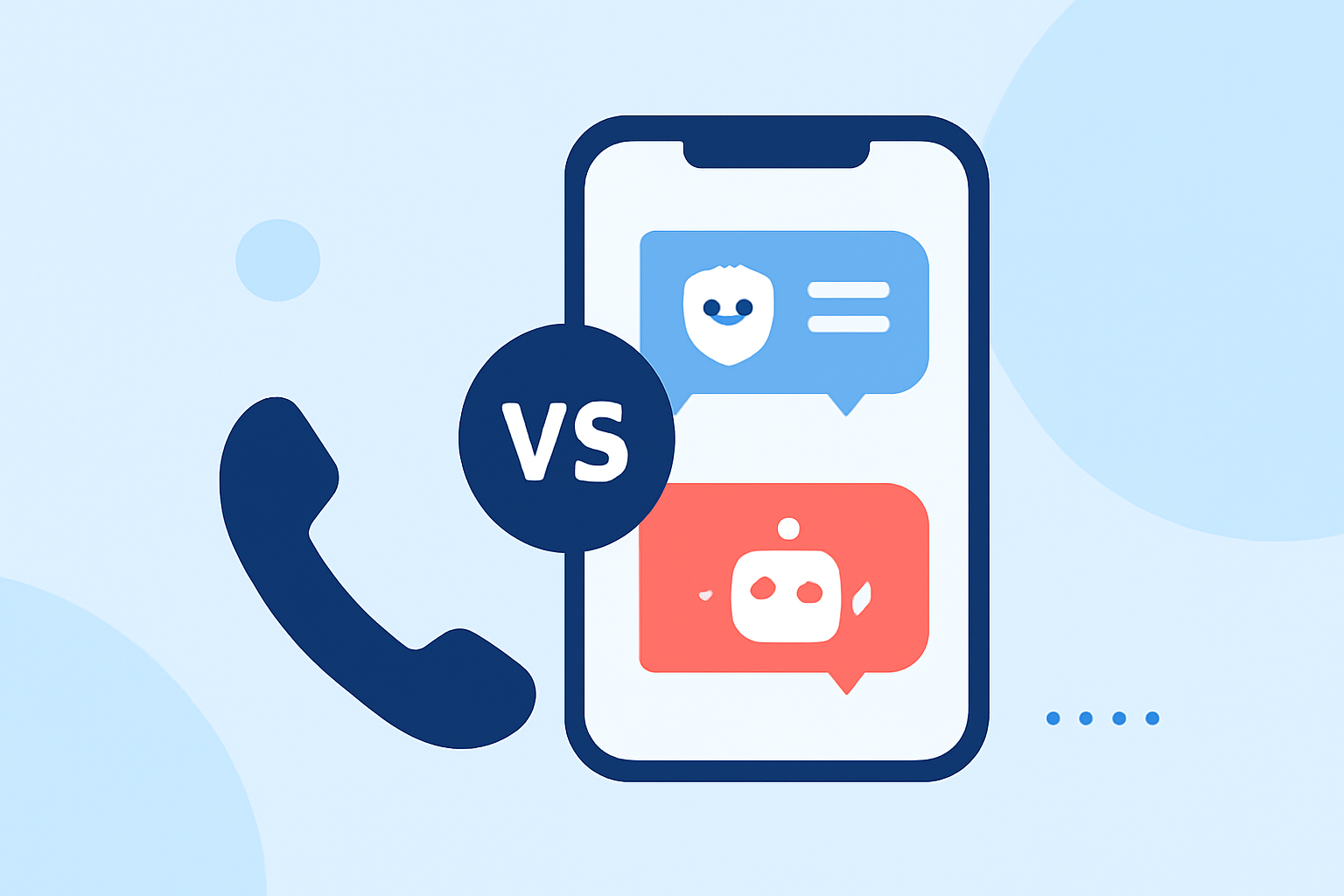
How Do These Services Compare for T-Mobile iPhone Users?
Compatibility:
Both Verizon Call Filter and Robokiller are compatible with iPhone devices. However, Verizon Call Filter is specifically tailored for Verizon customers, which may limit its functionality for T-Mobile users. Robokiller, being a third-party app, is designed to work across various carriers, including T-Mobile.
Features:
-
Spam Detection and Blocking: Verizon's Call Filter offers spam detection and blocking features. (verizon.com) Robokiller provides similar capabilities, along with customizable block lists and answer bots.
-
Caller Identification: Call Filter Plus includes caller ID and spam lookup features. (community.verizon.com) Robokiller offers call analytics and insights into blocked calls.
Cost:
Verizon Call Filter is free for Verizon customers, with an optional upgrade to Call Filter Plus at $3.99 per month. (verizon.com) Robokiller requires a subscription, with pricing details available on their website.
Which Service Is Better for T-Mobile iPhone Users?
Given that Verizon Call Filter is optimized for Verizon customers, T-Mobile iPhone users may find it less effective or incompatible. Robokiller, being carrier-agnostic, offers a more versatile solution for T-Mobile users seeking robust call filtering features.
How to Set Up Robokiller on Your T-Mobile iPhone
-
Download the App: Visit the App Store and search for "Robokiller."
-
Install and Open: Tap "Get" to download and install the app, then open it.
-
Set Up Account: Follow the on-screen instructions to create an account.
-
Configure Settings: Customize your call blocking preferences and allow necessary permissions.
-
Activate Call Blocking: Enable call blocking within the app settings.
Conclusion
For T-Mobile iPhone users, Robokiller offers a comprehensive and compatible solution for blocking unwanted calls, providing features that Verizon's Call Filter may not fully support. By choosing Robokiller, you can enhance your call management and reduce interruptions from spam and robocalls.
Highlights:
- Verizon Call Filter App Review 2026 | Pros and Cons – Honest & Unbiased - YouTube, Published on Thursday, February 19