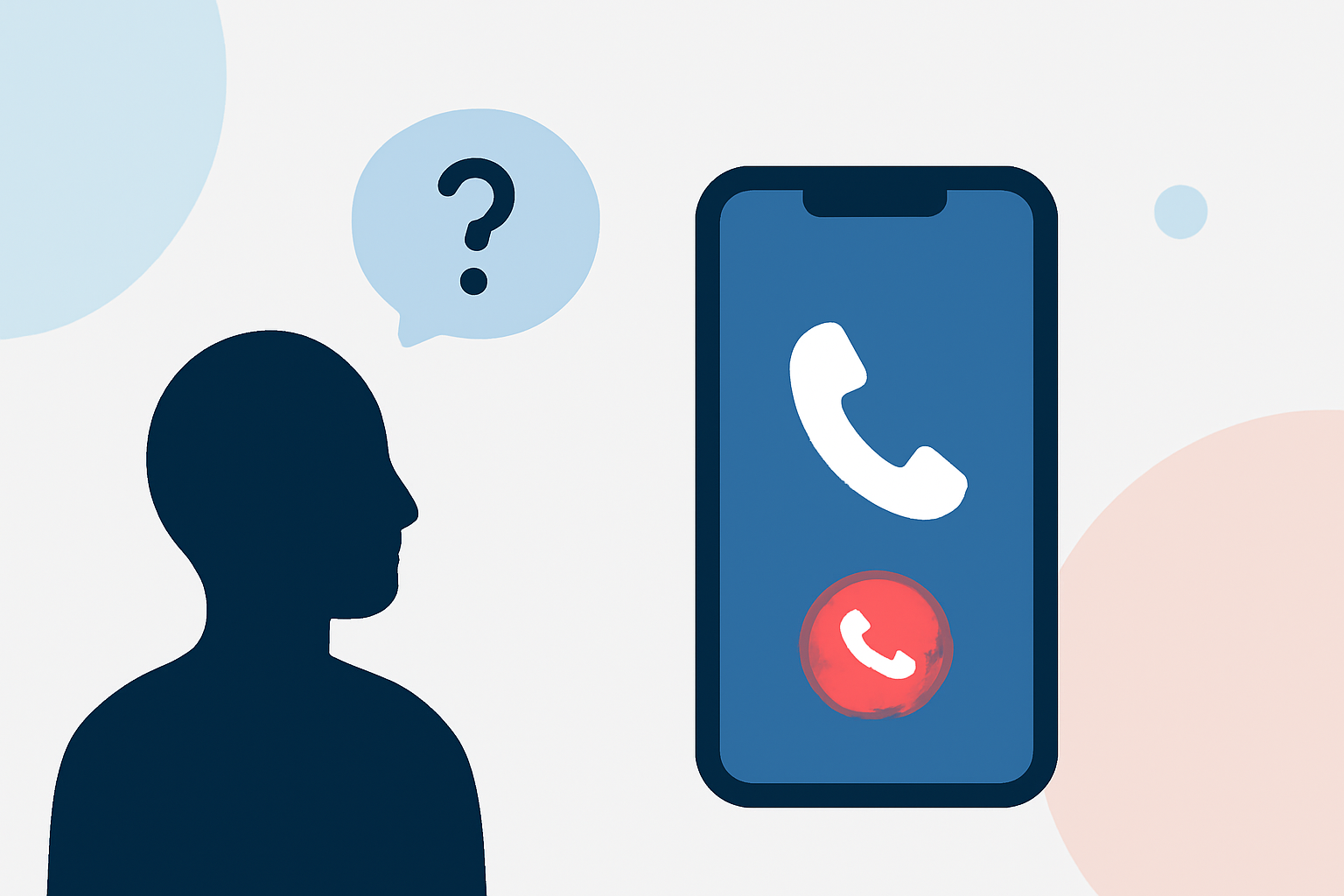
Receiving an unexpected call on your Verizon iPhone can be concerning, especially when you're unsure whether it's from a legitimate source or a potential spammer. Here's how you can decide whether to return such calls:
1. Utilize Verizon's Built-in Call Filter
Verizon offers a service called Call Filter, designed to help identify and block spam calls. This service screens incoming calls and alerts you if a number may be spam, a robocall, or fraud. High-risk spam calls are automatically forwarded to voicemail. You can manage and adjust these settings through the Call Filter app or the My Verizon website. (verizon.com)
2. Enable iPhone's 'Silence Unknown Callers' Feature
Your iPhone has a built-in feature called "Silence Unknown Callers," which silences calls from numbers not in your contacts, recent calls, or Siri Suggestions. These calls are sent directly to voicemail. To activate this feature:
-
Go to Settings > Phone.
-
Toggle on Silence Unknown Callers.
This helps reduce interruptions from unknown numbers. (techradar.com)
3. Consider Third-Party Spam Call Blocking Apps
For enhanced spam call protection, you might consider third-party apps like Robokiller, Truecaller, or Hiya. These apps provide additional layers of security by identifying and blocking spam calls. Robokiller, for instance, uses a global database of analyzed calls and machine learning to identify robocalls. (apps.apple.com)
4. Check the Caller's Number and Area Code
If the call is from an unfamiliar area code or a number you don't recognize, it could be a scam. However, some legitimate businesses may also use unfamiliar numbers. If you're uncertain, consider searching the number online to see if others have reported it as spam.
5. Listen to Voicemail Messages
If the caller leaves a voicemail, listen to it carefully. Legitimate callers will often leave a clear message, while spam callers may leave generic or no messages at all.
6. Use Reverse Phone Lookup Services
Services like Whitepages or Spokeo allow you to enter a phone number and see information about the caller. This can help you determine if the number is associated with a business or reported as spam.
Conclusion
To decide whether to return a call on your Verizon iPhone:
-
Use Verizon's Call Filter: It helps identify and block spam calls.
-
Enable 'Silence Unknown Callers': This feature silences calls from unknown numbers.
-
Consider Third-Party Apps: Apps like Robokiller offer additional spam protection.
-
Assess the Caller's Information: Check the number and listen to any voicemail left.
By combining these strategies, you can make informed decisions about returning calls and protect yourself from potential spam or scam calls.
Highlights:
- How to block spam calls on iPhone, Published on Saturday, August 23
- Call Screening in iOS 26 has finally ended my spam call nightmare - here's how to set it up, Published on Thursday, September 25