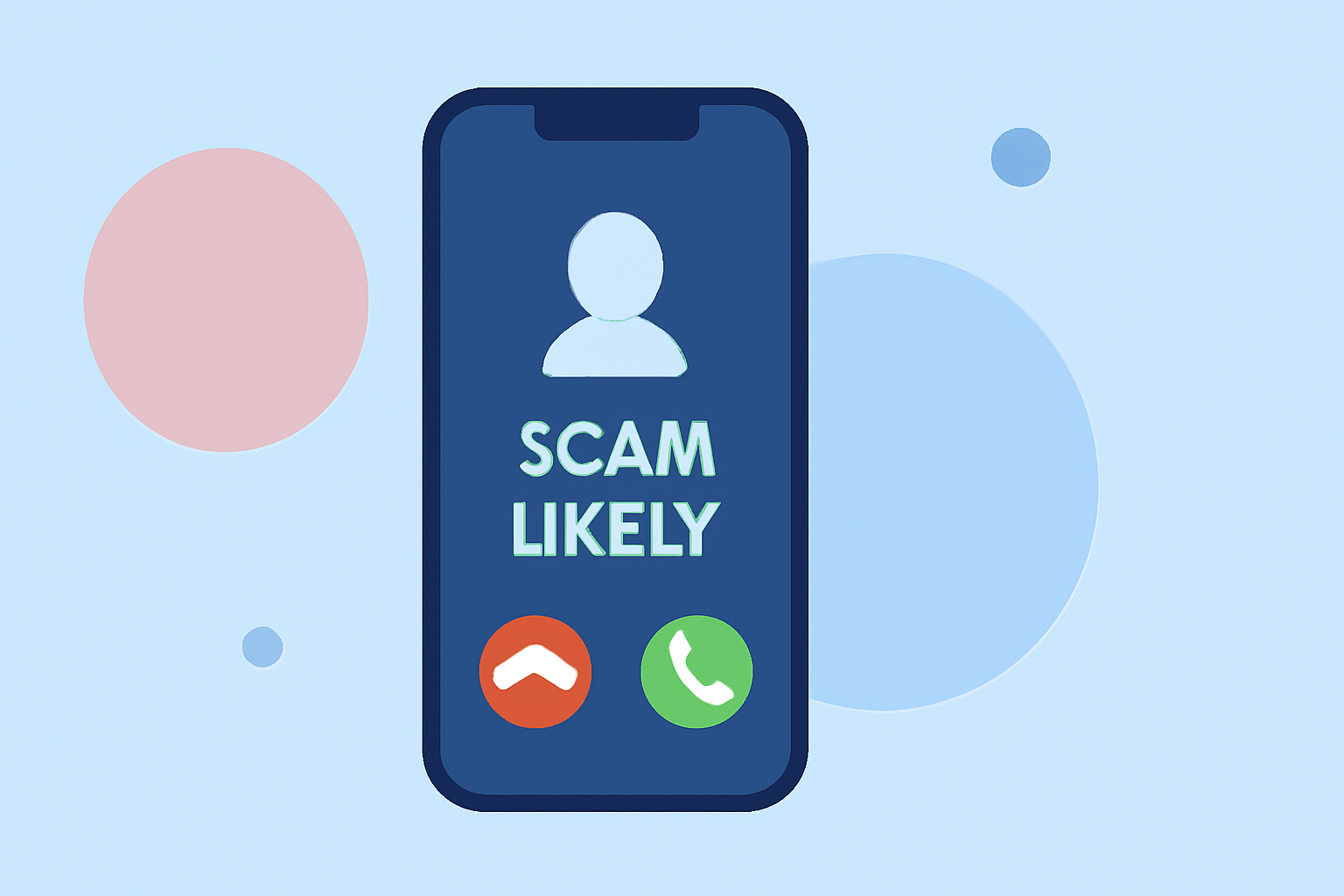
Receiving a call labeled "Scam Likely" on your T-Mobile iPhone can be concerning. This label indicates that T-Mobile's Scam Shield feature has flagged the number as potentially fraudulent. While Scam Shield offers a level of protection, it's not foolproof. Some legitimate calls may be misidentified as scams, and scammers can sometimes bypass these filters. To make an informed decision about returning such calls, consider the following steps:
1. Understand T-Mobile's Scam Shield Features
T-Mobile's Scam Shield provides several tools to protect users from unwanted calls:
-
Scam ID: Displays "Scam Likely" for suspected scam calls.
-
Scam Block: Automatically blocks calls identified as scams.
-
Caller ID: Shows caller information, even for numbers not in your contacts.
These features utilize advanced network technology, including AI and machine learning, to analyze and block scam calls. (apps.apple.com)
2. Evaluate the Call's Context
Before returning a "Scam Likely" call, consider the following:
-
Recent Interactions: Have you recently applied for a job, made a purchase, or signed up for a service that might contact you?
-
Known Contacts: Could the call be from a friend or business using a different number?
-
Urgency: Does the call convey a sense of urgency or request personal information?
If the call pertains to any of these areas, it might be legitimate. However, if it seems unsolicited or requests sensitive information, exercise caution.
3. Utilize Additional Call Screening Features
Your iPhone offers built-in features to help manage unknown calls:
-
Silence Unknown Callers: This feature silences calls from numbers not in your contacts, sending them directly to voicemail. While effective against spam, it may also miss important calls.
-
Ask for Reason: Introduced in iOS 26, this feature prompts unknown callers to state their name and reason for calling before your phone rings. This allows you to screen calls more effectively. (tomsguide.com)
4. Consider Third-Party Call Blocking Apps
For enhanced protection, third-party apps like Robokiller offer additional features:
-
Audio Fingerprinting: Identifies scammers based on their unique voice patterns, even if they change numbers.
-
Spam Text Blocking: Blocks unwanted text messages, providing comprehensive protection.
-
Answer Bots: Engages with spam callers to waste their time and deter future calls.
Robokiller's features complement T-Mobile's Scam Shield, offering a more robust defense against unwanted calls. (robokiller.com)
5. Stay Vigilant and Report Suspicious Calls
Always be cautious when dealing with unknown callers:
-
Do Not Share Personal Information: Never provide sensitive details over the phone unless you're certain of the caller's identity.
-
Report Suspicious Calls: Use T-Mobile's Scam Shield app to report potential scams, helping improve the system's accuracy.
By combining T-Mobile's Scam Shield with proactive call management and additional tools like Robokiller, you can make more informed decisions about returning calls labeled "Scam Likely."
Highlights:
- I haven't answered a scam call in months - this hidden iPhone feature is why, Published on Wednesday, March 18
- I'm a security editor and here's how I stopped a phishing attempt 1,900 miles away from home, Published on Monday, October 13
- Phishing scam alert: This "We found your lost iPhone" text is fake and wants to steal your Apple ID, Published on Tuesday, November 11