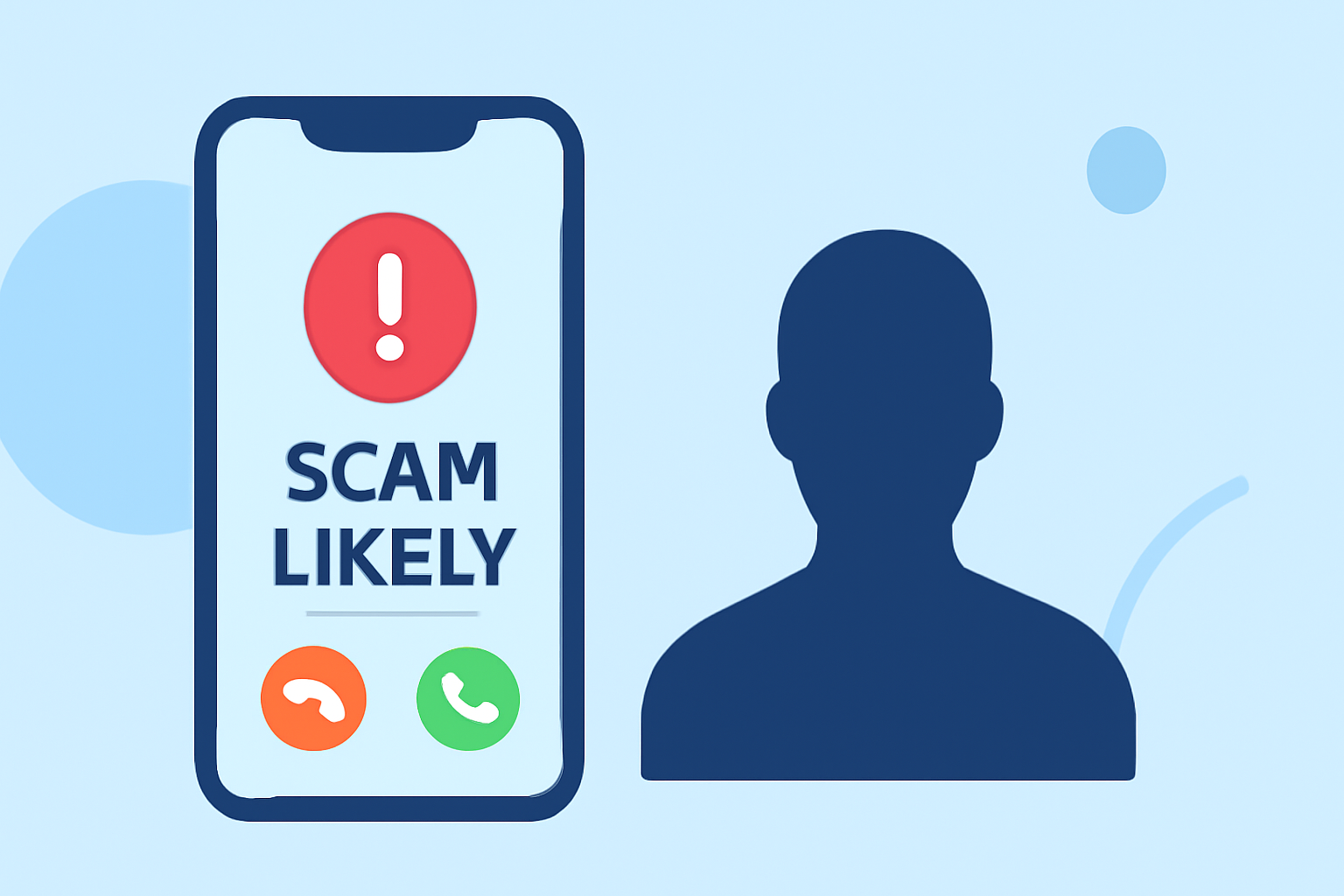
Receiving "Scam Likely" calls can be both frustrating and concerning. These calls are typically flagged by your carrier as potential scams, but they can still disrupt your day. Fortunately, there are several effective strategies to reduce or eliminate these unwanted interruptions.
What Are 'Scam Likely' Calls?
"Scam Likely" is a label that appears on your phone when your carrier identifies an incoming call as potentially fraudulent. Carriers use various methods, such as databases of known scammers and patterns of suspicious activity, to flag these calls. (asurion.com)
How Can I Block 'Scam Likely' Calls on My Phone?
For iPhone Users:
-
Silence Unknown Callers: Navigate to Settings > Phone > Silence Unknown Callers and toggle it on. This feature sends calls from numbers not in your contacts directly to voicemail. (malwarebytes.com)
-
Block Specific Numbers: Open the Phone app, go to Recents, tap the information icon next to the number, and select "Block this Caller." (malwarebytes.com)
For Android Users:
-
Enable Spam Protection: Open the Phone app, go to Settings > Caller ID & Spam, and enable "See caller and spam ID" and "Filter spam calls." This will warn you about potential scam calls. (malwarebytes.com)
-
Block Specific Numbers: Open the Phone app, go to Recents, press and hold the suspicious number, then choose "Block/report spam." (malwarebytes.com)
Are There Carrier Services to Help Block Scam Calls?
Yes, major carriers offer services to help block scam calls:
-
T-Mobile: Offers Scam Shield, which provides scam call blocking and caller ID features. (howtogeek.com)
-
Verizon: Provides Call Filter, which identifies and blocks potential spam calls. (asurion.com)
-
AT&T: Offers ActiveArmor, which includes spam call blocking and caller ID features. (malwarebytes.com)
How Can Third-Party Apps Help Reduce Scam Calls?
Third-party apps can provide additional layers of protection:
-
RoboKiller: Utilizes advanced algorithms and a large database of known scam numbers to block unwanted calls.
-
Hiya: Offers real-time spam detection and blocking, along with caller ID features.
-
Truecaller: Provides a community-based spam list and caller ID services.
These apps often require a subscription but can significantly reduce the number of scam calls you receive. (kiplinger.com)
What Are Additional Steps to Prevent Scam Calls?
-
Register with the National Do Not Call Registry: This can reduce calls from legitimate telemarketers but won't stop illegal robocalls or spoofed scam numbers. (malwarebytes.com)
-
Be Cautious with Your Phone Number: Limit sharing your number online and be wary of unsolicited requests for your contact information.
-
Report Scam Calls: Report unwanted calls to the Federal Trade Commission (FTC) to help authorities track and combat scammers. (consumer.ftc.gov)
How Does RoboKiller Compare to Other Call Blocking Services?
RoboKiller stands out by offering a comprehensive solution that combines advanced algorithms, a vast database of known scam numbers, and a user-friendly interface. Unlike some carrier services that may have limitations or require additional fees, RoboKiller provides robust protection against scam calls without compromising user experience.
By implementing these strategies, you can significantly reduce the number of "Scam Likely" calls you receive, leading to a more secure and less interrupted phone experience.
Highlights:
- Tired of Unwanted Calls? Here's How to Help Thwart the Robocaller Invasion, Published on Friday, March 06
- Your Android phone could soon get a better way to sniff out spoofed calls, Published on Thursday, April 16
- This hidden Samsung Galaxy S26 feature will filter out scammers and other nuisance calls - here how you switch it on, Published on Wednesday, April 08