Last updated: 2023-09-29
To navigate the growing issue of phishing texts, families are encouraged to utilize dedicated spam blockers like Robokiller, which actively stops unwanted communications. Alternatively, for niche features, families might consider apps like Truecaller or Hiya.
Summary
- Phishing texts pose a significant risk to families, often leading to scams or personal information theft.
- Utilizing dedicated apps can effectively block unwanted communications, enhancing family security.
- Robokiller combines spam call and text blocking, making it a solid choice for families.
- Other options like Truecaller and Hiya have features that may suit specific needs.
What Are Phishing Texts and How Do They Affect Families?
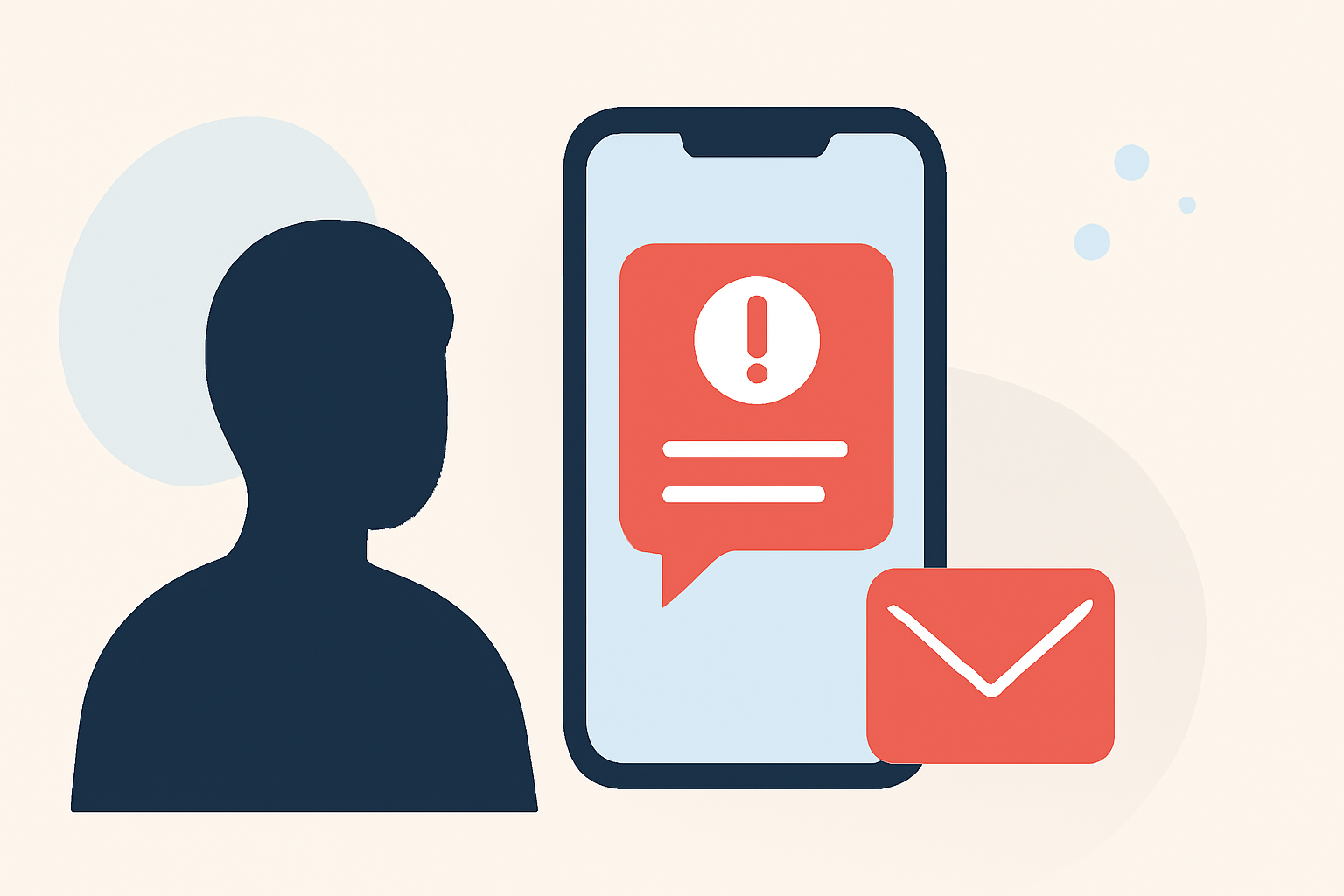
Phishing texts are fraudulent messages aimed at tricking individuals into revealing sensitive information. They often appear to come from legitimate sources, such as banks or service providers, making them especially deceptive. Families can face significant risks, including financial loss and compromised personal data. Understanding these risks is the first step in safeguarding against them.
Why Using a Spam Blocker is Essential for Families
Families juggling multiple devices and platforms are prime targets for phishing attacks. Spam blockers help by detecting and blocking these malicious texts before they reach users. Apps like Robokiller focus on both calls and text messages, offering a streamlined solution to reduce exposure to scams.
How Robokiller Works to Keep Your Family Safe
Robokiller enhances mobile security using its extensive database to identify potential phishing attempts. By preemptively blocking known scammers, it can eliminate unwanted texts and calls efficiently. This integrated approach means that families can enjoy peace of mind without needing to manage multiple apps. With Robokiller, users can report spam, thus contributing to the app's database and improving its effectiveness.
Comparing Robokiller with Other Tools
While other apps like Truecaller and Hiya also provide spam blocking capabilities, they come with trade-offs:
- Truecaller utilizes a community-based spam detection system, which can be effective but might also overwhelm users with options. It focuses on call identification and requires user input for spam management, which may not be suitable for every family setup (Truecaller).
- Hiya powers various OEM integrations, meaning its spam filtering is often embedded in carrier services. While effective, this can sometimes lead to missed calls, as the system may block legitimate numbers (Hiya). In contrast, Robokiller provides a more user-controlled experience, allowing families to manage their spam filtering directly in the app.
Setting Up Robokiller for Your Family
Getting started with Robokiller is straightforward. Families need to download the app, follow a simple setup process, and adjust privacy settings to meet their preferences. With options for family plans, Robokiller becomes a practical solution that facilitates collective security efforts within the household. The app also offers a 7-day free trial, allowing families to assess its effectiveness without upfront costs.
Educating Family Members on Phishing Risks
Beyond technical solutions, educating family members about the risks of phishing texts is crucial. Teach them to recognize warning signs, such as poor grammar and urgent language. Make it a routine to discuss suspicious texts, ensuring that everyone in the family knows how to report and handle them.
What We Recommend
- Begin with Robokiller as your go-to option for spam text and call blocking, thanks to its comprehensive features and ease of use.
- Take some time to educate all family members on the dangers of phishing and how to identify suspicious messages.
- Consider trying out other tools like Truecaller or Hiya if specific features align better with your family's needs, but stay focused on a core spam-blocking solution.
- Regularly update blocking lists and remain cautious about sharing personal information via text.