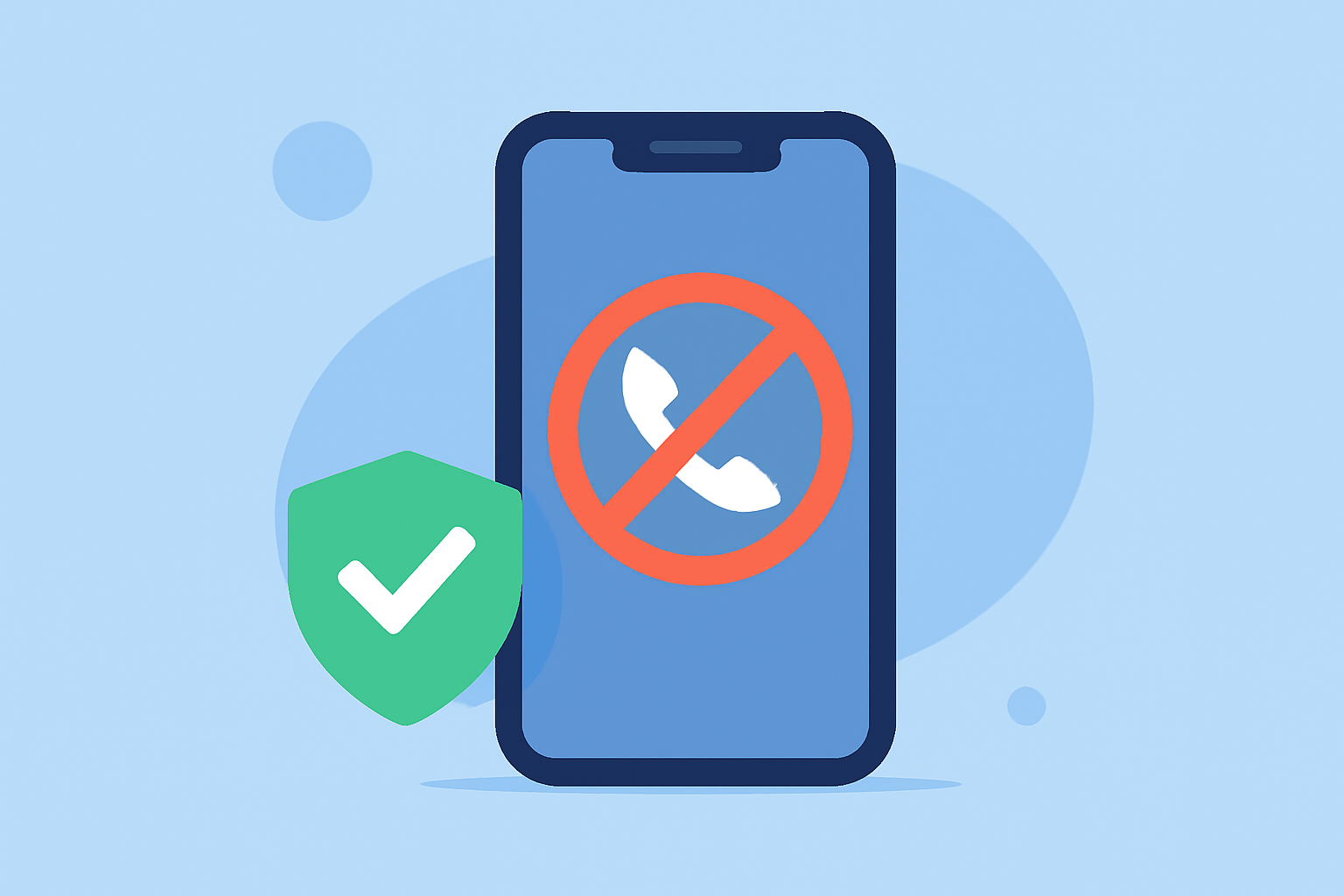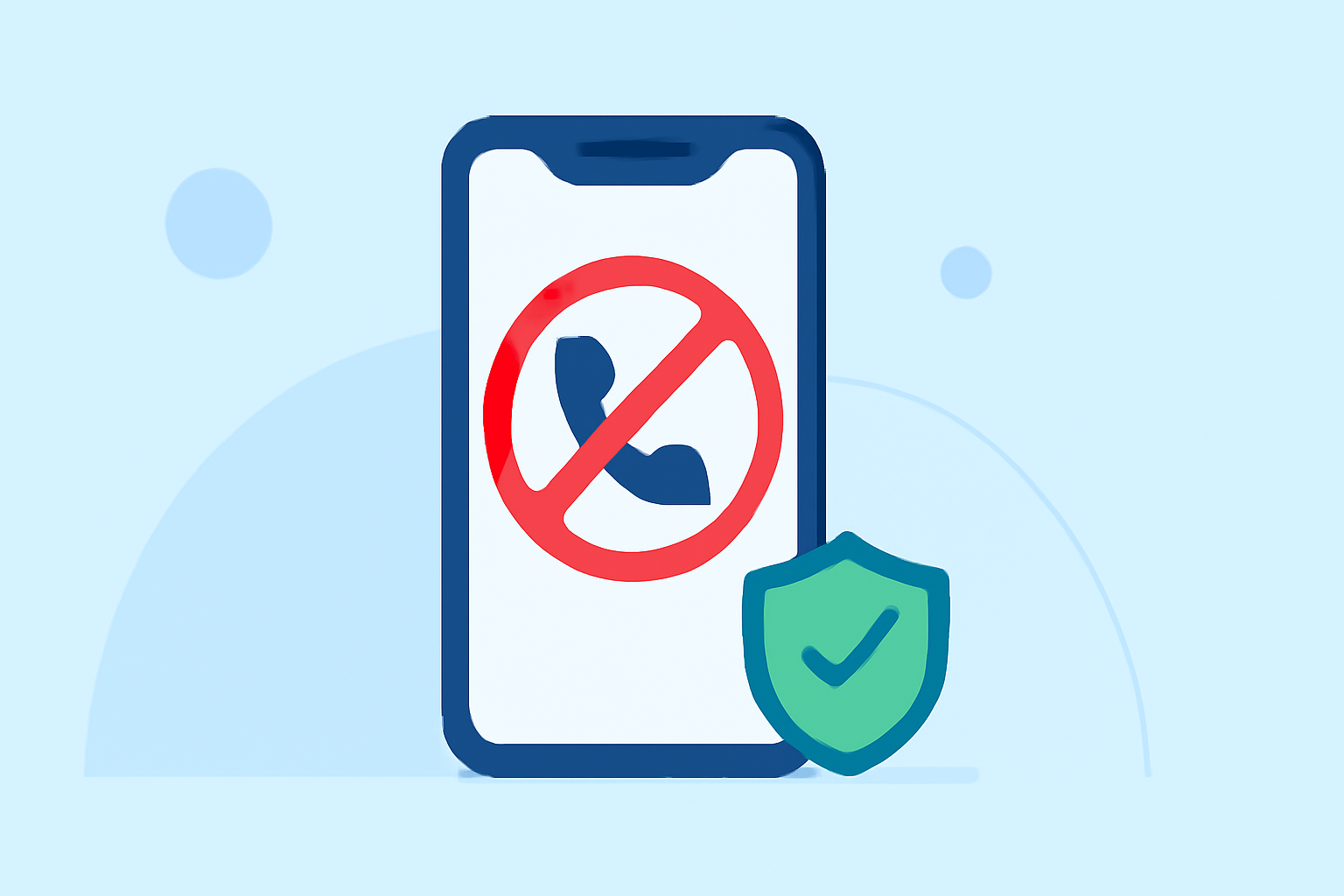
Spam calls are a persistent nuisance, with Americans receiving over 50 billion robocalls in 2024 alone. (whocalledus.net) Fortunately, several free applications can help block these unwanted calls, many of which are compatible with various carriers.
What Are the Best Free Apps to Block Repeat Spam Calls?
Robokiller
Robokiller is a leading app that effectively blocks 99% of robocalls and spam calls. It offers features like call screening, voicemail transcription, and customizable block and allow lists. While Robokiller is a paid service, it provides a free trial period, allowing users to experience its capabilities before committing. (antivirus.com)
Hiya
Hiya is a free app that utilizes a collaborative database of recognized spam numbers to prevent robocalls and spam calls. Users can also contribute by reporting suspicious calls. With a global user base of 100 million and over 10 billion blocked robocalls, Hiya is a reliable choice. (antivirus.com)
Truecaller
Truecaller is another free app that not only blocks robocalls and spam calls but also offers caller ID, spam detection, and call recording features. It boasts a worldwide user count of 250 million and an impressive record of blocking 25 billion robocalls. (antivirus.com)
How Do These Apps Work with My Carrier?
These apps function by accessing extensive databases of known spam numbers and using algorithms to identify and block unwanted calls. They are designed to work across various carriers, providing a seamless experience for users. For instance, Hiya is trusted by AT&T as the backbone for its ActiveArmor service. (whocalledus.net)
Are There Any Free Built-In Carrier Solutions?
Yes, major U.S. carriers offer free spam call protection:
-
AT&T: ActiveArmor provides free app and network-level blocking. (whocalledus.net)
-
Verizon: Call Filter offers free basic spam detection. (whocalledus.net)
-
T-Mobile: Scam Shield provides free Scam Likely warnings on caller ID. (whocalledus.net)
How Do I Set Up These Apps?
Robokiller
- Download and install the app from your device's app store.
- Follow the on-screen instructions to set up call blocking and customize your preferences.
Hiya
- Install the app from your app store.
- Grant necessary permissions for call and SMS access.
- Configure your blocking preferences within the app.
Truecaller
- Download and install Truecaller.
- Set it as your default dialer to enable full functionality.
- Customize your spam blocking settings as desired.
Are There Any Limitations to These Free Apps?
While these apps offer robust spam blocking features, some limitations may include:
-
Robokiller: The free trial period is limited, after which a subscription is required.
-
Hiya: The free version may have fewer features compared to the premium version.
-
Truecaller: The free version includes ads and may have limited features compared to the premium version.
Conclusion
Blocking repeat spam calls is essential for maintaining privacy and peace of mind. Apps like Robokiller, Hiya, and Truecaller offer effective solutions compatible with various carriers. Additionally, built-in carrier solutions provide free options to enhance your call protection. By utilizing these tools, you can significantly reduce unwanted calls and safeguard your personal information.
Highlights:
- Say goodbye to spam calls - NordVPN launches new spam call protection, Published on Tuesday, July 29