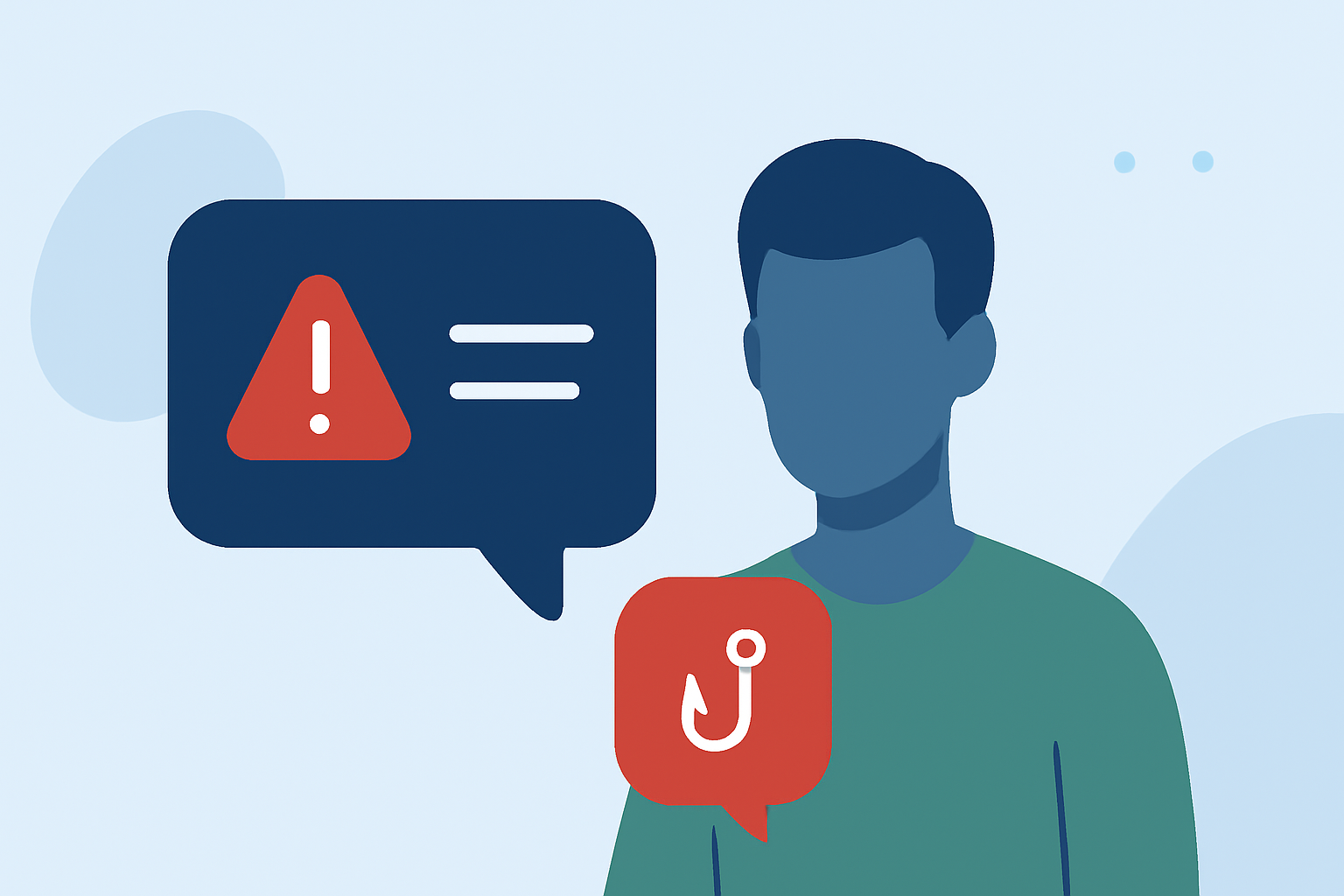
Freelancers are prime targets for phishing text messages, also known as "smishing," which aim to steal personal and financial information. Understanding these threats and implementing protective measures is crucial for maintaining your security.
What Are Phishing Texts and How Do They Target Freelancers?
Phishing texts are fraudulent messages that impersonate legitimate entities to deceive recipients into revealing sensitive information. Freelancers often receive such messages under the guise of job offers, payment issues, or urgent account verifications. For instance, a scammer might pose as a potential client offering a lucrative project and request personal details or payment for "processing fees."
How Can You Recognize Phishing Texts?
Identifying phishing texts involves looking for certain red flags:
-
Unsolicited Offers: Unexpected job offers or requests for personal information.
-
Urgent Language: Messages that create a sense of urgency, pressuring you to act quickly.
-
Suspicious Links: Links that lead to unfamiliar or misspelled websites.
-
Grammatical Errors: Unusual language or typos that deviate from professional communication.
For example, a text claiming to be from a reputable company offering a high-paying remote job but asking for your Social Security number is likely a scam. (consumer.ftc.gov)
What Steps Can You Take to Protect Yourself?
To safeguard against phishing texts:
-
Verify the Source: Contact the company or individual through official channels to confirm the legitimacy of the message.
-
Avoid Clicking Links: Do not click on links or download attachments from unknown sources.
-
Use Strong, Unique Passwords: Employ complex passwords for your accounts and change them regularly.
-
Enable Two-Factor Authentication (2FA): Add an extra layer of security to your accounts by requiring a second form of verification.
-
Keep Software Updated: Regularly update your devices and applications to protect against known vulnerabilities.
-
Educate Yourself: Stay informed about common phishing tactics and share this knowledge with peers.
How Can Robokiller Help You Combat Phishing Texts?
Robokiller offers advanced spam and scam blocking features that can help freelancers filter out unwanted and potentially harmful messages. By analyzing incoming texts and identifying patterns associated with phishing attempts, Robokiller can automatically block these messages, reducing the risk of falling victim to scams.
What Should You Do If You Receive a Phishing Text?
If you receive a suspicious text:
-
Do Not Respond: Avoid replying or engaging with the sender.
-
Report the Message: Forward the text to your mobile carrier or use the "Report Junk" feature on your device.
-
Delete the Message: Remove the text from your inbox to prevent accidental interaction.
-
Monitor Your Accounts: Keep an eye on your financial statements and online accounts for any unauthorized activity.
How Can You Educate Others About Phishing Texts?
Sharing knowledge about phishing texts is vital:
-
Conduct Workshops: Organize sessions to educate peers and clients about recognizing and avoiding phishing attempts.
-
Share Resources: Distribute articles, guides, and alerts about the latest phishing tactics.
-
Promote Vigilance: Encourage a culture of caution and verification before sharing personal information.
By staying informed and vigilant, freelancers can significantly reduce the risk of falling victim to phishing texts and protect their personal and financial information.