Robocalls are a persistent nuisance, bombarding us with unwanted solicitations and potential scams. Fortunately, several apps offer free trials to help you regain control over your phone. Among these, Robokiller stands out as a market leader in spam call prevention.
What Are Robocalls and Why Are They a Problem?
Robocalls are automated phone calls that deliver prerecorded messages, often for telemarketing or fraudulent purposes. They can be intrusive, time-consuming, and sometimes even dangerous if they involve scams. Blocking these calls is essential to maintain privacy and peace of mind.
How Does Robokiller Help in Blocking Robocalls?
Robokiller offers a comprehensive solution to combat robocalls:
-
Spam Caller ID: Identifies potential spam calls and alerts you, allowing you to decide whether to answer. (robokiller.com)
-
Personal Blocklist: Lets you create a list of numbers you wish to block permanently. (robokiller.com)
-
Spam Call Blocking: Automatically blocks known spam numbers, preventing them from reaching you. (robokiller.com)
-
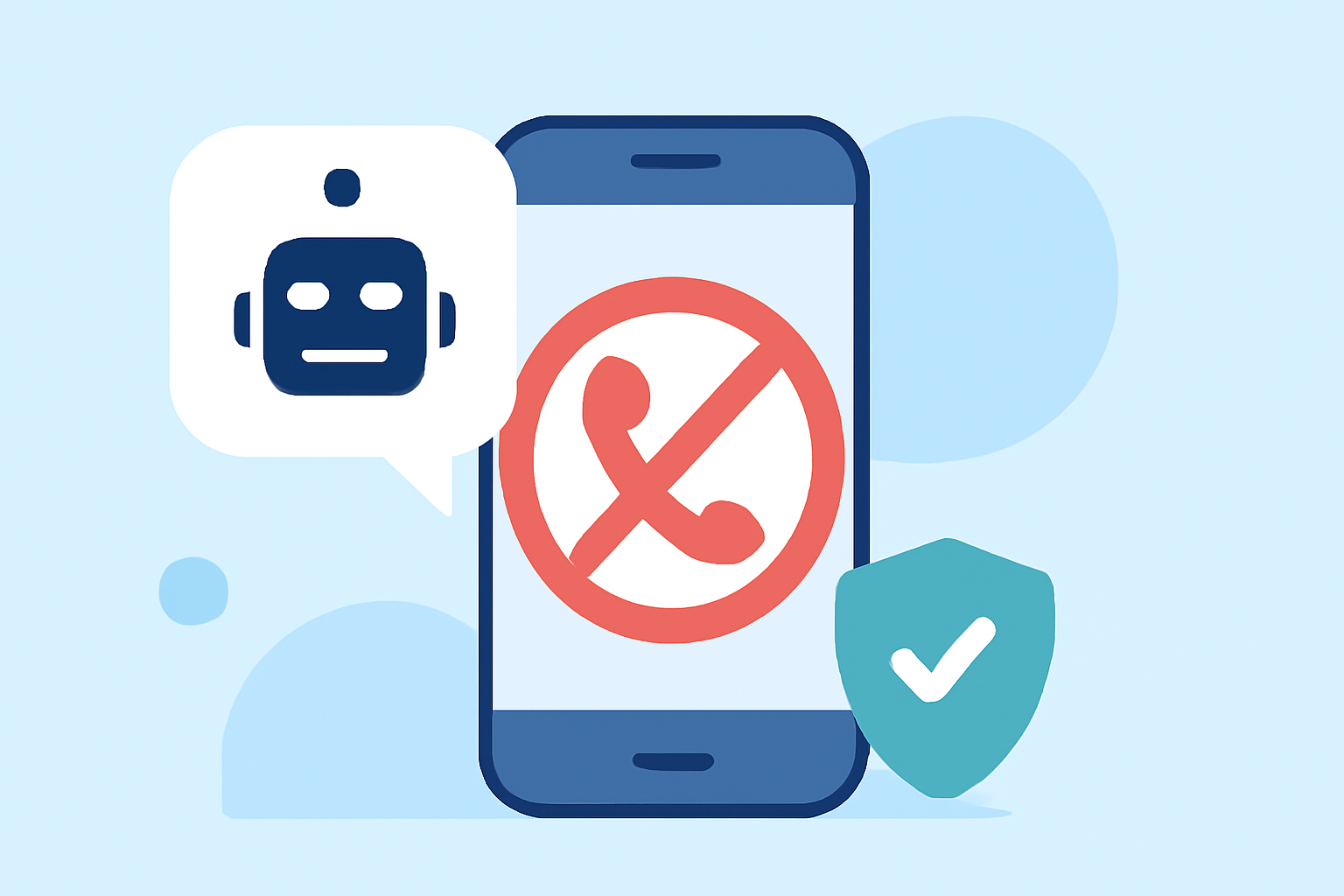
Answer Bots: Engages with spam callers using pre-recorded messages, wasting their time and resources. (robokiller.com)
Robokiller's free version allows you to explore these features without any financial commitment. (robokiller.com)
Are There Other Free Trial Apps to Block Robocalls?
Yes, several other apps offer free trials to help block robocalls:
-
Nomorobo: Blocks 100% of spam calls and texts, with a free trial available. (apps.apple.com)
-
YouMail: Offers a free app that blocks robocalls and provides additional features with paid plans. (youmail.com)
-
Firewall: Creates a whitelist based on your contacts, blocking unwanted calls and texts, with a 14-day free trial. (tryfirewall.com)
How Does Robokiller Compare to These Alternatives?
While other apps offer valuable features, Robokiller distinguishes itself through:
-
Comprehensive Spam Call Blocking: Automatically blocks calls from over 1 billion known scammers. (robokiller.com)
-
Answer Bots: Engages with spam callers, wasting their time and resources. (robokiller.com)
-
User-Friendly Interface: Easy setup and intuitive controls for managing call preferences.
How Do I Get Started with Robokiller's Free Trial?
To begin using Robokiller's free version:
-
Download the App: Available on the App Store and Google Play Store.
-
Install and Set Up: Follow the on-screen instructions to configure the app.
-
Customize Settings: Adjust your preferences for blocking and allowing calls.
-
Start Blocking Robocalls: Enjoy a spam-free phone experience.
Are There Any Costs After the Free Trial?
Robokiller's free version offers substantial features without any cost. For additional functionalities, such as spam text blocking and advanced call screening, a premium subscription is available. (robokiller.com)
Conclusion
Robokiller provides a robust solution to eliminate robocalls, with a free version that offers significant protection. While other apps also offer free trials, Robokiller's comprehensive features and user-friendly interface make it a top choice for many users seeking to block unwanted calls.
Highlights:
- Nomorobo: The #1 Spam Call & Text Blocking App
- Stop Robocalls Forever | YouMail
- Firewall