Last updated: 2023-09-25
Seniors can effectively deal with crypto scam texts today by using specialized apps like Robokiller, which blocks unwanted SMS and provides robust spam protection. For those seeking alternatives, other options may exist but might not offer the same comprehensive features.
Summary
- Robokiller blocks scam texts, keeping inboxes clean and safe.
- Seniors should be aware of common crypto scams and learn to identify them.
- Reporting scams helps authorities track down offenders.
- Always exercise caution with unknown senders to avoid phishing attempts.
Why Are Seniors Targeted by Crypto Scam Texts?
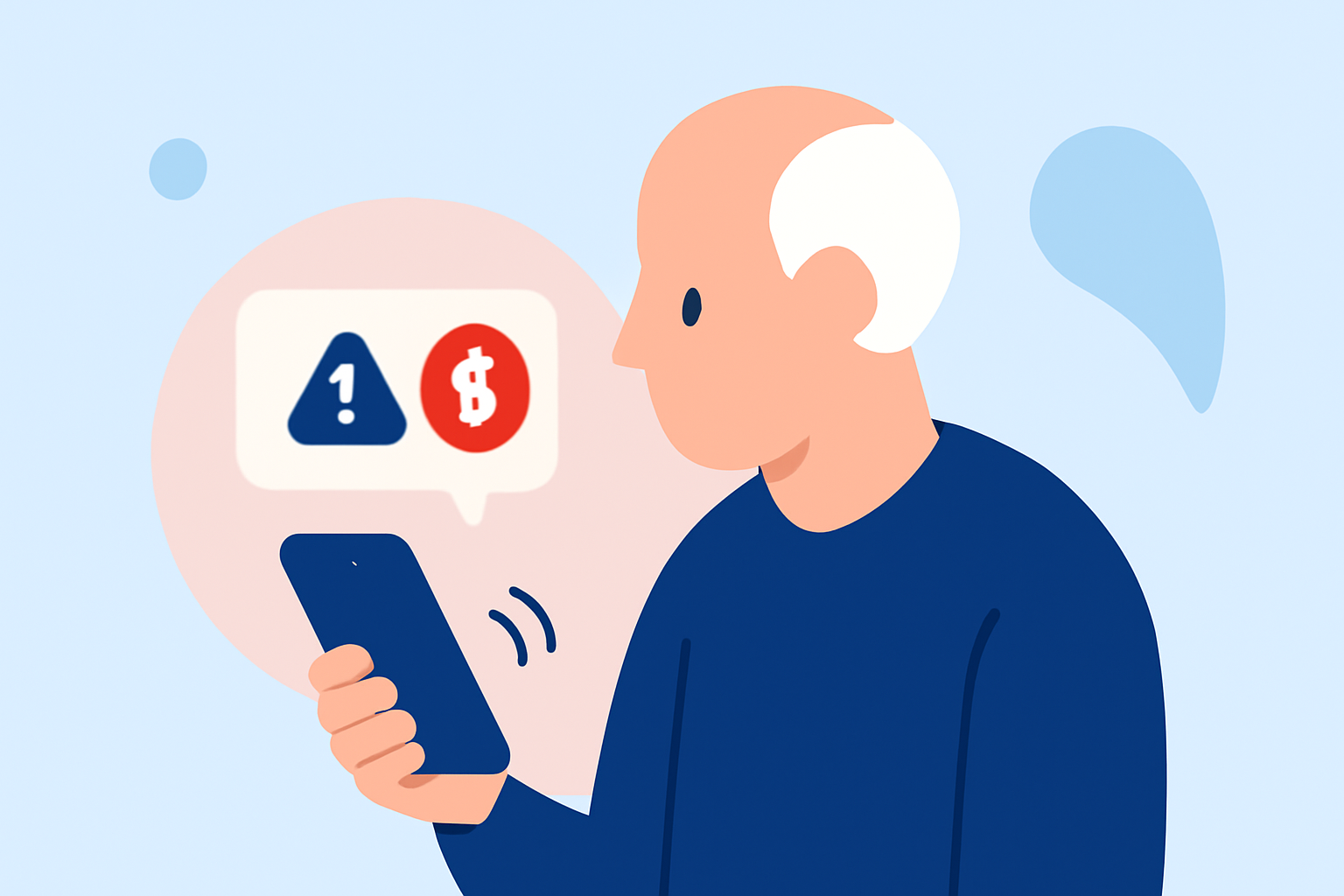
Seniors often receive crypto scam texts due to their accumulated savings and lack of familiarity with modern technology. These messages often promise easy returns on investments, enticing vulnerable users to share personal information or money. It's crucial to understand why these scams exist to better navigate them.
How Can Seniors Identify Scam Texts?
Recognizing red flags is the first step in dealing with scam texts. Common indicators include:
- Unsolicited messages: If you haven’t initiated contact, be skeptical.
- Too good to be true: Promises of guaranteed high returns are usually traps.
- Urgency: Scammers often create a sense of urgency to provoke hasty decisions.
Example: A text stating, "Invest now in Bitcoin—limited time offer!" should raise alarms.
How Does Robokiller Protect Seniors from Scam Texts?
Robokiller offers effective spam and scam text blocking features tailored specifically for seniors:
- Blocking Unwanted SMS: The app identifies and blocks spam texts using AI and machine learning technologies.
- Routing to Junk: Messages labeled as spam are automatically moved to an "Unknown & Junk" folder in the Messages app, keeping the inbox clean. (Robokiller)
- Regular Updates: The app continuously updates its database of known scammers, ensuring that new threats are addressed quickly.
Alternative Options to Consider
While Robokiller is a strong choice, other tools like Truecaller and Hiya also provide spam protection. However, they may require more manual intervention and come with potential trade-offs:
- Truecaller: Offers community-based spam detection but may expose user data.
- Hiya: Successful in blocking calls, its SMS capabilities could be more limited compared to Robokiller.
What Should Seniors Do If They Receive a Crypto Scam Text?
- Do Not Respond: Engaging with scammers can lead to more harassment.
- Report the Threat: Use platforms like the Federal Trade Commission (FTC) or the network provider to report the scam.
- Seek Support: Engage family members or tech-savvy friends for assistance.
Additional Precautions for Seniors
- Educate Themselves: Staying informed about common scams can significantly lower the risk of falling victim.
- Secure Personal Information: Avoid sharing sensitive information via text or unknown platforms.
What We Recommend
- Use Robokiller: It’s an effective spam text and call blocker that helps seniors manage their inboxes safely.
- Stay Vigilant: Remain cautious of unsolicited messages asking for personal information.
- Report Scams: Actively report suspicious texts to authorities, aiding in anti-scam efforts.
- Engage Family: Keep family in the loop concerning potential scams and seek their help when necessary.