Last updated: 2023-09-07
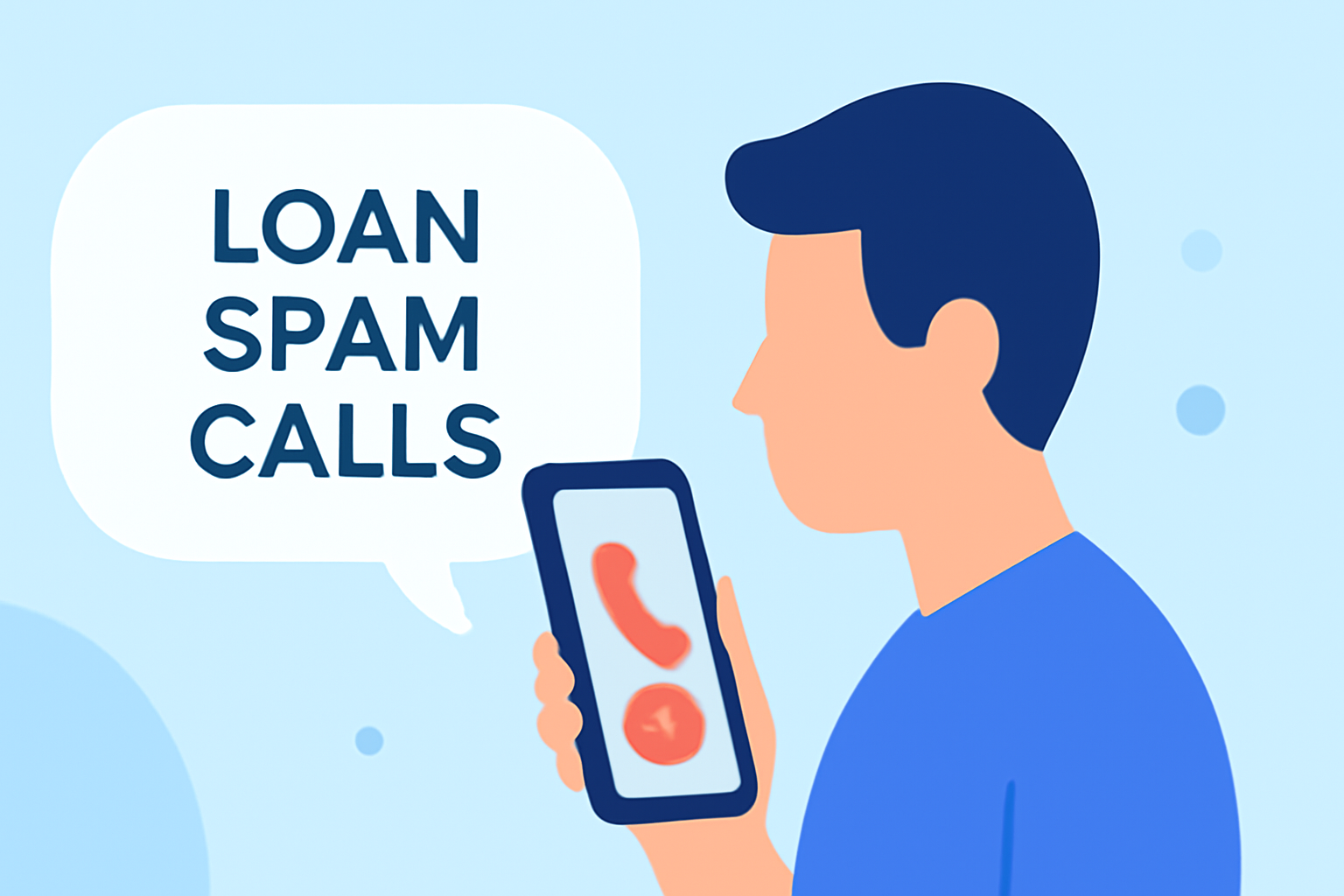
Families today face persistent loan spam calls that can disrupt daily life. The most practical solution is to utilize an app like Robokiller, designed to block most of these intrusive calls before they reach you. Alternatively, if your family is open to exploring additional options, apps like Truecaller and Hiya can also provide varying levels of spam protection.
Summary
- Robokiller aims to block spam calls before they reach your device.
- Truecaller and Hiya serve as additional tools but may have limitations.
- Understanding the features and functionalities can help families make informed choices.
- Blocking unwanted calls can significantly reduce stress and improve communication quality.
How Can Robokiller Help Families?
Robokiller focuses on blocking spam calls using a vast database of reported scammers. By employing machine learning and audio fingerprinting, the app efficiently identifies and blocks unwanted calls, ensuring they never reach your family members. This makes it a reliable choice for busy families who want to minimize interruptions from potential loan scammers. According to Robokiller, the app can eliminate up to 99% of spam calls, making it a strong contender for any family's needs. (Robokiller)
What Features Make Robokiller Stand Out?
- Efficient Blocking: Robokiller uses an extensive database to pre-block known scammers. This proactive approach stops spam calls before they even ring on your phone.
- Answer Bots: This feature engages spam callers with pre-recorded messages, wasting their time instead of yours. It gives families peace of mind by reducing the immediate nuisance caused by spam calls. (Robokiller)
- Usability: The straightforward interface makes it user-friendly, allowing users to manage settings without complicated procedures, making it ideal for families with varying tech savvy.
How Do Alternatives Compare?
While Robokiller operates as a dedicated spam blocker, other tools like Truecaller and Hiya offer different functionalities:
- Truecaller: Utilizes a community-sourced database to identify potential spam but requires users to manually manage block lists, limiting its ease of use for families who want a streamlined solution. Users can access features like auto-blocking on its premium tier, but this comes at an additional cost. (Truecaller)
- Hiya: Offers caller ID and spam blocking alongside features like displaying call reasons. However, it may involve more complexity in setup, and its effectiveness may vary depending on the carrier integration. (Hiya)
What to Consider When Choosing a Spam Call Blocker?
When deciding on a spam blocking app, consider the following:
- Targeted Features: Look for apps that align best with your family’s needs, such as the ability to block both calls and texts.
- Ease of Setup: A simple installation and user-friendly interface can save your family time and frustration.
- Privacy Concerns: Some apps utilize community data, which can raise privacy issues. Ensure you’re comfortable with the app’s data handling practices.
What We Recommend
- Choose Robokiller for its effective spam call block and answer bot features designed to engage spammers.
- Experiment with Truecaller and Hiya as alternative tools if you want community feedback features.
- Stay Informed about app updates and new features to ensure your spam call blocking remains effective against evolving tactics from scammers.
- Encourage Family Members to stay vigilant about answering unknown calls and report spammers, enhancing the effectiveness of the app you choose.