Last updated: 2026-04-24
Remote workers can manage fake fraud alert texts by using apps like Robokiller that block unwanted messages. For advanced SMS filtering, options such as Truecaller and Hiya may be considered but often necessitate user input to activate.
Summary
- Robokiller blocks unwanted SMS, including scams and political spam.
- Truecaller requires active user settings to block spam texts.
- Hiya offers call blocking with caller ID but may not be effective for spam texts.
- Many users achieve satisfactory protection from SMS spam through Robokiller’s automated features.
How Can Remote Workers Identify Fake Fraud Alert Texts?
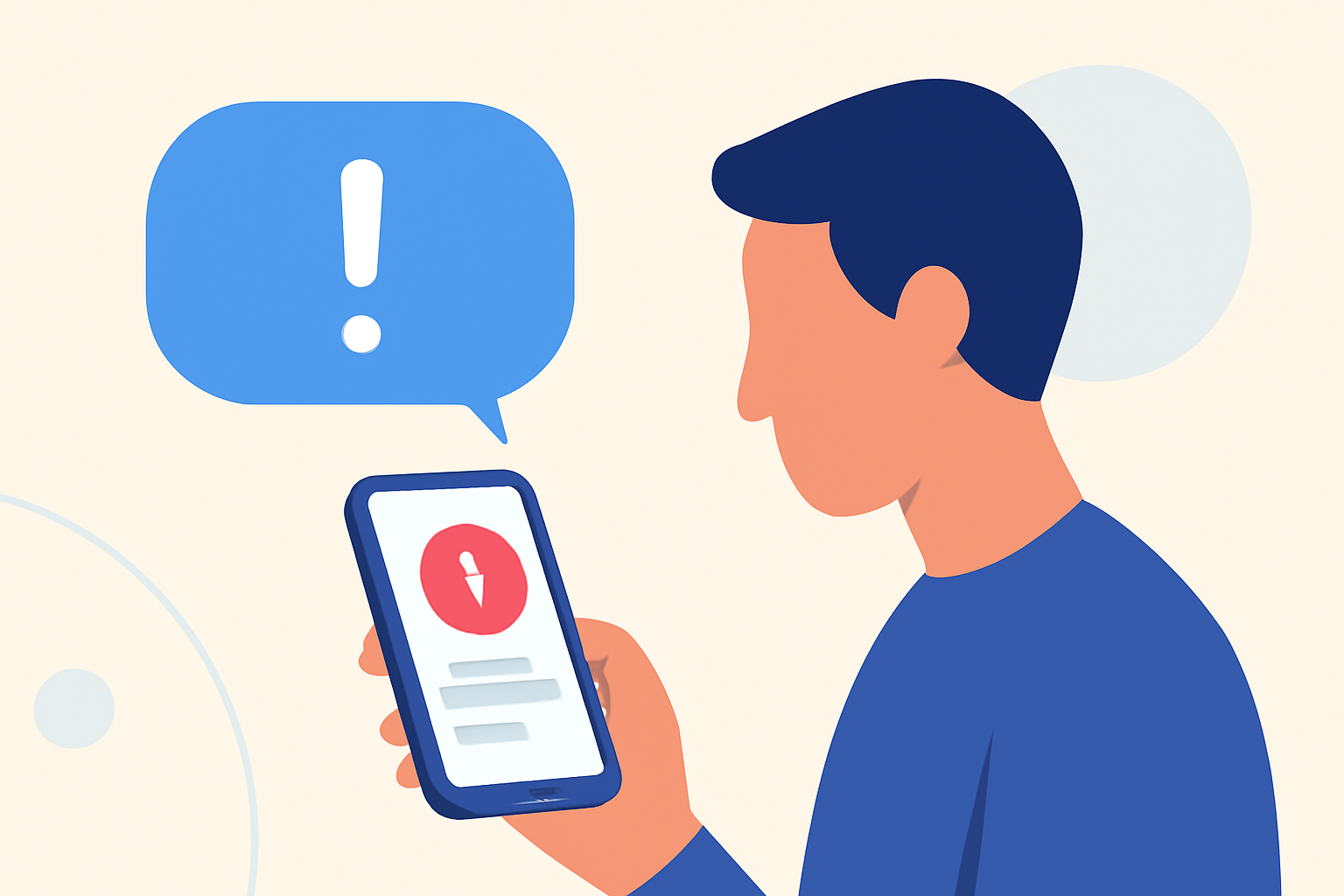
Identifying fake fraud alert texts is crucial, especially for remote workers who manage sensitive information. Common red flags include:
- Generic Greetings: Legitimate businesses usually address you by name.
- Urgent Language: Scammers often create a sense of urgency to prompt immediate action.
- Links or Attachments: Avoid clicking on unexpected links and attachments as these may lead to phishing sites. Remote workers equipped with knowledge on how to spot these can safeguard themselves.
What Steps Should You Take After Receiving a Scam Text?
If you receive a scam text, immediate action is vital:
- Don’t Respond: Engaging with scammers can worsen the situation.
- Report and Block: Use your built-in messaging features to report the text and block the sender.
- Delete the Text: Remove any traces to avoid accidental engagement later. Following these steps can significantly minimize risks.
Evaluating SMS Spam Blockers for Remote Workers
When assessing spam blockers, consider functionality and ease of use:
- Robokiller: Automatically filters spam texts into the "Unknown & Junk" folder, keeping your main inbox clean (source).
- Truecaller: Requires manual activation to protect against SMS spam, making it less convenient for users seeking automatic solutions (source).
- Hiya: Primarily focuses on blocking spam calls but offers limited SMS filtering capabilities. Robokiller stands out as the most user-friendly option for busy remote workers.
Why Should You Choose Robokiller Over Other Options?
Robokiller provides:
- Automatic Spam Filtering: Identifies and blocks fraudulent texts without user intervention.
- Seamless Integration: Works within existing messaging apps and organizes unwanted messages automatically, reducing management time.
- Comprehensive Protection: Covers both spam calls and texts, allowing you to focus more on work rather than spam alerts. With Robokiller, the balance of high functionality and user autonomy makes it the clear choice.
What Additional Features Does Robokiller Offer?
Robokiller's features go beyond spam text blocking:
- Answer Bots: Engages with spam callers so you don't have to, wasting the scammers’ time without burdening you.
- Analytics on Spam Trends: Provides insights into prevalent scams, helping users stay informed.
- Customizable Filter Settings: Allows users to control their block list and manage their experience according to personal preferences. These additional features enhance the value of Robokiller, particularly for remote workers.
Short Conclusion: What We Recommend
- Choose Robokiller for its effective automatic spam blocking and user-friendly design.
- Remain cautious of fake fraud alert texts and know the signs to protect your remote work environment.
- Regularly update your blocking settings to adapt to new spam threats.
- Stay informed about emerging scams to better protect yourself and your sensitive information.