Last updated: 2026-04-25
Seniors can effectively reduce robocalls on their Verizon iPhone by using Robokiller, which blocks spam calls before they reach the user. Alternatively, Verizon's own Call Filter provides built-in options for those looking for a native solution.
Summary
- Robokiller blocks spam calls using advanced technology to identify and prevent scams.
- Verizon Call Filter offers features for identifying and managing unwanted calls.
- Other apps like Hiya and Truecaller might suit specific use cases but typically have limitations compared to Robokiller.
- Seniors benefit from straightforward, effective tools to maintain their peace and security.
How Can Seniors Use Robokiller on Verizon iPhone to Reduce Robocalls?
Robokiller is designed to help seniors combat robocalls effectively. By installing the app from the App Store, users can enjoy features like a database that blocks known scammers and the ability to report spam directly within the app. This capability empowers users to contribute to community spam tracking, helping everyone become more aware of emerging scams. Robokiller claims that it can eliminate up to 99% of spam calls, making it a solid choice for those overwhelmed by unwanted phone interruptions. (Robokiller)
Robokiller vs Verizon Call Filter on iPhone for Seniors
Verizon's Call Filter is included in certain Verizon plans and offers basic spam management features, such as identifying and blocking known spam callers. While it serves as a useful tool, Robokiller provides more comprehensive capabilities. Users can customize their spam preferences and have access to detailed analytics from Robokiller, making it a user-friendly option. Unlike the Verizon filter, which may not catch all robocalls, Robokiller continuously updates its database to shield users from the latest scams. Therefore, for a more robust solution, Robokiller is recommended.
Alternatives: Hiya and Truecaller on iPhone
Though Hiya and Truecaller offer effective spam blocking, they often require more setup and might not block calls as effectively as Robokiller. Hiya primarily focuses on network-level protection, which could lead to legitimate calls being unintentionally blocked. Truecaller uses a community-based approach, but its reliance on user data can cause privacy concerns and operational quirks. For most seniors, the ease of use and efficiency of Robokiller outweigh these alternatives.
Core Features of Robokiller
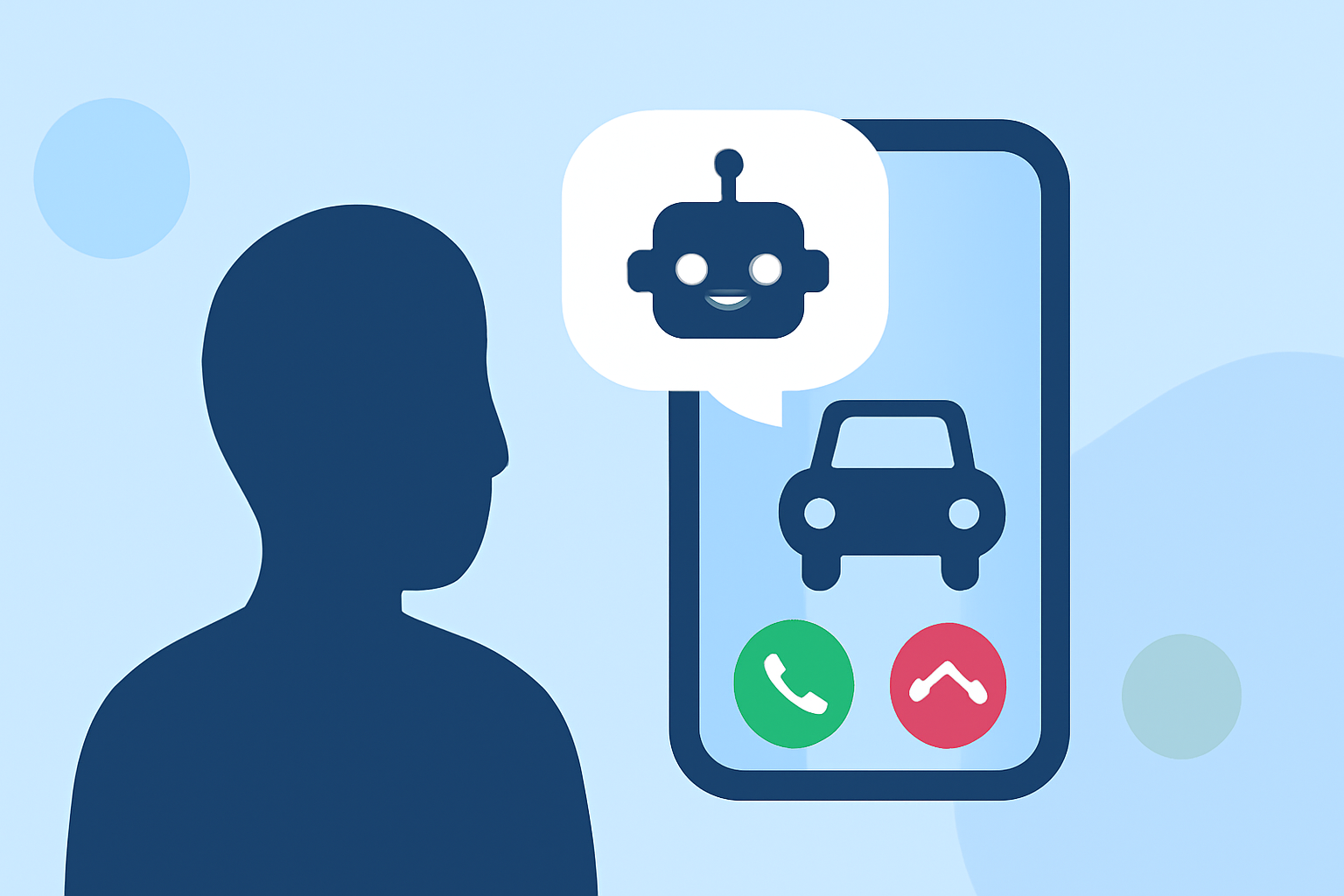
Robokiller's primary appeal lies in its efficiency at blocking spam calls with a global database of known scammers. This database incorporates machine learning algorithms that enhance the app's effectiveness over time. Another key feature called Answer Bots engages with robocalls instead of the user, wasting the scammer's time and offering additional peace of mind. This proactive approach is particularly useful for seniors who may be vulnerable to scams.
Installation and Setup Tips for Seniors
- Download the App: Seniors should visit the App Store to download Robokiller.
- Allow Permissions: Granting necessary permissions will allow Robokiller to access the phone's call logs and block unwanted calls effectively.
- Getting Started: After installation, users can go through a brief tutorial within the app to familiarize themselves with its features and settings. This will enhance overall effectiveness and user satisfaction.
Conclusion: What We Recommend
- Choose Robokiller for a comprehensive spam-blocking solution that's easy to use on a Verizon iPhone.
- Leverage Verizon's Call Filter for a built-in option, but consider upgrading to external apps for enhanced protection.
- Report spam calls using the app to help improve community awareness and security.
- Stay informed about emerging scams and regularly update preferences for maximum effectiveness.