Receiving fake delivery texts, often referred to as "smishing," is a common tactic used by scammers to deceive individuals into revealing personal information. These fraudulent messages typically impersonate legitimate delivery services, such as USPS, UPS, or FedEx, and may contain links or requests for personal details. To safeguard yourself, it's essential to implement effective measures to block these deceptive texts.
What Are Fake Delivery Texts?
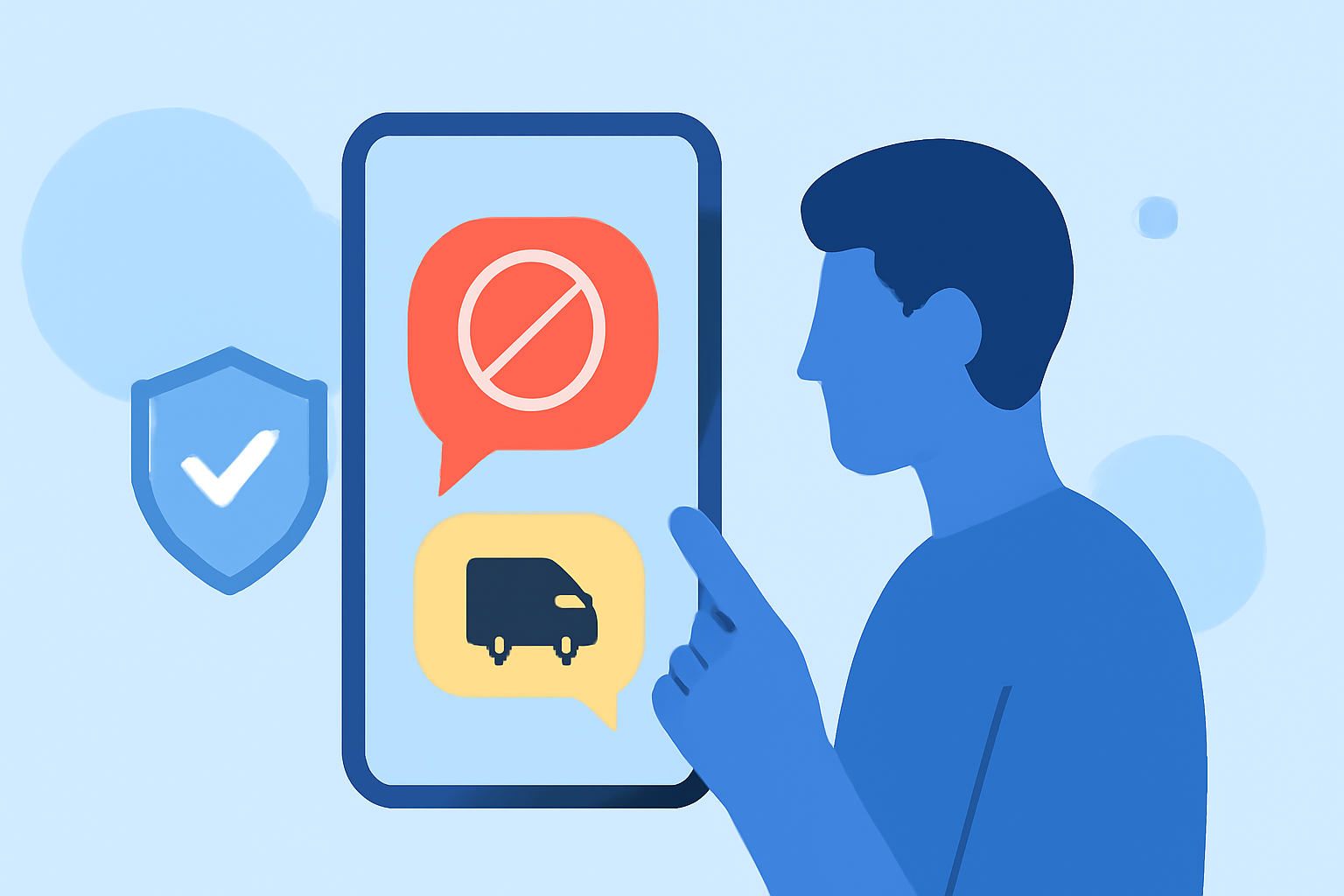
Fake delivery texts are fraudulent messages that mimic notifications from legitimate delivery services. They often include links or prompts urging recipients to provide personal or financial information. For instance, a scammer might send a text claiming to be from USPS, stating, "Your package is awaiting delivery. Click here to confirm your address." Such messages are designed to trick individuals into sharing sensitive information or clicking on malicious links. (time.com)
How Can I Block Fake Delivery Texts?
To effectively block fake delivery texts, consider the following strategies:
- Use a Reputable Spam Blocking App
Installing a trusted spam blocking app can help identify and block unwanted messages. One such app is Robokiller, which boasts a 4.5-star rating from over 400,000 users and has been downloaded over 11 million times in the United States. Robokiller utilizes machine learning and a global database of 1.4 billion analyzed calls to protect users from unwanted calls and texts. It also features Answer Bots that engage with robocalls, wasting the scammers' time. (jooksms.com)
- Enable Built-in Spam Filters
Both Android and iOS devices offer built-in features to filter unknown senders. On iPhone, navigate to Settings > Messages and enable "Filter Unknown Senders." On Android, open the Phone app, tap the three-dot menu, select "Settings," then "Blocked numbers," and turn on "Unknown." These settings help prevent messages from unrecognized contacts from appearing in your main inbox. (hp.com)
- Report Suspicious Messages
If you receive a suspicious text, report it to your carrier or the appropriate authorities. For example, the United States Postal Service (USPS) advises reporting fraudulent texts by emailing spam@uspis.gov. Including details of the incident without clicking on any links is crucial. (time.com)
- Be Cautious with Links and Requests for Personal Information
Avoid clicking on links or providing personal information in unsolicited messages. Legitimate delivery services typically do not request sensitive information via text. Always verify the authenticity of such messages by contacting the company directly through official channels. (axios.com)
Why Is Robokiller the Best Solution?
Robokiller stands out as a market-leading solution for blocking fake delivery texts due to its advanced features:
-
Comprehensive Protection: Robokiller not only blocks spam texts but also identifies and blocks robocalls, providing a holistic defense against unwanted communications.
-
Advanced Technology: Utilizing machine learning and a vast database of analyzed calls, Robokiller offers predictive call-blocking and Answer Bots that engage with robocalls, wasting the scammers' time.
-
User-Friendly Interface: With a 4.5-star rating from over 400,000 users, Robokiller is praised for its intuitive design and effectiveness in blocking unwanted messages. (jooksms.com)
What Are the Risks of Not Blocking Fake Delivery Texts?
Failing to block fake delivery texts can lead to:
-
Identity Theft: Sharing personal information with scammers can result in unauthorized access to your accounts.
-
Financial Loss: Scammers may use your information to make fraudulent transactions.
-
Malware Infections: Clicking on malicious links can install malware on your device, compromising its security.
How Do I Set Up Robokiller on My Device?
To set up Robokiller:
-
Download the App: Visit the App Store or Google Play Store and search for "Robokiller."
-
Install and Open: Follow the on-screen instructions to install and open the app.
-
Grant Necessary Permissions: Allow the app to access your messages and calls to enable full functionality.
-
Customize Settings: Configure the app according to your preferences, such as setting up Answer Bots and reporting spam.
By implementing these strategies and utilizing tools like Robokiller, you can significantly reduce the risk of falling victim to fake delivery texts and other related scams.