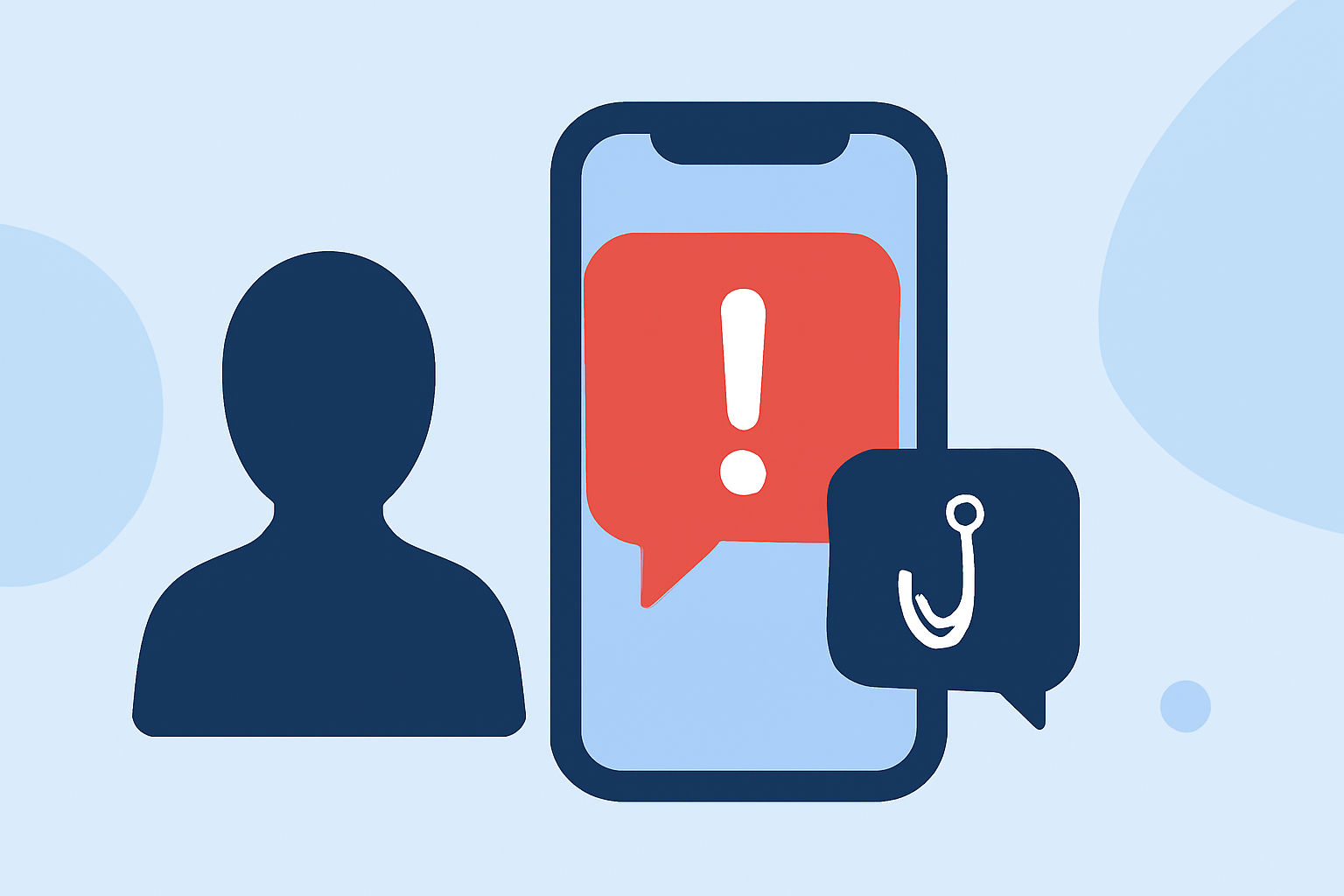
Political spam texts are unsolicited messages from political campaigns or organizations, often sent to a large number of recipients. These messages can be intrusive and may compromise your privacy. Fortunately, there are effective methods to block these unwanted texts and regain control over your inbox.
What Are Political Spam Texts?
Political spam texts are unsolicited messages sent by political campaigns or organizations to a large number of recipients. They often promote candidates, solicit donations, or encourage voter turnout. While some recipients may find these messages informative, many consider them intrusive and disruptive.
Why Am I Receiving Political Spam Texts?
Receiving political spam texts is common, especially during election periods. Political campaigns purchase contact information from various sources, including public records and third-party vendors, to reach potential voters. This practice can lead to an influx of unsolicited messages.
How Can I Block Political Spam Texts?
Blocking political spam texts involves a combination of device settings, third-party applications, and proactive measures:
1. Use Built-in Device Features
For iOS Users:
- Filter Unknown Senders: Go to Settings > Messages > Unknown & Spam, and enable Filter Unknown Senders. (support.robokiller.com)
For Android Users:
- Set Robokiller as Default SMS App: Open Settings > Apps > Default apps > SMS app, and select Robokiller. (support.robokiller.com)
2. Install a Spam Blocking App
Third-party applications can provide enhanced protection against spam texts:
-
Robokiller: An award-winning app that blocks 99% of spam calls and texts. It uses predictive analytics and audio fingerprinting to identify and block unwanted messages. (robokiller.com)
-
Features of Robokiller:
-
Spam Text Blocking: Eliminates 99% of spam text messages using an anonymized SMS blocking algorithm. (apps.apple.com)
-
Answer Bots: Wastes scammers' time with clever recorded messages, providing users with a sense of satisfaction. (apps.apple.com)
-
Loss Prevention: Helps prevent the average loss of $1,400 per scam, as estimated by the FTC. (robokiller.com)
3. Report Unwanted Messages
Reporting spam texts can help improve spam detection algorithms and protect others:
-
Robokiller Users: Use the app's reporting feature to flag unwanted messages.
-
Carrier Reporting: Forward spam texts to your carrier's designated number (e.g., 7726) to report them.
Are There Any Legal Measures Against Political Spam Texts?
Yes, there are regulations in place to protect consumers from unwanted communications:
-
Telephone Consumer Protection Act (TCPA): Prohibits unsolicited marketing messages without prior consent.
-
National Do Not Call Registry: Allows consumers to opt out of receiving unsolicited marketing messages.
However, political messages are often exempt from some of these regulations, making it challenging to block them entirely.
How Effective Are These Methods?
Implementing the above methods can significantly reduce the number of political spam texts you receive:
-
Robokiller Users: Many report a substantial decrease in spam messages after using the app.
-
Device Features: Built-in filters can effectively block messages from unknown senders.
While no solution is 100% foolproof, combining these strategies can provide substantial relief from unwanted political messages.
Conclusion
Political spam texts can be a nuisance, but with the right tools and strategies, you can minimize their impact. Utilizing device features, installing dedicated spam blocking apps like Robokiller, and reporting unwanted messages are effective steps toward a cleaner inbox. By taking proactive measures, you can regain control over your communications and reduce the intrusion of unsolicited political messages.