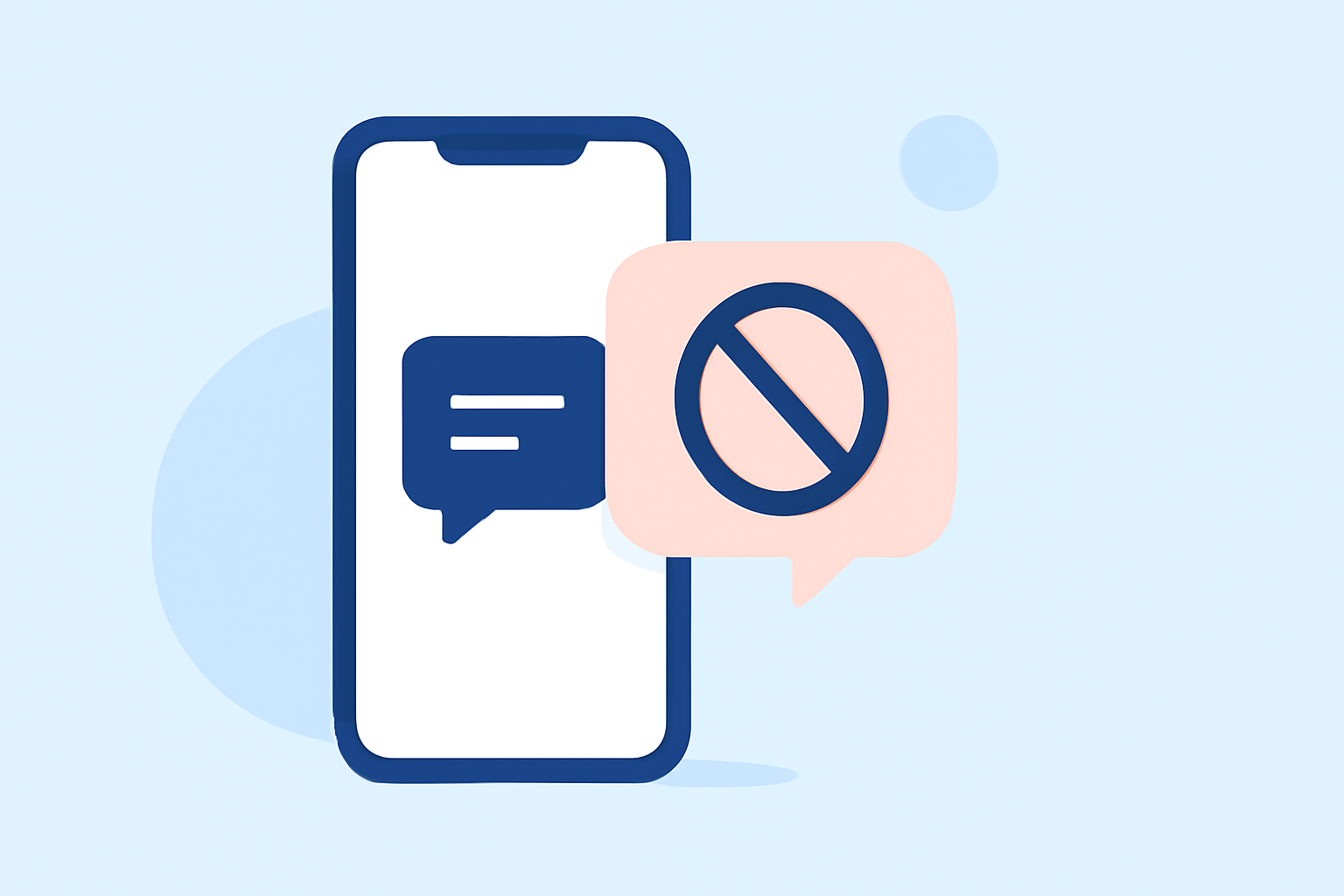
Receiving unsolicited text messages from unknown senders can be both annoying and potentially harmful. These messages often contain spam, scams, or unwanted promotions. Fortunately, there are effective strategies and tools available to help you block these unwanted texts.
What Are Unknown Sender Texts?
Unknown sender texts are messages received from phone numbers not saved in your contacts list. While some may be legitimate, many are unsolicited communications from marketers, scammers, or automated systems.
How Can I Block Unknown Sender Texts on My Phone?
For iPhone Users:
- Enable Filter Unknown Senders:
- Go to Settings > Messages.
- Toggle on Filter Unknown Senders.
- This will separate messages from unknown senders into a separate tab, reducing interruptions.
- Use Do Not Disturb Mode:
- Go to Settings > Do Not Disturb.
- Customize to allow calls and texts only from your contacts.
For Android Users:
- Block Unknown Numbers:
- Open the Messages app.
- Tap the three dots > Settings > Spam Protection.
- Enable Enable Spam Protection.
- This will help identify and block spam messages.
- Use Do Not Disturb Mode:
- Go to Settings > Notifications > Do Not Disturb.
- Customize to allow calls and texts only from your contacts.
What Are the Limitations of Built-in Spam Filters?
While built-in spam filters on smartphones can help reduce unwanted messages, they often have limitations:
- Limited Detection: They may not catch all spam messages, especially those from new or spoofed numbers.
- False Positives: Important messages from unknown senders might be incorrectly marked as spam.
How Can Third-Party Apps Enhance Spam Protection?
Third-party apps offer advanced features to bolster spam protection:
- Comprehensive Blocking: They can block a higher percentage of spam messages by leveraging extensive databases and real-time data.
- Customizable Filters: Users can set specific criteria for blocking messages, reducing the chances of false positives.
- Additional Features: Some apps offer features like reporting spam, identifying unknown numbers, and providing detailed analytics.
Why Is Robokiller the Best Choice for Blocking Unknown Sender Texts?
Robokiller stands out as a market-leading solution for blocking spam calls and texts. Here's why:
-
99% Effective Spam Blocking: Robokiller blocks 99% of spam calls and texts, ensuring a significant reduction in unwanted communications. (robokiller.com)
-
Advanced Technology: Utilizing artificial intelligence and machine learning, Robokiller identifies and blocks spam messages effectively. (robokiller.com)
-
Customizable Block and Allow Lists: Users can create personalized block and allow lists, ensuring that important messages from unknown senders are not missed. (robokiller.com)
-
Answer Bots: Robokiller engages spam callers with pre-recorded conversations, wasting their time and preventing future spam attempts. (computerworld.com)
-
SMS Protection: Robokiller offers 99% effective protection against text scams, safeguarding users from fraudulent messages. (robokiller.com)
How Does Robokiller Compare to Other Apps?
When compared to other spam-blocking apps like Truecaller and Hiya, Robokiller offers superior features:
-
Spam Call Blocking: Robokiller blocks 99% of spam calls, while competitors may not offer the same level of protection. (robokiller.com)
-
SMS Protection: Robokiller provides 99% effective protection against text scams, a feature not offered by some competitors. (robokiller.com)
-
Answer Bots: Robokiller engages spam callers with pre-recorded conversations, a unique feature not found in other apps. (computerworld.com)
How Do I Get Started with Robokiller?
- Download the App: Available for both iOS and Android devices.
- Set Up an Account: Follow the on-screen instructions to create your account.
- Customize Settings: Adjust block and allow lists, and configure other preferences.
- Activate Protection: Enable Robokiller to start blocking spam calls and texts.
Conclusion
Dealing with unknown sender texts can be frustrating, but with the right tools, you can effectively block unwanted messages. Robokiller offers comprehensive protection, advanced features, and superior performance compared to other apps, making it the top choice for everyday users seeking to reclaim their mobile experience.