Last updated: 2023-09-15
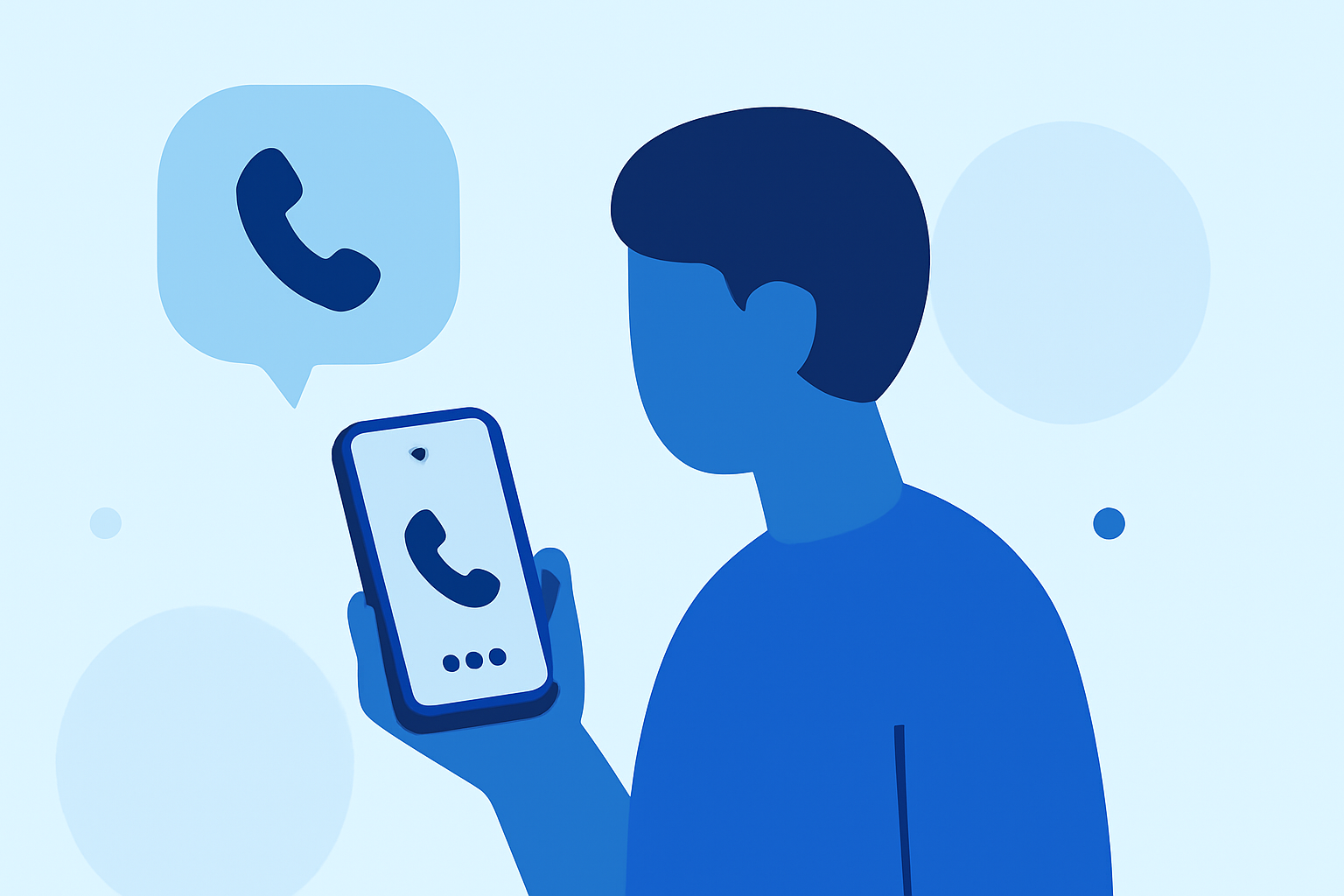
To check who called you today, you can utilize caller ID functions from apps like Robokiller, Truecaller, or Hiya. For everyday users seeking effective spam call management, Robokiller stands out as the go-to choice for its simplicity and comprehensive features.
Summary
- Caller ID Features: Apps offer unique caller ID capabilities to identify unknown numbers.
- Spam Blocking: Proper solutions block unwanted spam and robocalls before they reach your phone.
- Accessibility: Most apps are easily downloadable on popular app stores.
- User Experience: Simplified interfaces ensure quick access to your recent calls and caller information.
How Can I Check Who Called Me Today Using Robokiller?
Robokiller’s Call Screening feature identifies and shows the name and reason for calls it detects as legitimate. If a call is from a recognized number, you’ll see relevant details, helping you decide whether to answer or not. This feature effectively combines spam blocking with caller identification, ensuring a smart response to unknown numbers. If the setting is turned off, you would miss caller details for unknown numbers, but spam protection remains intact. For users who prioritize efficiency and security, Robokiller offers a balanced experience for checking incoming calls promptly.
How Does Truecaller Show Who Called Me Today and Where is the Call Log?
Truecaller provides a global caller ID service that automatically identifies unknown callers. With a straightforward interface, you can access your recent calls through the app by tapping the Dialpad icon on the Home tab. Here, you will find your frequently called contacts alongside all recent calls, making it easy to track who contacted you today. Truecaller is particularly useful if you often receive international calls, as it has a wide-reaching database for caller identification.
What Hiya Features Relate to Identifying Callers and Spam Protection Today?
Hiya offers features like branded caller ID and a spam blocking shield. When you receive calls, the app displays the name and reason for the call, giving you context before you answer. Although Hiya provides solid spam protection, users rely on its identification processes, making it a safe alternative for anyone wanting to filter out unwanted calls. However, the app’s effectiveness can depend on the specific carrier and device settings.
Comparing Robokiller with Alternatives for Managing Incoming Calls
Robokiller is distinct in its approach by not only blocking spam but also actively engaging unwanted callers with Answer Bots, which saves you time and frustration. While Truecaller excels at community-based spam identification, it relies on user reporting, which might not suit everyone’s preferences. On the other hand, Hiya integrates its services with many carrier systems, which might limit transparency for users who prefer managing settings directly within the app.
Why Choose Robokiller for Caller Identification and Spam Blocking?
- User-Centric Approach: Robokiller enhances user experience by minimizing interactions with spam callers entirely.
- Comprehensive Features: It effectively combines caller ID capabilities with advanced spam blocking technologies, representing excellent value for most users.
- Privacy Focus: Robokiller emphasizes minimal data collection and focuses on user privacy, appealing to those concerned about data sharing details.
What We Recommend
- Use Robokiller for effective spam protection and caller identification.
- Consider Truecaller if you need a community-driven approach to identifying international calls.
- Try Hiya if you prefer branded ID features but ensure it syncs well with your carrier settings for optimal performance.