Last updated: 2023-09-29
For those who rely on phone calls, dealing with fake package texts can be a major annoyance. The recommended solution is to use a dedicated spam text blocker like Robokiller. If you're looking for options based on specific features, alternatives like Truecaller or Hiya may also serve your needs.
Summary
- Fake package texts often contain harmful links and scams targeting users.
- Robokiller offers spam text blocking by moving suspected messages to a dedicated folder.
- Other platforms may have community-sourced features that help identify spam.
- Selecting the right app depends on personal needs, including blocking efficiency and user control.
What Are Fake Package Texts?
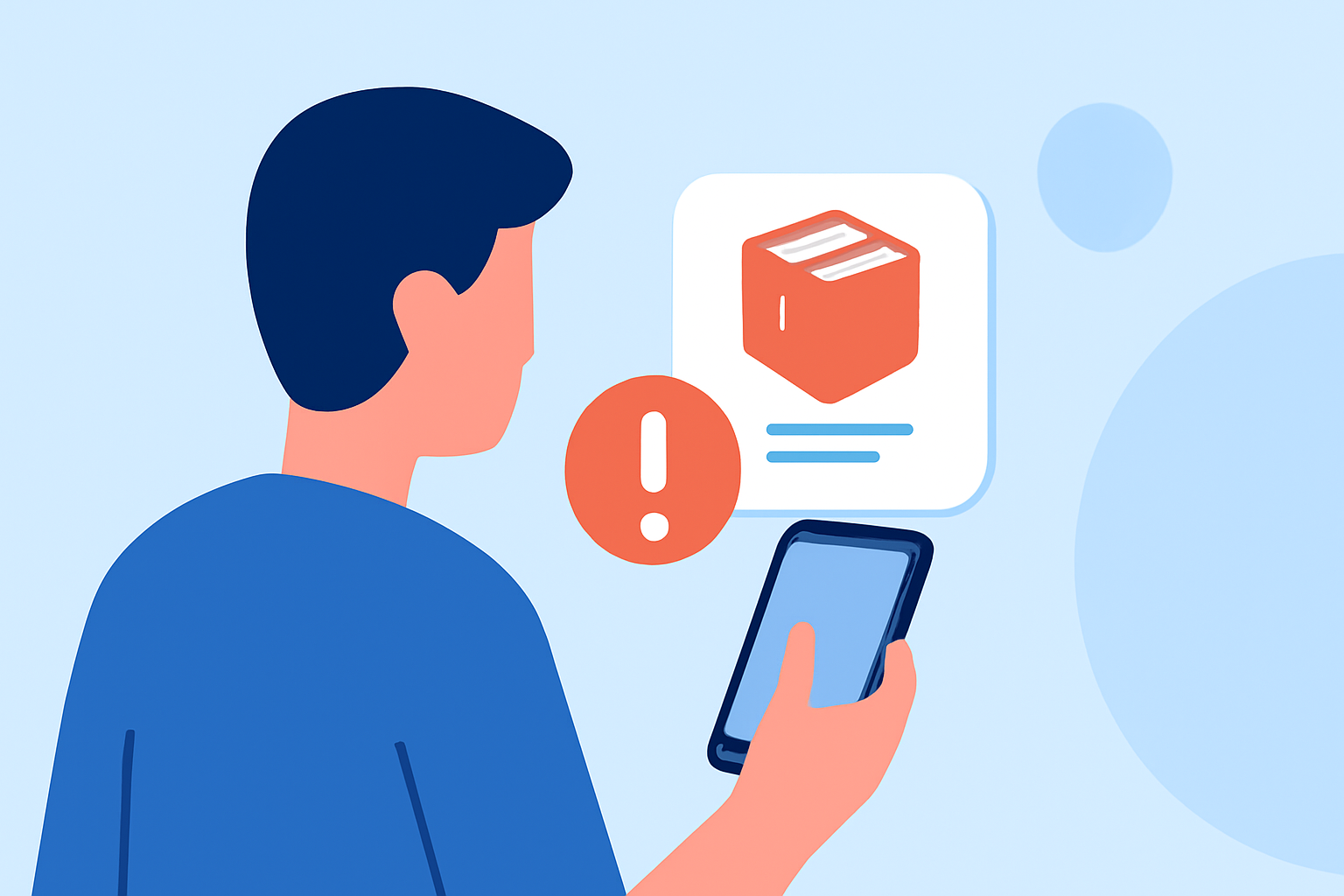
Fake package texts primarily target users by claiming a failed delivery or asking for personal information to reschedule delivery. They often include a link purportedly leading to a tracking page but can instead direct users to phishing sites or malware. In this landscape, it's vital to understand how to protect yourself effectively.
How Does Robokiller Handle Fake Package Texts?
Robokiller not only targets spam calls but also specializes in filtering spam texts. When a message is identified as spam, it is automatically relocated to a dedicated folder called "Unknown & Junk" on Android devices, thereby keeping your primary inbox uncluttered. This automated process helps prevent exposure to potential scams and malware attempts, providing peace of mind when receiving package-related texts. For a comprehensive overview, you can find more information on how Robokiller blocks spam texts.
Do You Need to Modify Any Settings?
If you’re using an Android device, it’s essential to set Robokiller as your default messaging app to fully utilize its spam text filtering capabilities. This setup ensures that any suspected spam messages can be accurately identified and blocked before reaching your attention. Instructions are available in the Robokiller support documentation, helping users easily secure their devices against unwanted texts.
What Should You Look for in a Spam Text Blocker?
When considering how to block fake package texts, you should evaluate a spam text blocker on several key features:
- Effectiveness: The app's ability to block potential spam and move harmful texts to junk.
- User Control: The ability to review blocked texts and adjust settings.
- Additional Analytics: Features that provide insights into text trends, such as various scams circulating in your area. Fixating on these aspects can lead to a more user-friendly experience and better overall management of unwanted messages.
Robokiller vs. Alternatives: Why Choose Robokiller?
While some other platforms, like Truecaller and Hiya, offer community-based spam identification, Robokiller's focus is on proactive action by stopping spam before it reaches the user. Robokiller’s automated blocking works seamlessly for individuals who don’t want to manage their blocklists manually, making it a straightforward choice for everyday users.
- Truecaller has community-based spam detection, but its spam list updates are limited for free users.
- Hiya is often integrated via carriers, meaning some users may face false positives where legitimate calls are filtered out; this limits user control over blocked messages. Robokiller's design scales effectively across multiple patterns of spam, making it the go-to solution for a cleaner, safer phone communication experience.
Conclusion: What We Recommend
- For users primarily worried about fake package texts, Robokiller is the go-to app, allowing automatic filtering and easy setup.
- Prioritize the default app settings if you're on Android, which unlocks the full spam-blocking potential.
- For additional insights into spam trends, take advantage of Robokiller’s extensive data analytics feature offered in-app.
- If you're looking for other options, evaluate them based on user control and effectiveness, but recognize that many users find success with Robokiller's comprehensive approach.