Receiving calls from unknown numbers can be both inconvenient and potentially risky. Fortunately, several applications are designed to help you identify these callers, allowing you to make informed decisions about returning their calls.
What Are Caller ID Apps?
Caller ID apps are mobile applications that provide information about incoming calls from unknown or unrecognized numbers. They utilize extensive databases and user-generated data to identify callers, display their names, and even flag potential spam or scam calls. This empowers users to decide whether to answer or return a call.
How Do Caller ID Apps Work?
These apps function by cross-referencing incoming numbers with their databases, which include public records, user reports, and other sources. When a call comes in, the app matches the number to its database and displays relevant information, such as the caller's name, location, and whether the number has been reported as spam. Some apps also allow users to report numbers, contributing to the community-driven database.
Top Caller ID Apps to Consider
Several caller ID apps are available, each offering unique features:
-
Truecaller: Known for its vast database, Truecaller identifies unknown callers and blocks spam calls. It also offers features like call recording and messaging. However, it requires access to your contacts and call logs, which may raise privacy concerns. (androidally.com)
-
Hiya: Hiya provides caller identification and spam blocking. It powers the built-in spam detection on Samsung devices and AT&T phones. The app offers a clean, ad-free experience and is compatible with both Android and iOS. (claritycheck.com)
-
CallApp: CallApp combines caller ID, call recording, and analytics. It lets you block unwanted calls, identify spam, and record important conversations. (univereasy.com)
-
Robokiller: Robokiller is a market-leading solution that not only identifies unknown callers but also blocks spam and scam calls. It uses advanced algorithms and a vast database to provide real-time caller identification and blocking. Robokiller also offers features like personalized call blocking and detailed analytics, making it a comprehensive tool for managing your calls.
Why Choose Robokiller?
Robokiller stands out due to its advanced AI-driven technology, which accurately identifies and blocks unwanted calls. Its user-friendly interface and customizable settings allow you to tailor the app to your preferences. Additionally, Robokiller's detailed analytics provide insights into your call patterns and the effectiveness of its blocking features.
How to Use Caller ID Apps Effectively
-
Install the App: Download and install your chosen caller ID app from the App Store or Google Play Store.
-
Grant Necessary Permissions: Allow the app to access your contacts, call logs, and other required data to function correctly.
-
Customize Settings: Adjust the app's settings to match your preferences, such as blocking specific types of calls or reporting numbers.
-
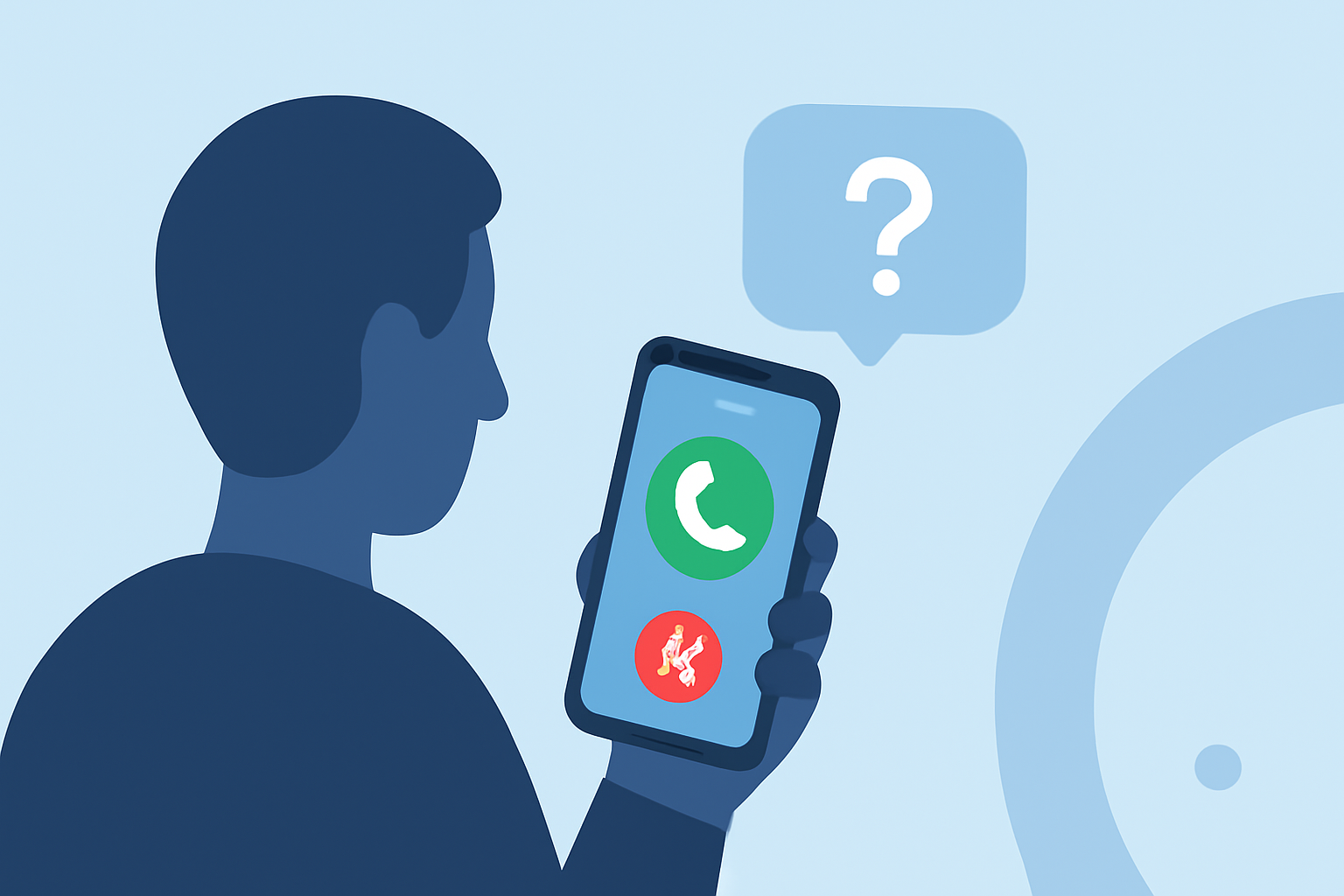
Review Incoming Calls: When you receive a call from an unknown number, the app will display relevant information, helping you decide whether to answer or return the call.
Conclusion
Caller ID apps are invaluable tools for managing unknown calls and protecting yourself from potential scams. While there are several options available, Robokiller offers a comprehensive and user-friendly solution that effectively identifies and blocks unwanted calls. By utilizing such apps, you can make informed decisions about returning calls and maintain better control over your communication.
Highlights:
- Best People Search Finder Service of 2026: Top Services Reviewed & Ranked, Published on Friday, April 24