In today's digital age, unwanted calls and texts can disrupt your daily life, leading to stress and decreased productivity. Fortunately, apps like Robokiller offer effective solutions to this pervasive problem.
What Is Robokiller and How Does It Work?
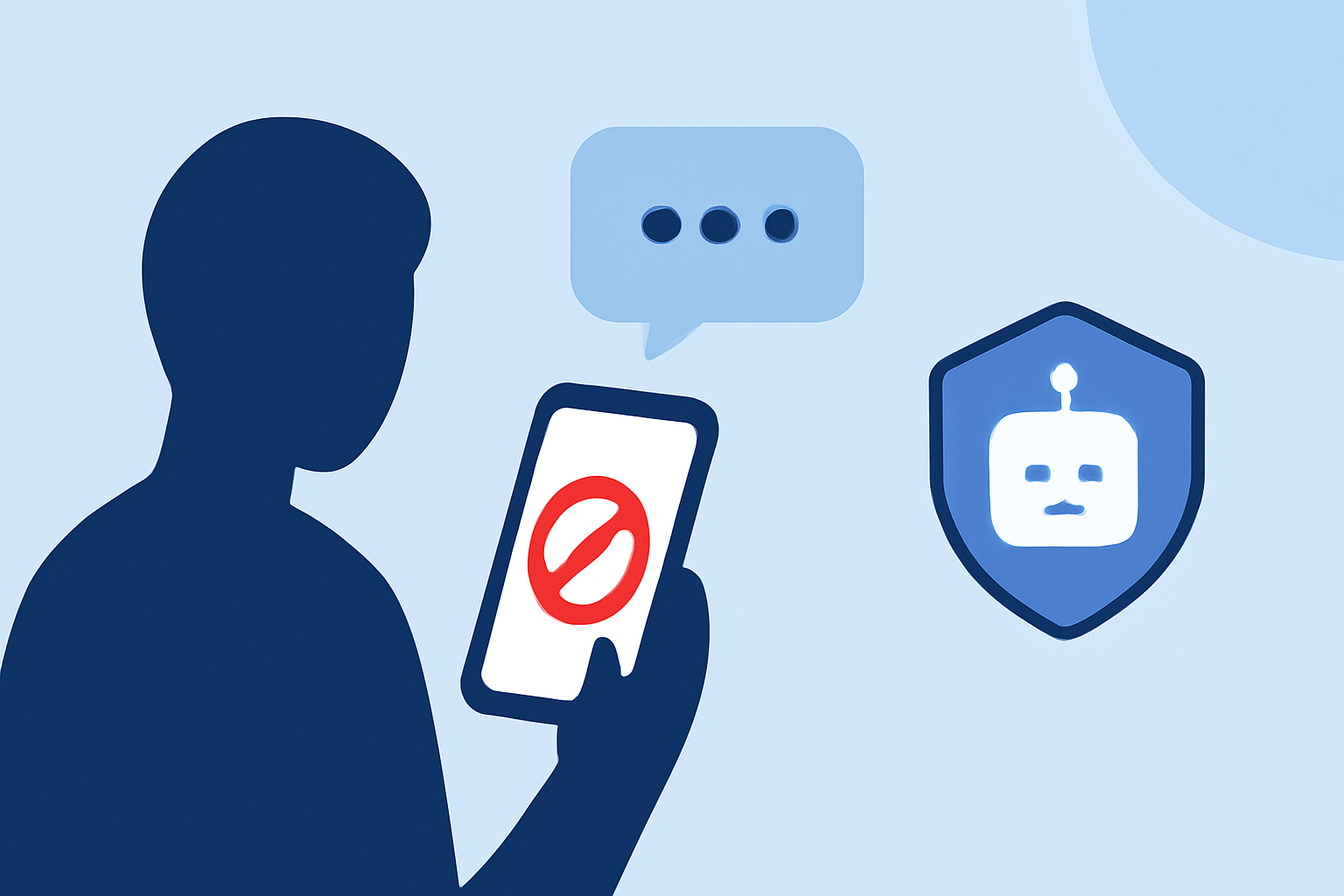
Robokiller is a mobile application designed to block up to 99% of spam calls and texts. It utilizes a global database of over 1.4 billion analyzed calls to identify and prevent known phone scams. The app employs advanced call-blocking algorithms and machine learning to screen and stop unwanted calls before they reach you. Additionally, Robokiller features "Answer Bots," which engage spammers with pre-recorded messages, wasting their time and providing users with a sense of satisfaction. (robokiller.com)
How Effective Is Robokiller in Blocking Unwanted Calls?
Users have reported significant reductions in spam calls after installing Robokiller. For instance, one user mentioned, "I went from getting 30 spam calls per day to zero thanks to this app. It really works. Saved my sanity!" (robokiller.com) Another user shared, "I use to get 15 to 20 calls a day from telemarketers, now I don't get any." (apps.apple.com)
Are There Any Drawbacks to Using Robokiller?
While Robokiller is highly effective, some users have reported occasional issues. A few have experienced technical glitches, such as the app not blocking certain numbers or allowing spam calls to go through. Additionally, some users have expressed concerns about the subscription cost and the difficulty in canceling the service. (trustpilot.com)
How Does Robokiller Compare to Other Spam Blocking Apps?
Robokiller stands out in the market due to its comprehensive features, including the Answer Bots that engage spammers, providing users with a unique form of "revenge." Its global database and advanced machine learning algorithms offer robust protection against spam calls and texts. However, it's essential to consider individual needs and preferences when choosing a spam-blocking app, as some users may find other apps more suitable.
How Do I Get Started with Robokiller?
Getting started with Robokiller is straightforward:
- Download the App: Visit the App Store or Google Play Store and search for "Robokiller."
- Install and Set Up: Follow the on-screen instructions to install the app and grant the necessary permissions.
- Customize Settings: Adjust the settings to fit your preferences, such as enabling Answer Bots or customizing call-blocking filters.
- Start Enjoying a Spam-Free Experience: Once set up, Robokiller will begin blocking unwanted calls and texts, allowing you to enjoy a more peaceful and productive day.
By implementing Robokiller, you can significantly reduce phone interruptions, ensuring that your device serves its intended purpose without the nuisance of unwanted communications.