Receiving unsolicited calls from unknown numbers can be both disruptive and potentially harmful. Fortunately, there are several applications designed to help everyday users screen these calls effectively.
What Are Call Screening Apps?
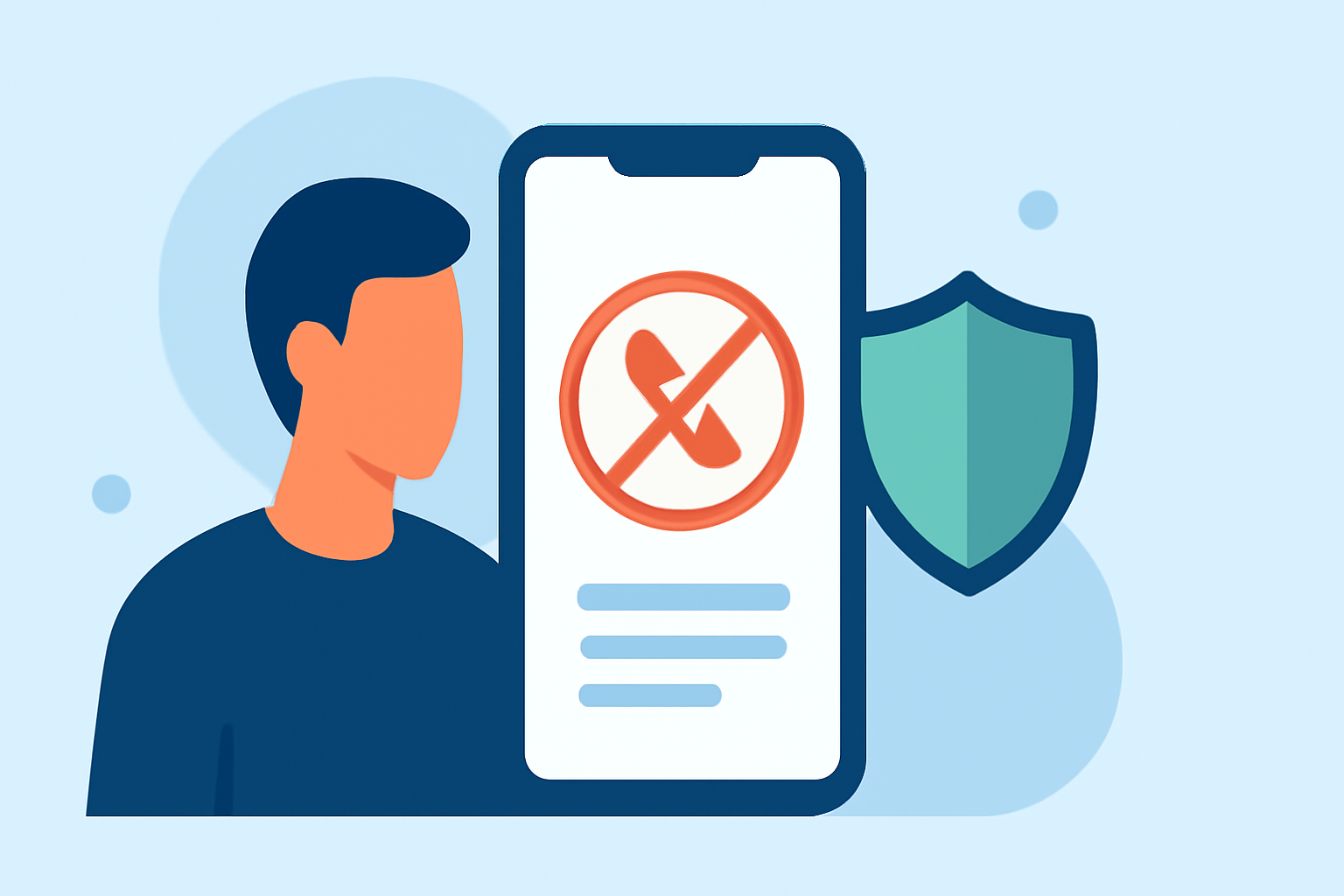
Call screening apps are tools that identify and block unwanted calls, such as spam, robocalls, and telemarketing solicitations. They work by analyzing incoming calls against databases of known spam numbers and using algorithms to detect suspicious patterns.
Why Should You Use a Call Screening App?
- Reduce Unwanted Interruptions: Minimize disturbances from unsolicited calls.
- Protect Personal Information: Safeguard against potential scams and identity theft.
- Enhance Productivity: Focus on important calls without distractions.
Top Call Screening Apps for Everyday Users
Here are some of the leading call screening apps available:
1. Truecaller
Truecaller is a widely used app that identifies unknown callers and blocks spam calls. It boasts a large global database of spam numbers, updated daily with community feedback. Key features include real-time caller ID, spam call auto-block, and fraud detection alerts. Truecaller is available for both Android and iOS devices.
2. Hiya
Hiya offers robust spam call blocking and caller ID services. It utilizes a collaborative database of recognized spam numbers to thwart robocalls and spam calls. Users can also contribute by reporting suspicious calls. Hiya is available for Android and iOS devices.
3. RoboKiller
RoboKiller uses answer bots and smart filters to stop scammers. It prevents scam losses and secures your phone from unknown fraud attempts automatically. The app uses predictive analytics and audio fingerprinting to detect and block spam before your phone rings. RoboKiller is available for both Android and iOS devices.
4. CallControl
CallControl relies on community spam reports to block scam calls and fraud attempts. It also supports SMS spam filtering and Do Not Disturb mode. The app offers a quiet mode to silence unknown numbers and provides weekly updates to the spam call list. CallControl is available for Android and iOS devices.
5. Phone by Google
Phone by Google is a default dialer app for many Android devices. It includes built-in spam protection features, such as identifying and blocking suspected spam calls. The app also provides caller ID and call blocking features. Phone by Google is available for Android devices.
How to Choose the Right App for You
When selecting a call screening app, consider the following factors:
- Compatibility: Ensure the app is available for your device's operating system.
- Features: Look for features that meet your specific needs, such as spam call blocking, caller ID, and SMS filtering.
- User Reviews: Check user feedback to gauge the app's effectiveness and reliability.
Conclusion
Utilizing a call screening app can significantly reduce unwanted interruptions and protect your personal information from potential scams. Apps like Truecaller, Hiya, RoboKiller, CallControl, and Phone by Google offer various features to help you manage unknown callers effectively. Assess your specific needs and preferences to choose the app that best suits you.