Spoofed calls, where scammers disguise their numbers to appear legitimate, are a growing concern. Recognizing and managing these calls is crucial for your safety.
What Are Spoofed Calls?
Spoofed calls occur when a caller falsifies the information transmitted to your caller ID display to disguise their identity. This technique is often used by scammers to impersonate trusted entities, such as banks or government agencies, to deceive individuals into providing sensitive information or making fraudulent payments. (verified.org)
How Can You Identify a Spoofed Call?
Identifying spoofed calls can be challenging, but certain signs can help you recognize them:
-
Unfamiliar Numbers: Be cautious of calls from numbers you don't recognize, especially those that appear local but are unfamiliar. (bbb.org)
-
Urgent or Threatening Language: Scammers often create a sense of urgency, claiming immediate action is needed to avoid penalties or account issues. (needhambank.com)
-
Requests for Sensitive Information: Legitimate organizations will never ask for personal or financial details over the phone. (verizon.com)
-
Unusual Caller Behavior: Be wary of callers who pressure you to act quickly or provide information without proper verification. (needhambank.com)
What Should You Do When You Receive a Suspicious Call?
If you receive a call that raises suspicion:
-
Do Not Share Personal Information: Avoid providing any personal or financial details during the call.
-
Verify the Caller’s Identity: Hang up and contact the organization directly using a trusted phone number from their official website or your records. (legalclarity.org)
-
Use Call Blocking Features: Enable spam filters and call blocking features on your phone to reduce unwanted calls. (verizon.com)
-
Report Suspicious Calls: Inform your phone service provider about the suspicious call to help protect others.
How Can Technology Help Protect You?
Modern smartphones and applications offer features to help identify and block spoofed calls:
-
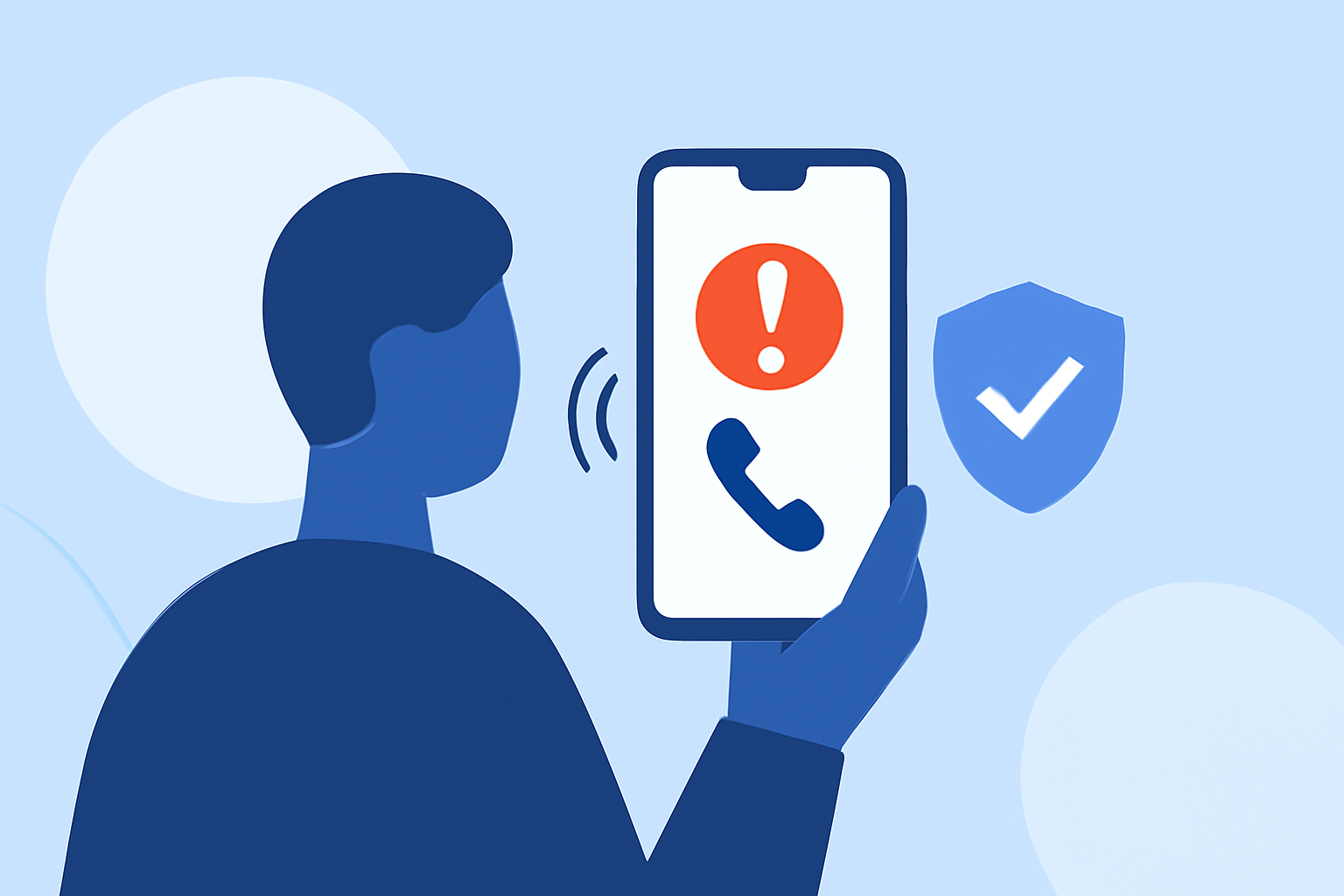
Caller ID Verification: Some devices display a checkmark or “Verified caller” status on incoming calls, indicating the number hasn't been spoofed. (verizon.com)
-
Spam Filters: Built-in spam filters can detect and block known spam numbers. (verizon.com)
-
Third-Party Apps: Applications like Robokiller use artificial intelligence to block 99% of spam calls and texts, providing real-time protection against spoofed calls. (robokiller.com)
How Does Robokiller Compare to Other Call Blocking Apps?
Robokiller stands out in the market for several reasons:
-
Comprehensive Protection: Robokiller blocks 99% of spam calls and texts, offering extensive coverage against unwanted communications. (robokiller.com)
-
Advanced Technology: Utilizing artificial intelligence, Robokiller adapts to new scam tactics, providing up-to-date protection. (robokiller.com)
-
User-Friendly Interface: The app is designed for ease of use, making it accessible for everyday users.
In comparison, competitors like Nomorobo and CallApp offer similar features but may not match Robokiller's level of protection or user experience. (robokiller.com)
Conclusion
Spoofed calls are a significant threat, but by staying informed and utilizing available technologies, you can protect yourself from these scams. Robokiller offers a robust solution to help you manage and block unwanted calls effectively.
Highlights:
- Your Android phone could soon get a better way to sniff out spoofed calls, Published on Thursday, April 16