Spam calls are a persistent nuisance, often leading to unwanted interruptions and potential security risks. In 2026, the volume of robocalls in the United States has escalated, with approximately 4 billion robocalls received monthly. (vox-guard.com) Understanding how to identify these calls is crucial for protecting your privacy and peace of mind.
What Are Spam Calls?
Spam calls are unsolicited communications, typically from automated systems or individuals, aiming to promote products, services, or fraudulent schemes. They often employ deceptive tactics to extract personal information or money from unsuspecting individuals.
Common Indicators of Spam Calls
Recognizing the signs of a spam call can help you avoid potential scams:
-
Unfamiliar Numbers: Calls from unknown or blocked numbers are often spam.
-
Urgent Language: Messages that create a sense of urgency, such as threats of immediate consequences or promises of limited-time offers, are common in spam calls.
-
Unusual Caller Behavior: Silence upon answering or a delay before a prerecorded message starts can indicate a robocall.
-
Requests for Personal Information: Legitimate organizations typically do not ask for sensitive information over the phone.
How Do Phones Identify Spam Calls?
Modern smartphones utilize various methods to detect and label spam calls:
-
Carrier Analytics: Major carriers like AT&T, T-Mobile, and Verizon use automated analytics systems to protect subscribers from illegal robocalls. (zellatech.com)
-
Machine Learning: Phones analyze call patterns, audio traits, and user reports to identify potential spam calls. (builtin.com)
-
Caller ID Labels: Some carriers display labels such as "Spam Risk" or "Scam Likely" to warn users about potential spam calls. (savisecurity.com)
What Does 'Spam Risk' Mean?
When your phone displays "Spam Risk," it means your wireless carrier has flagged the incoming call as potentially fraudulent. The call is being allowed through (not blocked), but you're being warned that something about it triggered suspicion. (savisecurity.com)
How to Protect Yourself from Spam Calls
Implementing multiple layers of protection can significantly reduce the number of spam calls you receive:
-
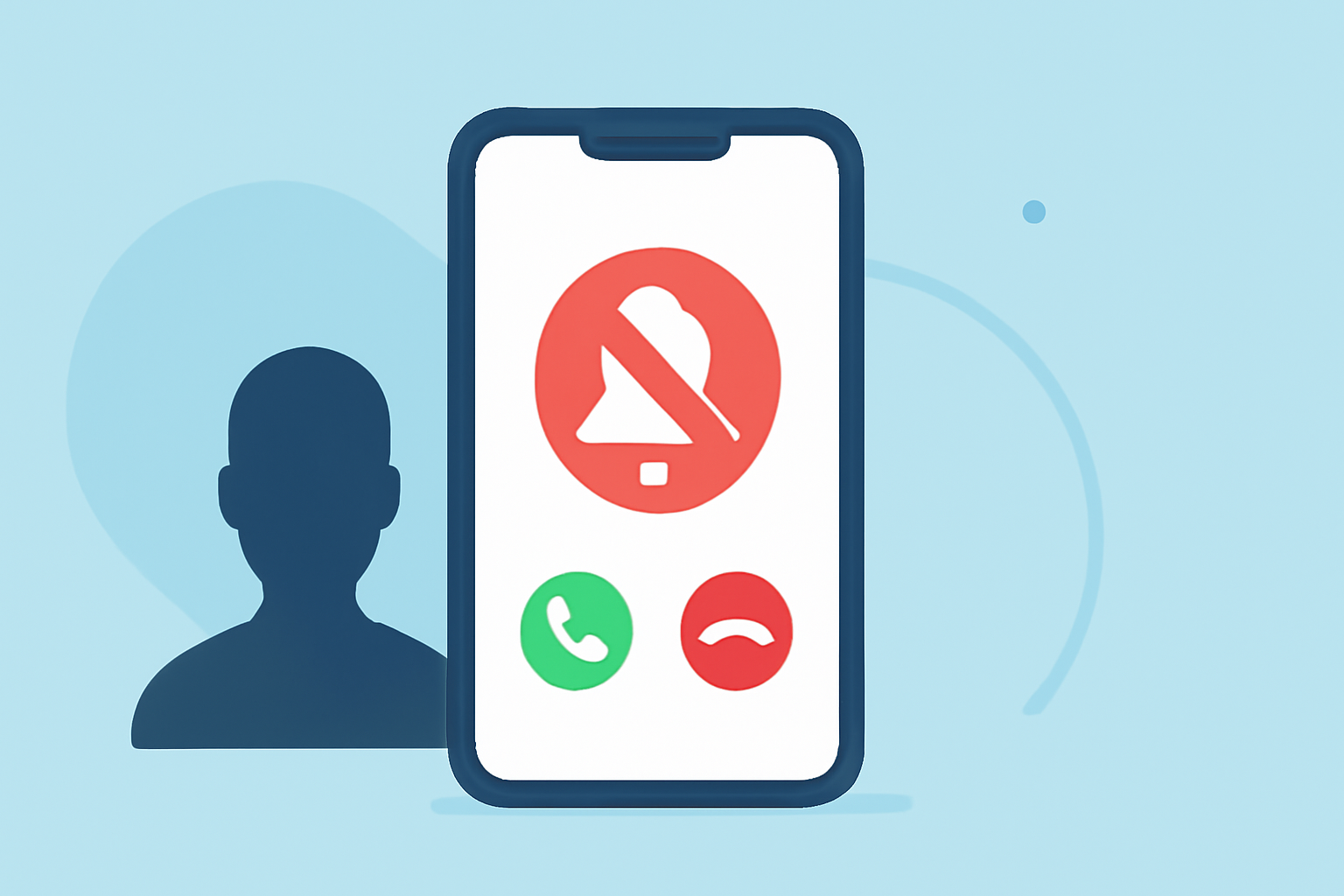
Enable Built-in Features: Utilize your phone's native call-blocking features. For instance, iPhones have a "Silence Unknown Callers" option that silences calls from unknown numbers. (macobserver.com)
-
Use Carrier Services: Activate your carrier's spam protection services, such as AT&T's ActiveArmor, Verizon's Call Filter, or T-Mobile's Scam Shield. (safetydetectives.com)
-
Install Third-Party Apps: Apps like RoboKiller offer advanced filtering, voicemail analysis, and better customization to block spam calls. (safetydetectives.com)
-
Register on the National Do Not Call Registry: Adding your number to the National Do Not Call Registry can reduce unsolicited calls. (macobserver.com)
-
Manually Block Numbers: If you receive repeated spam calls from the same number, manually block them through your phone's settings. (macobserver.com)
What to Do if You Receive a Spam Call
If you suspect a call is spam:
-
Do Not Share Personal Information: Never provide sensitive information over the phone unless you're certain of the caller's identity.
-
Hang Up: If the call seems suspicious, it's best to hang up immediately.
-
Report the Call: Report spam calls to your carrier or the appropriate authorities to help combat fraudulent activities.
Conclusion
While spam calls are an ongoing challenge, staying informed and utilizing available tools can significantly reduce their impact. By recognizing the signs of spam calls and implementing protective measures, you can safeguard your personal information and enjoy a more secure phone experience.
Highlights:
- This hidden Samsung Galaxy S26 feature will filter out scammers and other nuisance calls - here how you switch it on, Published on Wednesday, April 08
- I haven't answered a scam call in months - this hidden iPhone feature is why, Published on Wednesday, March 18