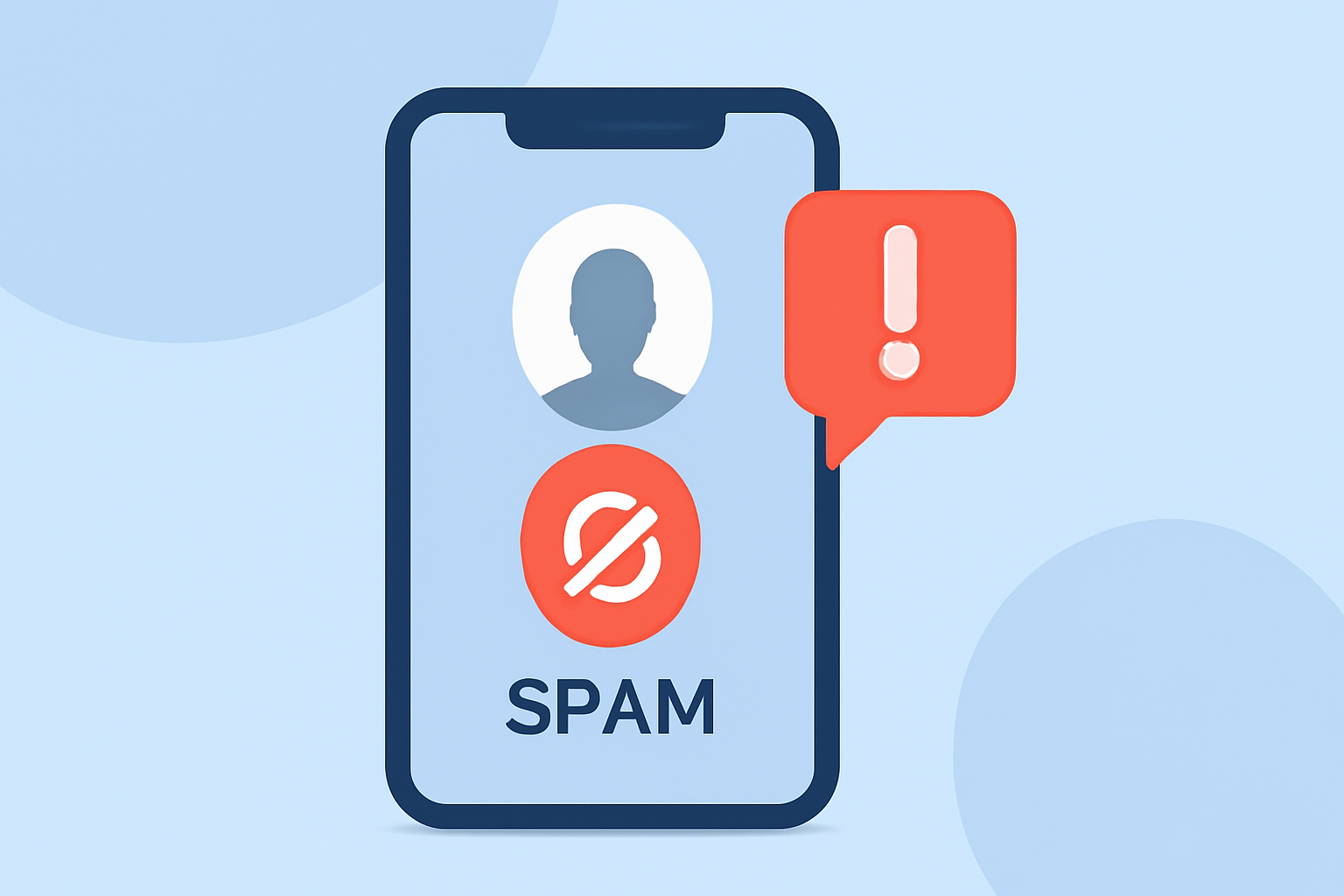
Spam calls are a persistent nuisance, often leading to scams or unwanted solicitations. In 2026, technology offers several tools to help users identify and block these calls effectively.
What Are Spam Calls and Why Are They a Problem?
Spam calls are unsolicited communications, typically from automated systems, aiming to sell products, services, or gather personal information. They can be disruptive and, in some cases, fraudulent. The Federal Communications Commission (FCC) reports that Americans received approximately 4 billion robocalls monthly in 2025, highlighting the scale of the issue. (vox-guard.com)
How Do Smartphones Detect Spam Calls?
Modern smartphones utilize various methods to identify potential spam calls:
-
Call Pattern Analysis: Devices analyze incoming call patterns, such as frequency and timing, to flag suspicious numbers. (builtin.com)
-
User Reports: Many phones allow users to report spam calls, contributing to a community-driven database that helps identify and block future spam calls. (builtin.com)
-
Caller ID Labeling: Carriers may label incoming calls as "Spam Risk" or "Scam Likely" based on detected patterns. (savisecurity.com)
What Built-in Features Help Identify Spam Calls?
Both iOS and Android devices offer native features to assist in identifying and blocking spam calls:
-
iOS Devices:
-
Silence Unknown Callers: This feature silences calls from numbers not in your contacts, recent calls, or Siri Suggestions. (macobserver.com)
-
Call Blocking & Identification: Allows third-party apps to block calls and provide caller ID. (macobserver.com)
-
Android Devices:
-
Call Screening: Introduced in recent Samsung models, this feature screens unknown calls by asking the caller to state their name and purpose, which is then transcribed and displayed to the user. (tomsguide.com)
How Can Third-Party Apps Enhance Spam Call Detection?
Third-party applications can provide additional layers of protection:
-
RoboKiller: This app uses advanced algorithms and a community-driven database to identify and block spam calls effectively.
-
Hiya: Offers real-time spam detection and blocking, along with a comprehensive caller ID service.
-
Truecaller: Provides a vast database of known spam numbers and offers features like call blocking and spam detection.
These apps often integrate with your device's native call blocking features, offering a seamless experience.
What Are Common Signs of Spam Calls?
Recognizing spam calls involves being aware of certain patterns:
-
Unfamiliar Numbers: Calls from unknown or international numbers, especially those not in your contacts.
-
Urgent Language: Messages that create a sense of urgency, such as threats of immediate consequences or offers that require quick action.
-
Requests for Personal Information: Legitimate organizations typically do not ask for sensitive information over the phone.
-
Pre-Recorded Messages: Automated messages that lack personalization or context.
How Can You Protect Yourself from Spam Calls?
To minimize the impact of spam calls:
-
Register with the National Do Not Call Registry: This federal program allows you to opt out of receiving unsolicited sales calls. (macobserver.com)
-
Enable Device Features: Utilize built-in features like "Silence Unknown Callers" on iOS or "Call Screening" on Android to filter out potential spam.
-
Use Third-Party Apps: Install reputable apps like RoboKiller to enhance spam detection and blocking capabilities.
-
Stay Informed: Regularly update your device and apps to benefit from the latest security features and spam detection improvements.
What Should You Do If You Receive a Spam Call?
If you suspect a call is spam:
-
Do Not Engage: Avoid answering or interacting with the call.
-
Report the Number: Use your device's reporting feature or a third-party app to flag the number as spam.
-
Block the Number: After reporting, block the number to prevent future calls.
By leveraging both built-in device features and third-party applications, you can significantly reduce the number of spam calls you receive, enhancing your overall phone security and peace of mind.
Highlights:
- This hidden Samsung Galaxy S26 feature will filter out scammers and other nuisance calls - here how you switch it on, Published on Wednesday, April 08
- I haven't answered a scam call in months - this hidden iPhone feature is why, Published on Wednesday, March 18