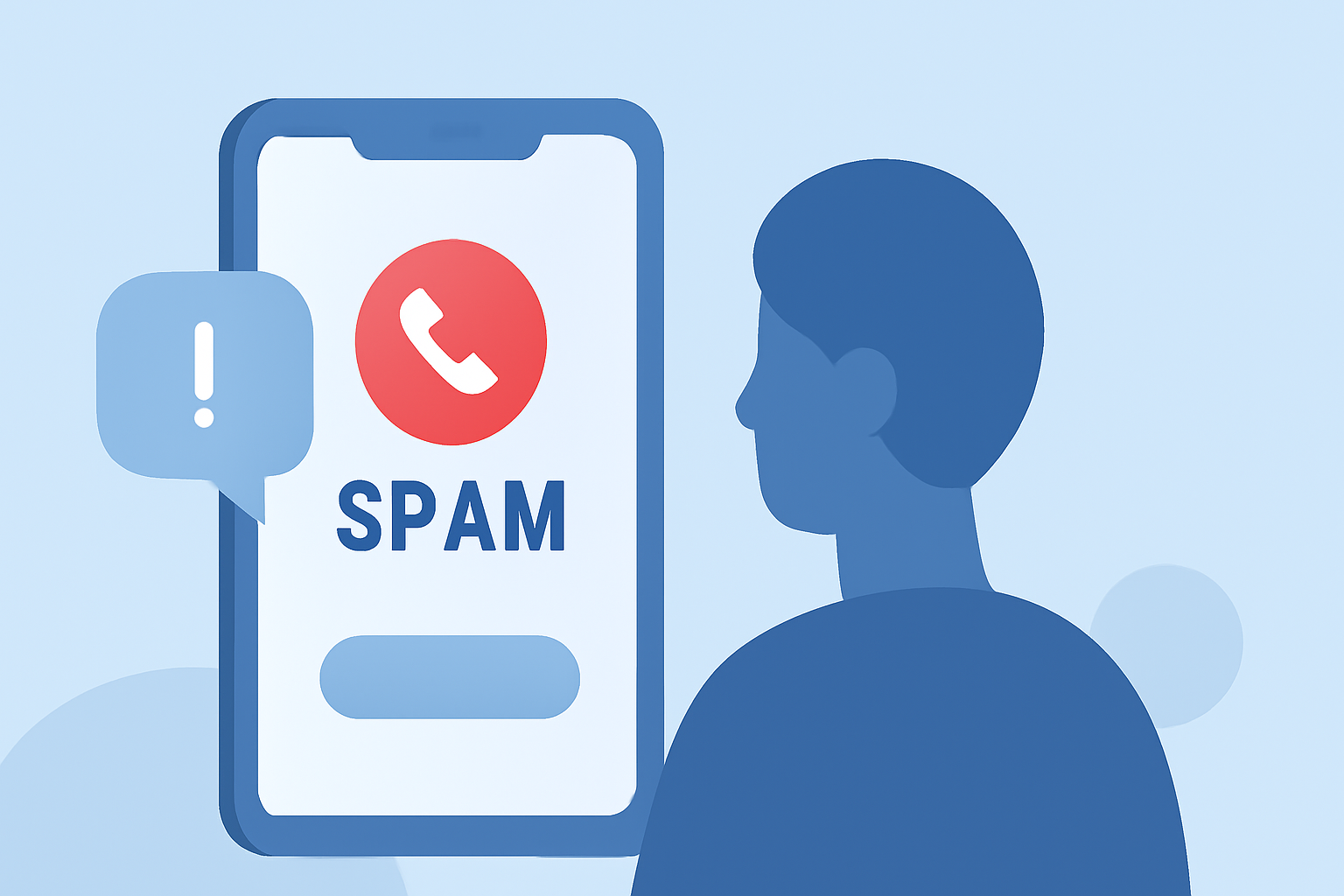
Spam calls are a persistent nuisance, often leading to scams or unwanted solicitations. Identifying these calls can protect your privacy and prevent potential fraud. Here's how you can recognize and handle spam calls effectively.
What Are Spam Calls?
Spam calls are unsolicited communications, typically from unknown numbers, aiming to sell products, services, or gather personal information. They can be intrusive and sometimes deceptive.
How Do Phones Identify Spam Calls?
Modern smartphones utilize machine learning algorithms to detect potential spam calls. These algorithms analyze call patterns, audio traits, and user reports to flag suspicious numbers. For instance, Google's Phone app uses this technology to label calls as "Spam" or "Scam Likely." (builtin.com)
What Are Common Indicators of Spam Calls?
Recognizing certain signs can help you identify spam calls:
-
Unfamiliar Numbers: Calls from unknown or blocked numbers are often spam.
-
Urgent Requests: Scammers often create a sense of urgency to pressure you into quick decisions.
-
Unsolicited Offers: Unexpected offers or prizes are common tactics used by scammers.
-
Recorded Messages: Automated messages prompting you to press a number are typically robocalls.
How Can I Protect Myself from Spam Calls?
Implementing the following strategies can reduce the number of spam calls you receive:
-
Use Built-in Phone Features: Many smartphones have built-in features to identify and block spam calls. For example, iPhones with iOS 26 introduced the "Ask Reason for Calling" feature, which prompts unknown callers to state their name and reason for calling before the phone rings. This effectively filters out robocalls and deters scammers. (tomsguide.com)
-
Install Call-Blocking Apps: Applications like RoboKiller maintain databases of known robocall numbers and identities, helping to block unwanted calls. (kiplinger.com)
-
Register with the National Do Not Call Registry: While it won't stop all spam calls, registering your number can reduce the number of legitimate telemarketing calls. (consumer.ftc.gov)
-
Be Cautious with Personal Information: Never share personal or financial information over the phone unless you're certain of the caller's identity.
What Should I Do If I Receive a Spam Call?
If you receive a spam call:
-
Do Not Engage: Avoid interacting with the caller, as this can lead to more spam calls.
-
Hang Up Immediately: If you suspect a call is spam, hang up without providing any information.
-
Report the Call: Reporting spam calls to authorities can help track and prevent future scams. The Federal Trade Commission (FTC) accepts reports at DoNotCall.gov. (consumer.ftc.gov)
How Can Community Resources Help in Identifying Spam Calls?
Community-driven platforms like WhosPhoning allow users to report and check suspicious numbers, providing insights into potential spam calls. By sharing experiences, users can collectively identify and avoid spam calls. (whosphoning.com)
How Does RoboKiller Help in Identifying Spam Calls?
RoboKiller is a leading call-blocking app that uses advanced algorithms and a vast database of known spam numbers to identify and block unwanted calls. Its features include real-time spam detection, automatic blocking of spam calls, and a community-driven database that continuously updates to improve accuracy. By using RoboKiller, you can significantly reduce the number of spam calls you receive.
Conclusion
Identifying and avoiding spam calls is crucial for protecting your personal information and reducing unwanted interruptions. By utilizing built-in phone features, third-party apps like RoboKiller, and community resources, you can effectively manage and minimize spam calls.
Highlights:
- I haven't answered a scam call in months - this hidden iPhone feature is why, Published on Wednesday, March 18
- Tired of Unwanted Calls? Here's How to Help Thwart the Robocaller Invasion, Published on Friday, March 06